Parallels

Run Windows on Mac
Windows and Mac side-by-side with Parallels Desktop® 6 for Mac

You just switched to a Mac, so why would you want to go back to Windows? Here is a list of several common scenarios when you need to run Windows on your Mac:

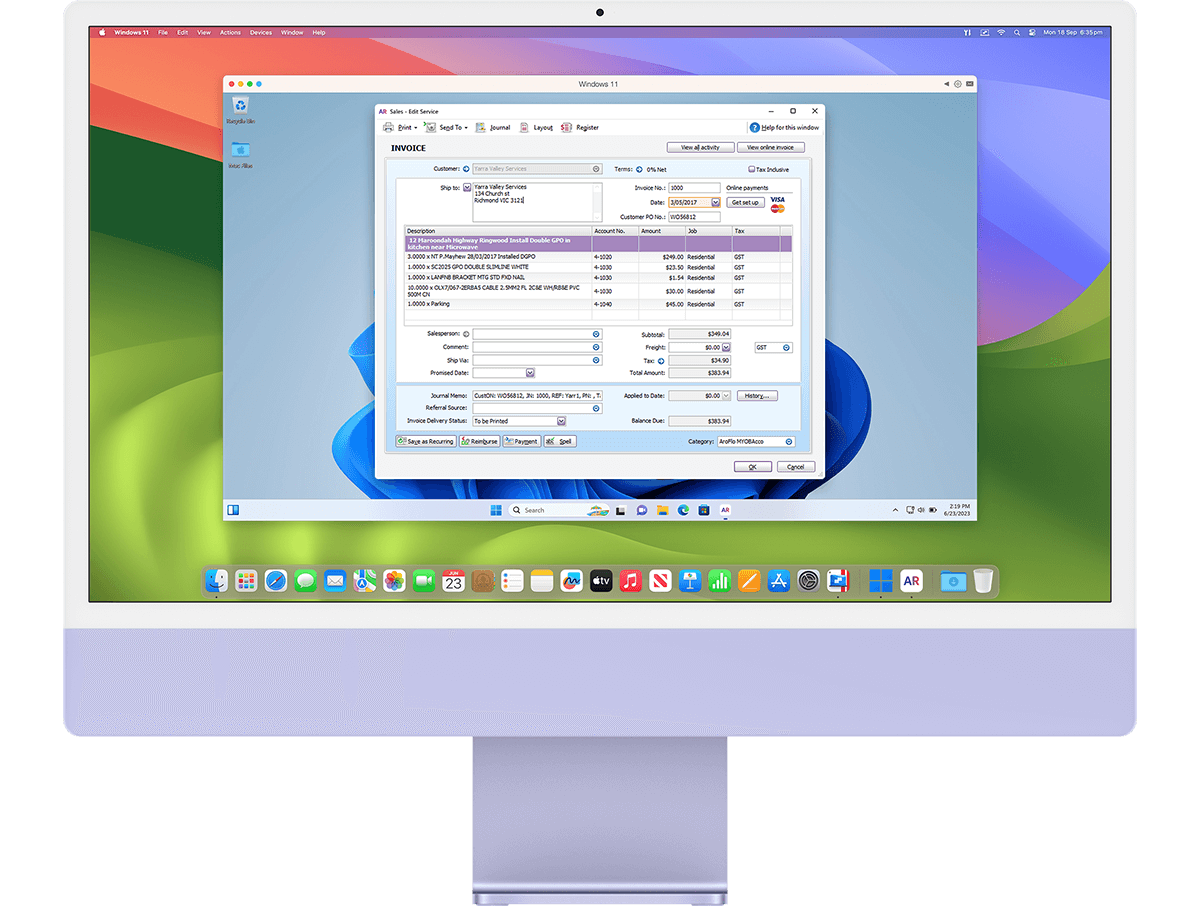
  1. 1.Running Windows-only applications on your Mac (like CAD, scientific, or business software)
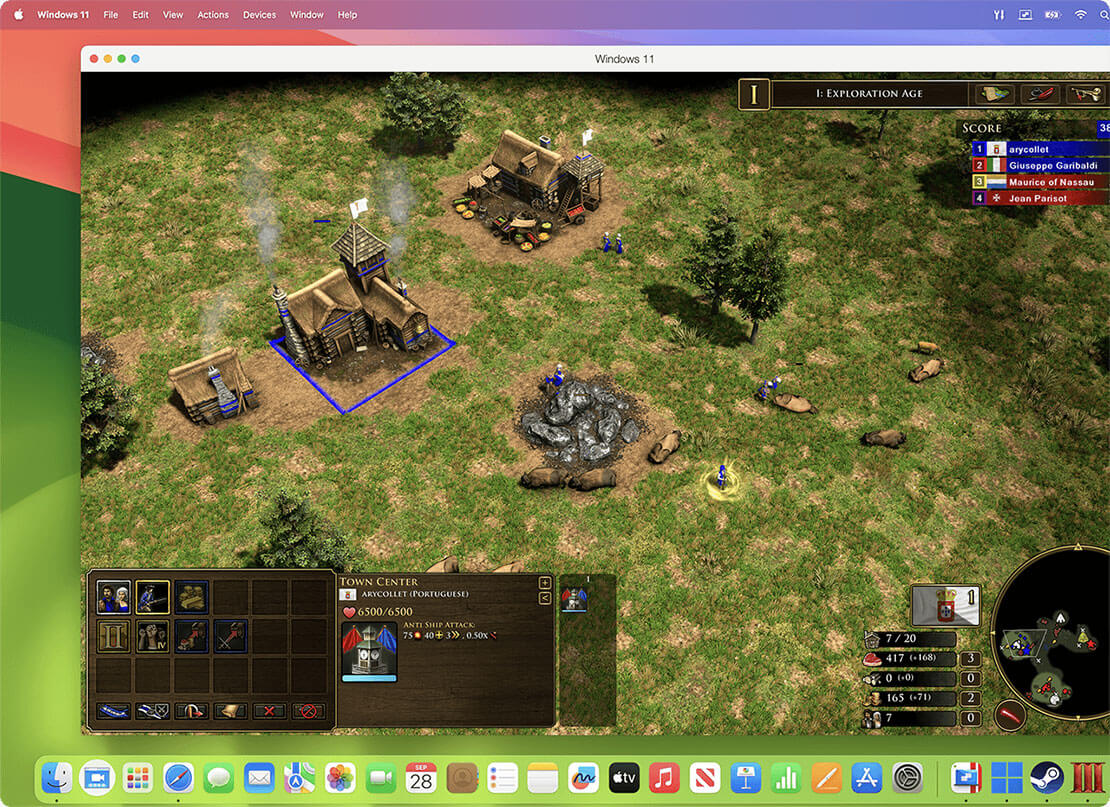
  2. 2.Running the latest PC games on your Mac
  3. 3.Testing a website in Internet Explorer
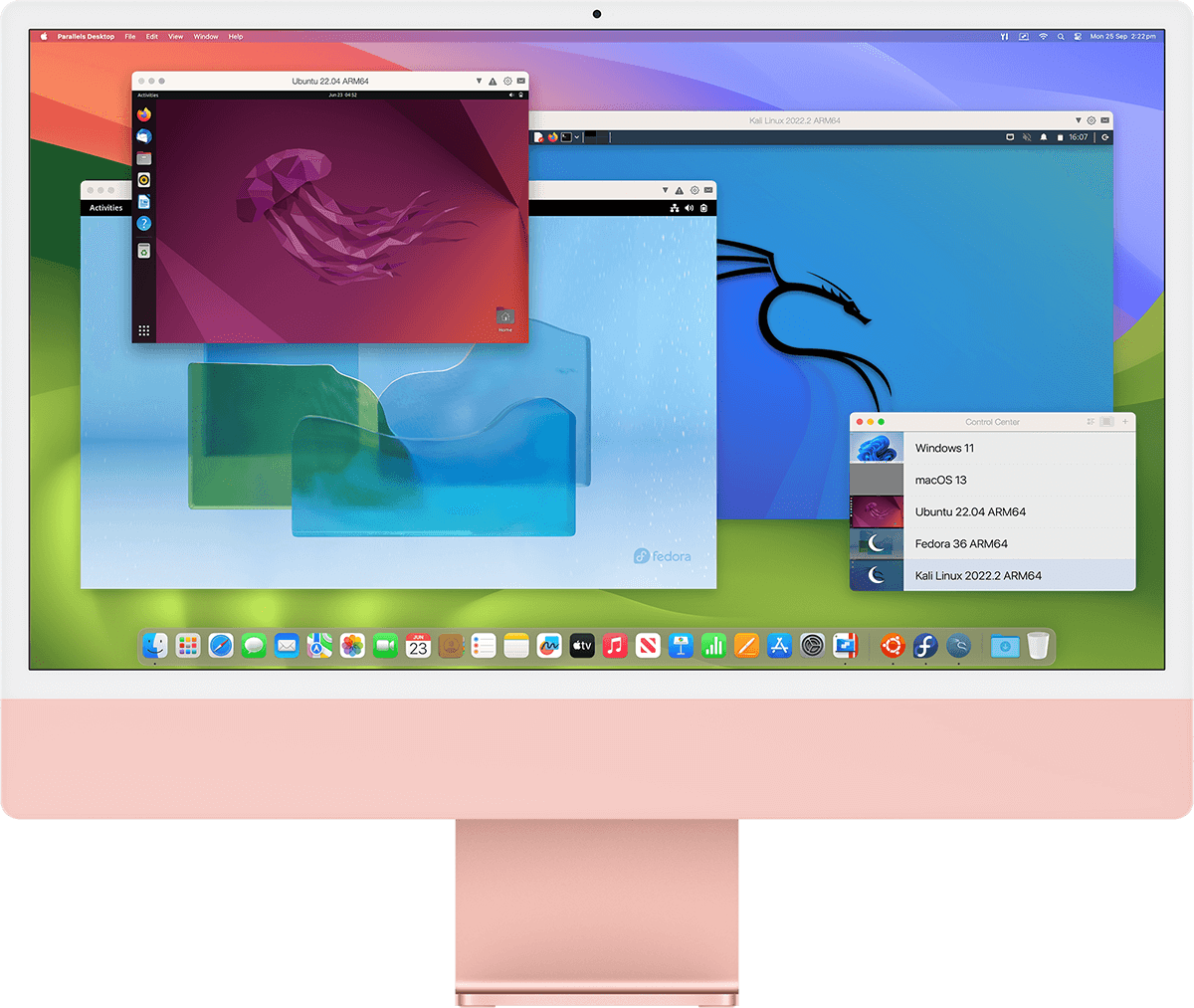
  4. 4.Testing and tweaking different UNIX-based and Windows-based systems
  5. 5.Tinkering with the latest beta of an OS

The best solution to run Windows on Mac is
Parallels Desktop® 6 for Mac.

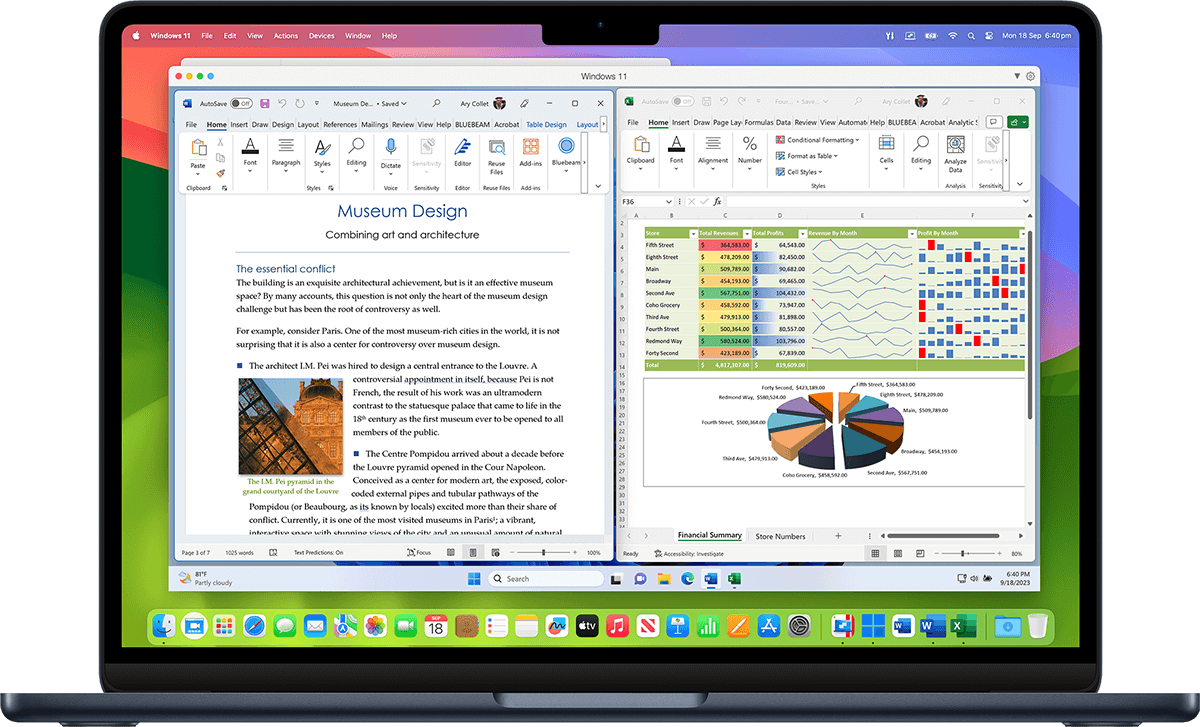
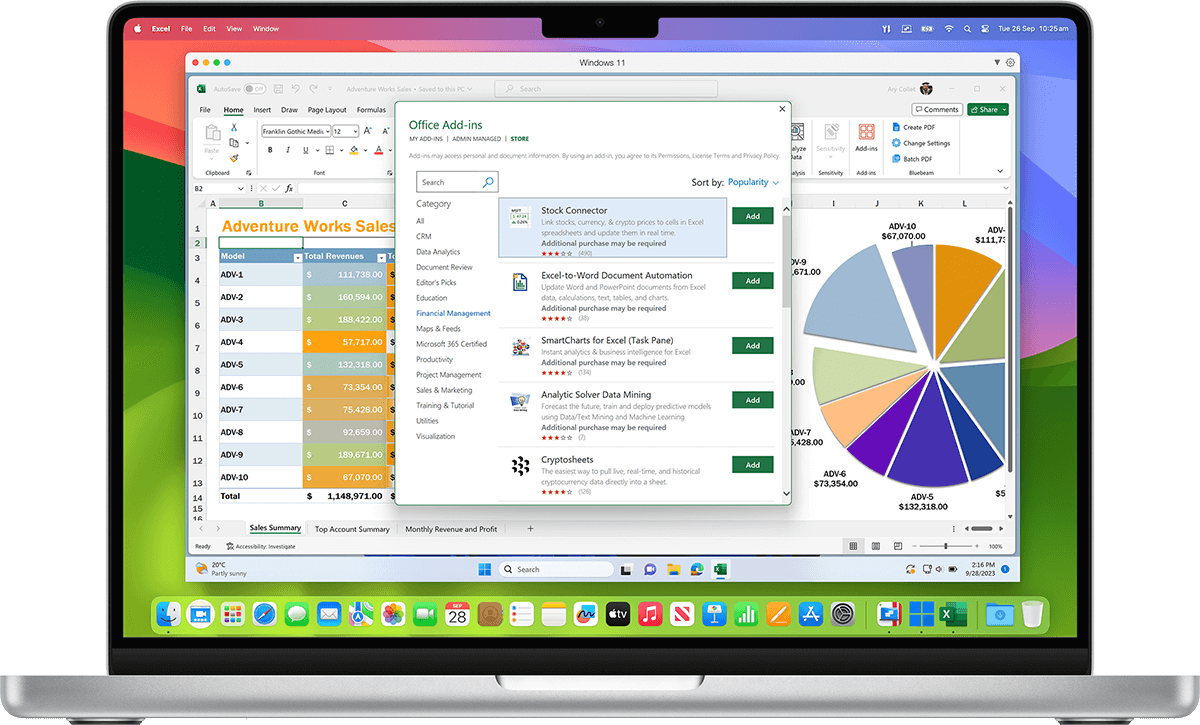
Parallels Desktop® 6 for Mac is the virtualization solution that is the most powerful and flexible for users who need regular access to many apps on both Windows and Mac platforms from a single machine without rebooting. From PC-only games to productivity software, Parallels Desktop 6 for Mac has you covered.

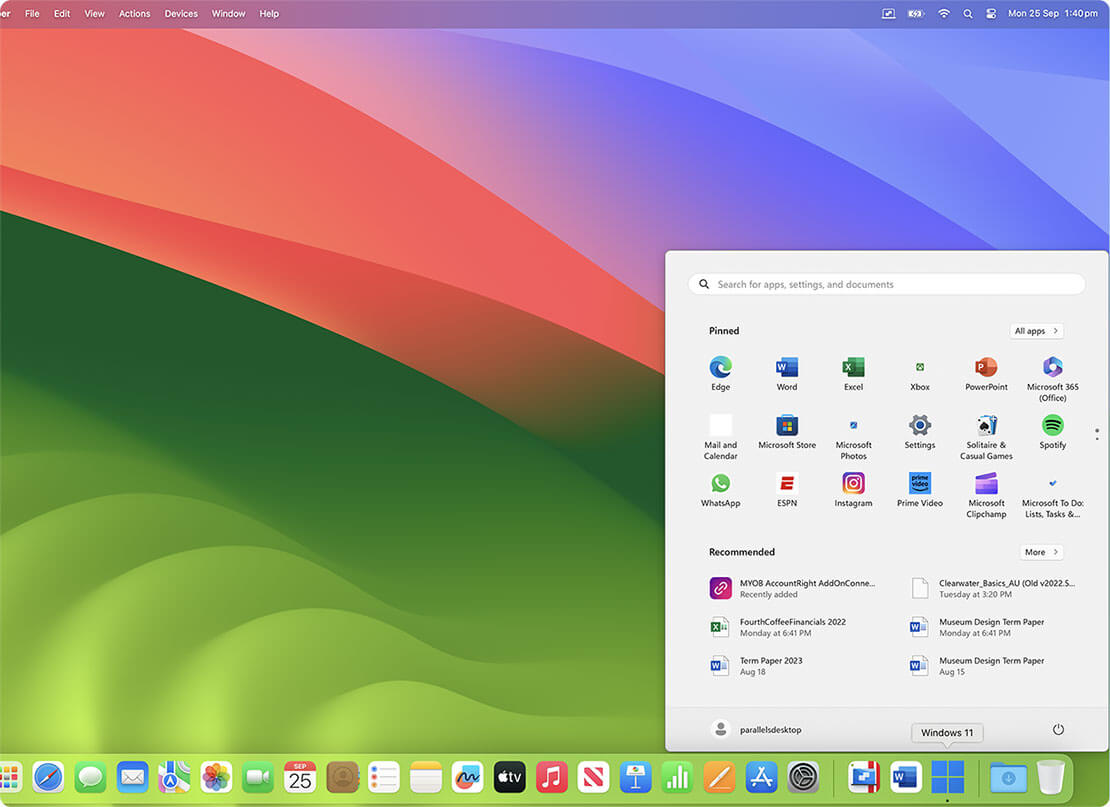
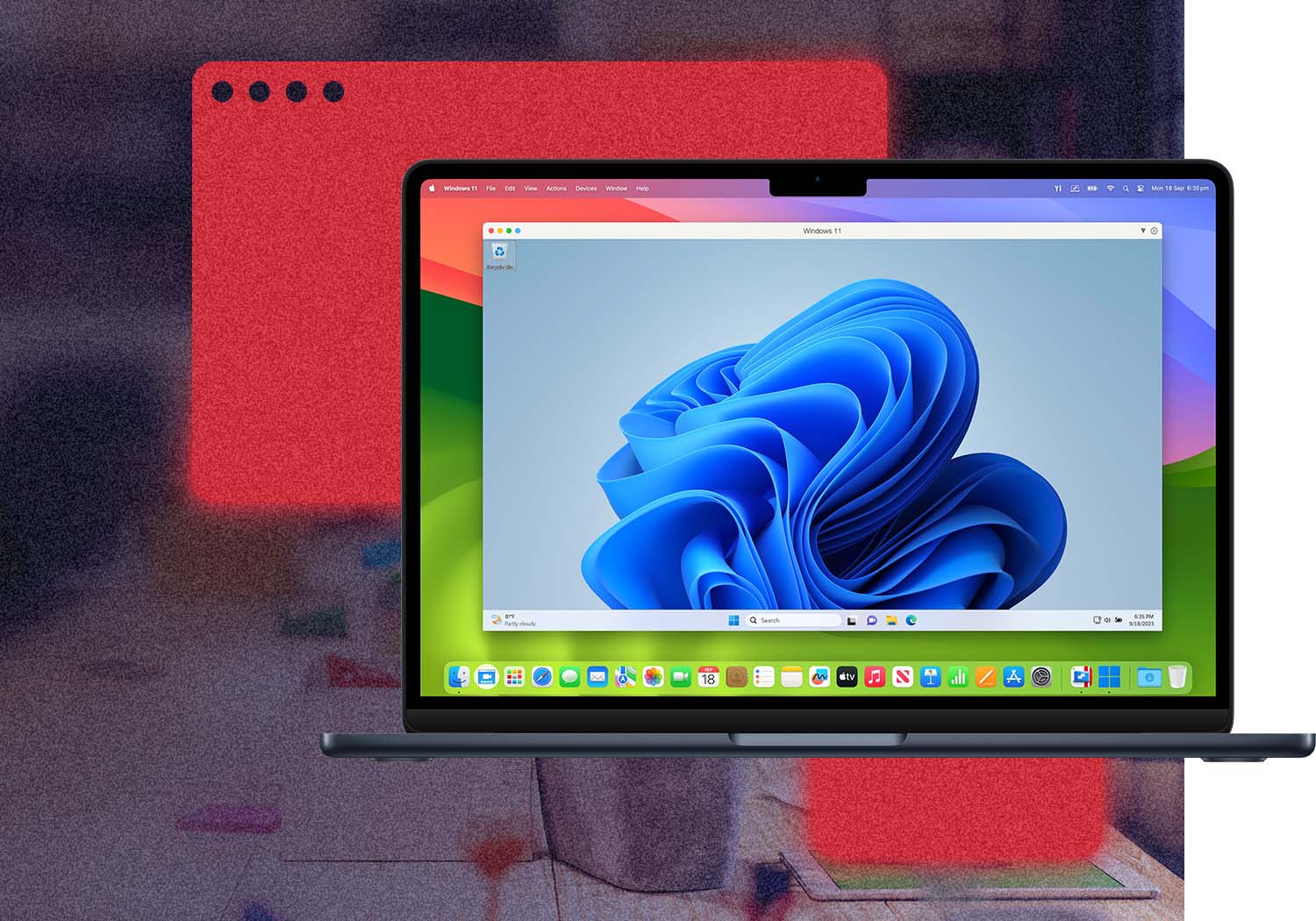
Parallels Desktop 6 for Mac is the #1 choice of customers worldwide to seamlessly run Windows applications on a Mac. If you’re new to Mac, keep the familiar Windows background and Start menu on your Mac. Either way, run Windows and Mac programs side-by-side with no compromises in performance.


Graphics intensive programs are a breeze with new and enhanced DirectX functionality.

  • On the go? You can even remotely access your Windows programs from your iPad or iPhone with our Parallels Mobile app. If you love the look and feel of Mac OS, turn down the Windows environment while still using its applications. If you’re new to Mac, keep the familiar Windows background and Start menu on your Mac.
  • With full support Windows 7 with its AERO graphics as well as older versions of Windows, Parallels Desktop 6 for Mac is optimized for Mac OS X Snow Leopard. And you can even use Multi-touch gestures (swipe, pinch, etc.) in your Windows 7 applications, all while making Windows 7 more or less invisible on your Mac.
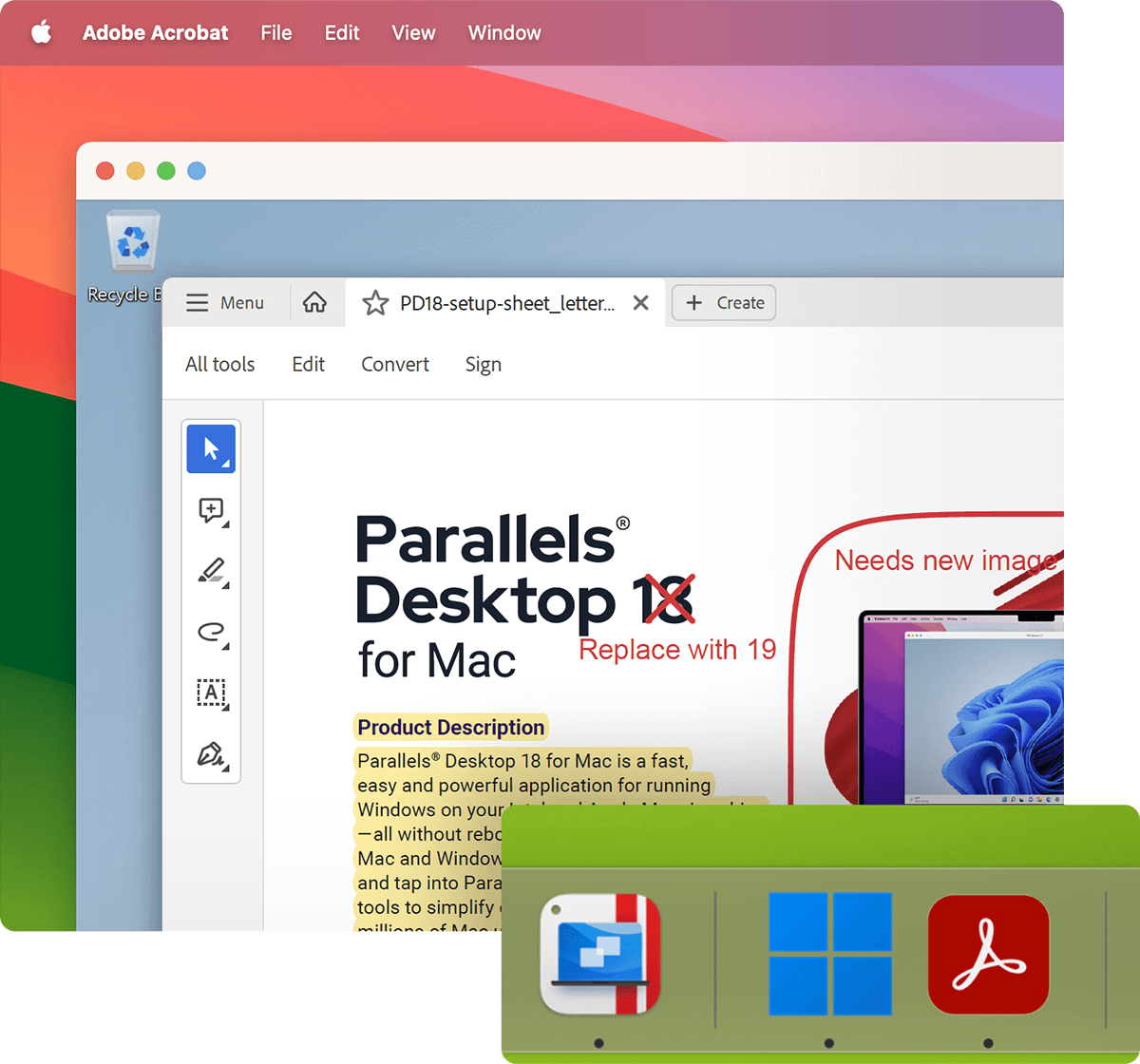
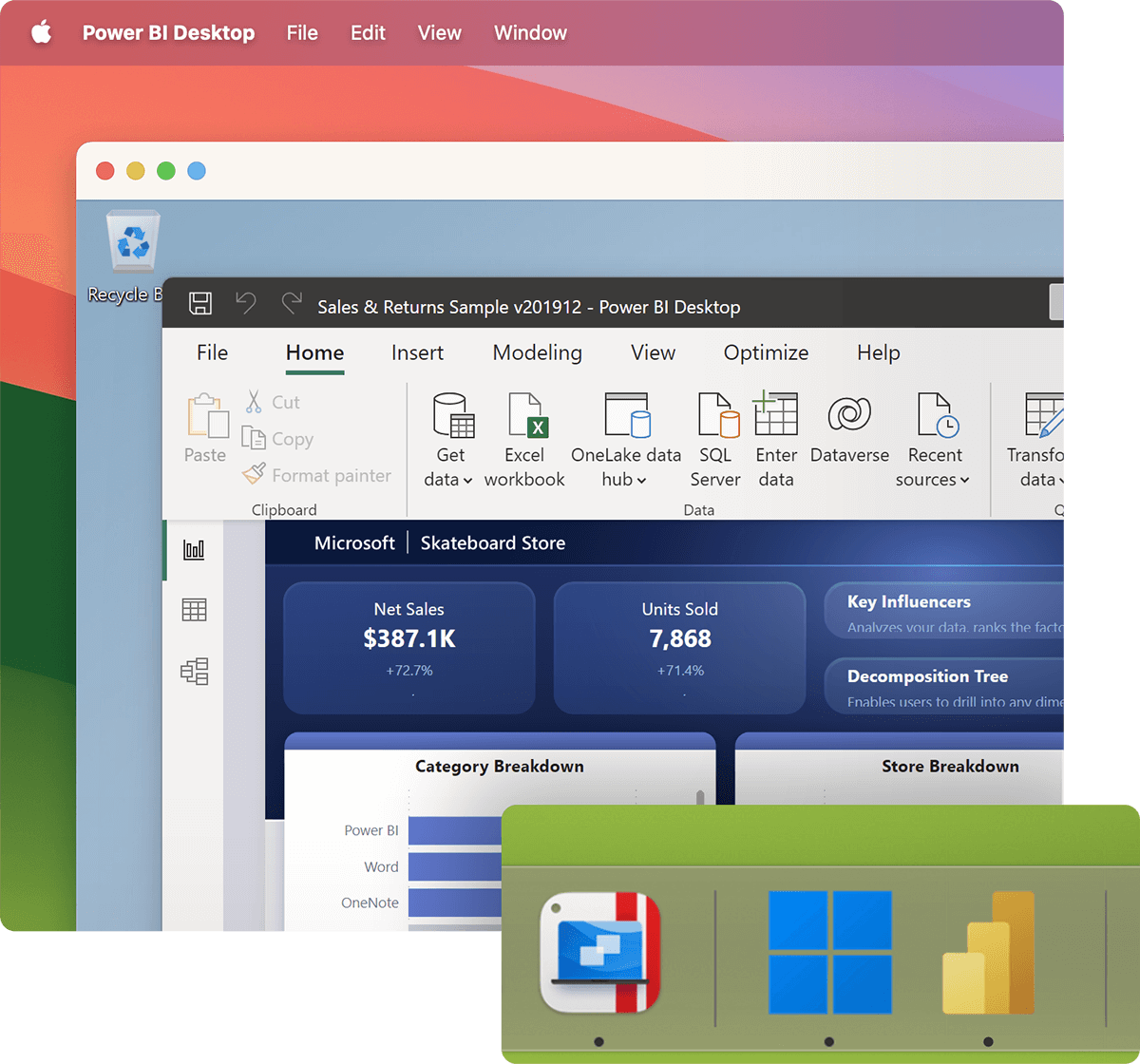
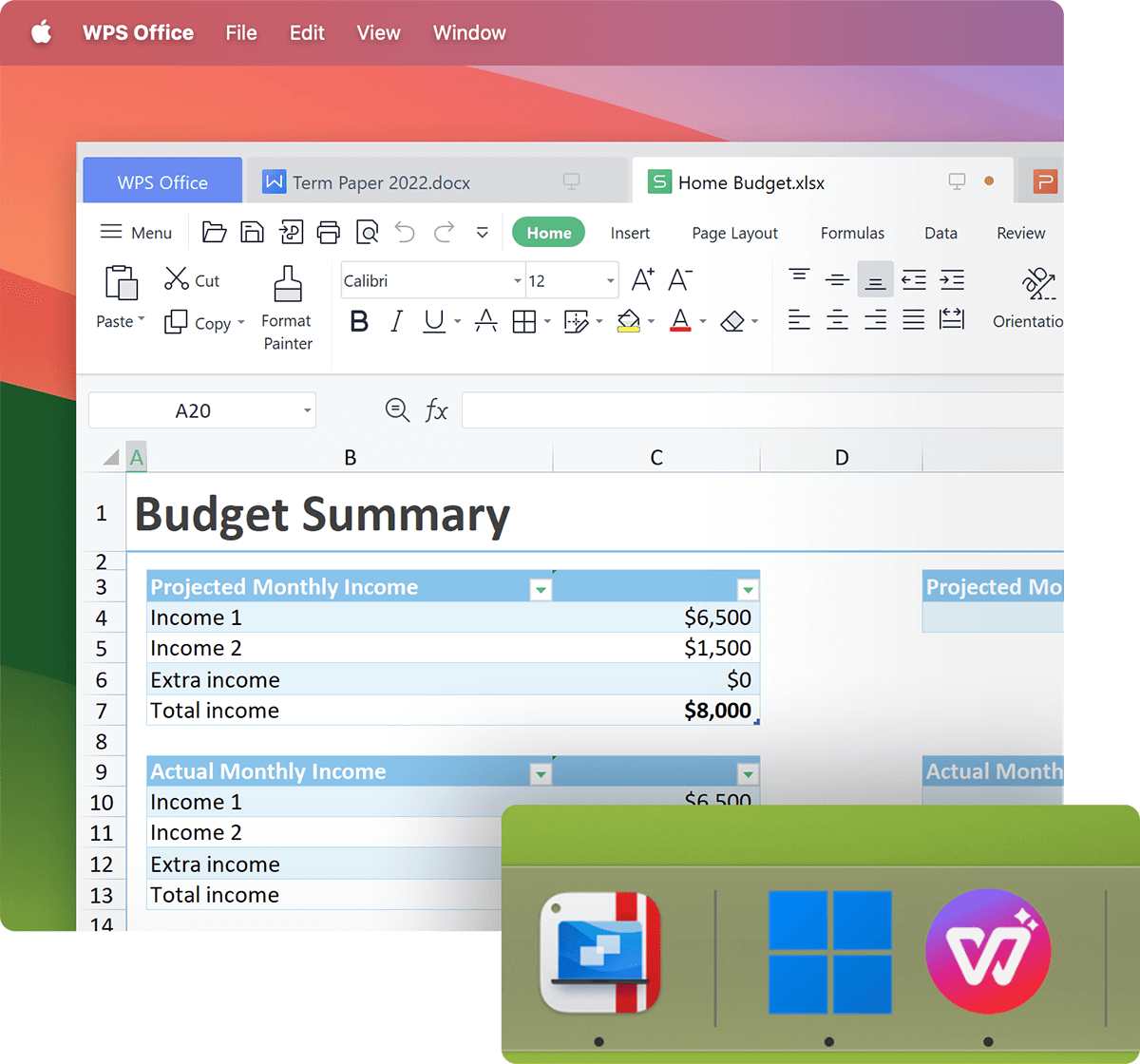
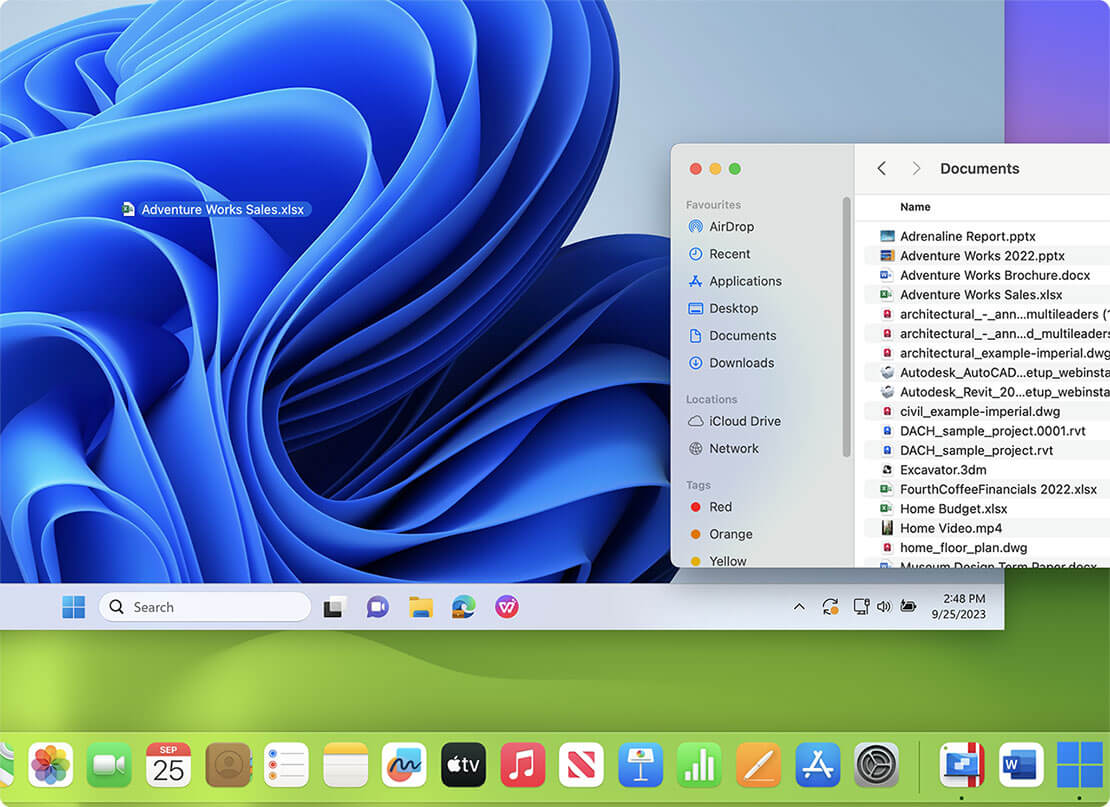
  • Parallels Desktop includes a feature called Coherence Mode, which hides the Windows desktop while displaying Windows applications. Windows still runs in the background, but is hidden from view. Windows applications appear in the Dock, letting you switch between them without using the Windows interface. Isn’t that cool?
  • When no Windows applications are open, Parallels Desktop will pause, thus taking up very little system resources. Parallels Compressor is a feature that automatically compresses defragments the virtual disk while a user works for better performance.

User Testimonials about their experience of running Windows on Mac computers:

I use Parallels because I need one or two Windows programs on a regular basis, and I know that people love using Parallels for programs like Quicken. It was a splurge for me but I’m very happy with my purchases. — Mary, myFirstMac

Parallels Desktop 6 is seemingly designed from the ground up to be the best Mac OS virtualization experience. Best migration tool compared to other solutions, supports swipe gestures. More flexibility for memory allocation. — Simon, macobserver

Buy Parallels Desktop 6 for only $79.99 or Download a Trial Now

Faster. Smarter. More Powerful.

  • Enhanced! Run thousands of Windows applications at lightning speed on your Mac
  • Enhanced! Enhanced 3D graphics that are 40% better than previous versions
  • New! Enjoy full access and control of your Windows applications from wherever you are with an all-new iPhone/iPad app
  • New! Choose how much Mac and Windows you want with simple profiles when setting up a new virtual machine
  • New! Take advantage of all your Mac’s power with an all-new 64-bit engine
  • New! Immerse yourself in games, music and videos with 5.1 Surround Sound
  • Enhanced! Gamers experience 3D graphics with DirectX enhancements

What’s New?

Experience dramatic improvements in 3D graphics rendering, battery life and security when you boot up a virtual machine with Parallels Desktop 6 for Mac. The new 64-bit engine lets you take full advantage of the power of your Mac, and the improved look and feel lets you have as much Mac as you want — even when you need to use Windows. Best of all, with Parallels Desktop 6, you can run Windows and Mac applications side-by-side without ever having to reboot.

Immersive Gaming and Graphics

Parallels Desktop 6 for Mac delivers an immersive environment for gaming, music, movies, and more with support for Surround Sound 5.1 and superior 3D graphics rendering speeds.

Learn more
Open GL

Enhanced! 3D Graphics

Give your Mac a Windows 3D graphics experience that’s unlike anything else! Use a wide variety of design programs and games with DirectX 9.0c/9Ex and Shader Model 3 support.
  • 80% faster 3D graphics in the Coherence, Full Screen, and Window modes
  • Up to 80% faster than in Parallels Desktop 5
  • Parallels Desktop 6 boots Windows more than 2 times faster than Fusion 3.1**
  • Parallels Desktop 6 scores more than 2 times better on 3D graphics than Fusion 3.1*

* 3D and graphics performance tests conducted with 3DMark 2006 Professional. Select tests by Crimson Consulting Group, July 2010.
** Select tests by Crimson Consulting Group, July 2010.

Seamless Gaming and Video Action

Enjoy more life-like visual action and play a wider range of Direct X games.
  • Enhanced DirectX 9 support for better gaming experience
  • Support for OpenGL extensions available in Mac OS X v10.6.4 Snow Leopard
  • Support for Xorg 1.8 in Linux virtual machines, including Fedora 13 and Open SUSE 11.3
  • Fixed OpenGL support in Ubuntu 10.04 virtual machines
VM Config - Sound

New! Surround Sound 5.1

Immerse yourself in games, movies, and music with Surround Sound 5.1 support for Windows 7, Windows XP, and Windows Vista: use any external Surround Sound 5.1 USB or FireWire device simultaneously in your Mac and the virtual machine.

Simple, Smart, Seamless

Setting up and using your virtual machine is easier than ever, whether you are a hard-core Mac enthusiast, a multi-platform pro or are moving to a Mac for the first time.

Learn more
New VM Integration

More Mac-Like Appearance

Work the way that’s best for you with a custom blend of how much Windows and Mac you want. Use Apple gestures in Windows apps, map your keyboard shortcuts or use Apple Remote to control Windows apps. Even use OS X keyboard shortcuts in Windows applications.
  • Improved user interface and new look and feel
  • Redesigned USB connection dialog makes connecting USB devices simpler than ever
  • Preferences dialog has been simplified and now fully conforms to the Mac OS style
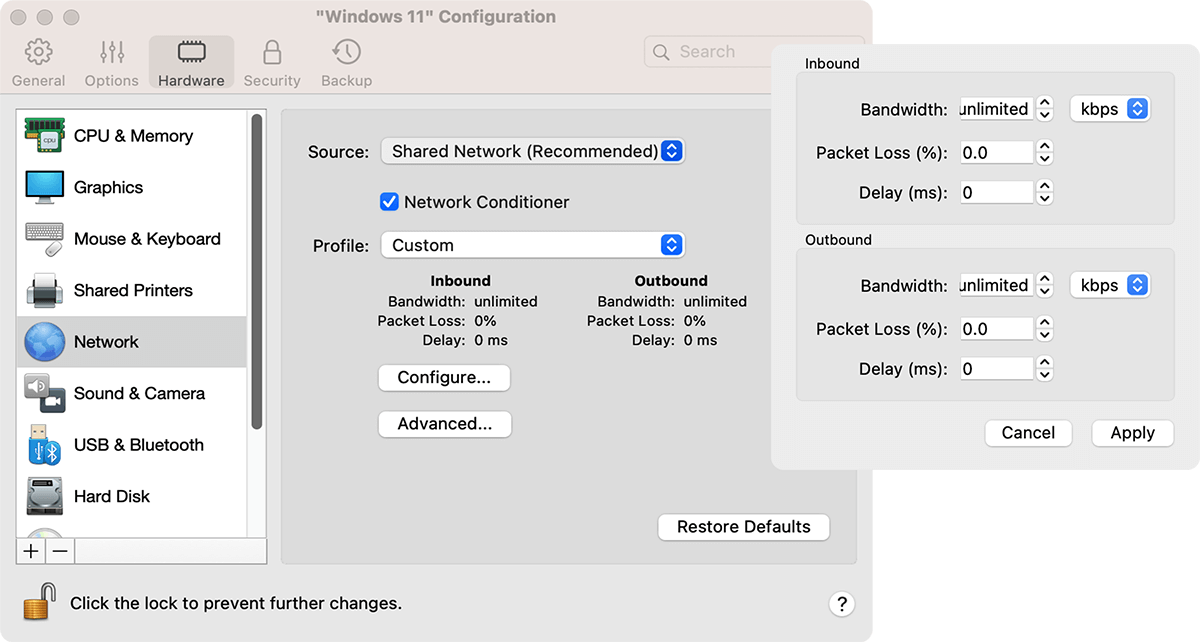
  • Virtual machine configuration dialog has been simplified and redesigned.
  • Crystal mode is an extension for Coherence.
  • Improved animation when switching between the Coherence, Full Screen, and Window modes.
Improved Logic Between Windows and Mac

Improved Logic Between Windows and Mac

Setup and manage multiple virtual machines on your Mac more efficiently with better control over your Boot Camp partitions, your open windows in Expose, and Active Corners.
  • Boot Camp virtual machines can now be freely suspended and then safely resumed
  • TimeMachine backups can now be synced with SmartGuard snapshots, to reduce the space required for backups
  • Keyboard shortcut (F6 or Fn + F6) for hiding/showing Parallels Desktop and all its windows
  • Import of third-party virtual machines has been integrated into the main application: now it’s available through the File > Open menu
  • Parallels Image Tool has been integrated into the main application: now all its functions are available in the Virtual Machine Configuration dialog
  • Parallels Transporter is now accessible through the "Import Virtual Machines" option on the Welcome Screen or the File > Import menu
  • Open your Windows applications without seeing Parallels Desktop interface elements even when your virtual machine is powered off
  • Shut down Windows and its applications in Coherence without seeing Parallels Desktop interface elements
  • Automatic generation of support code for easier access to Parallels Support
  • Improved support for Boot Camp partitions using multiple disks
  • Automatic SmartGuard snapshots taken after a timeout if the user does not respond to the prompts
  • Improved active screen corners behavior in Full Screen mode
  • Scaling of the virtual machine screen when its window is resized, if Parallels Tools are not installed or inactive
  • Windows applications can be set as the default applications for handling CDs and DVDs inserted into the Mac
  • The Num Lock key was added to the Send Keys menu.

Enhanced! Windows Applications in Your Dock and Spotlight

Windows 7 icons in the dock behave like true Windows 7 icons with support for Jump Lists, progress indicators and duplicate app icons being grouped to one icon in the Dock. And, with Parallels Desktop 6 for Mac, you can search for your Windows programs with Spotlight.
  • Windows Applications folders in the Dock now contain "My Computer", "Control Panel" and other useful shortcuts that are usually present in the Windows Start menu
  • Windows 7 Jump Lists are supported for Windows applications in the Dock: view your recent documents by right-clicking the application icon in the Dock
  • Applications icons in the Windows Applications folders are no longer marked with black arrows
  • Windows Applications folders don't reappear in the Dock after you remove them manually
  • Spotlight search support for Windows applications
  • Progress for downloads and other operations is now displayed on the Windows 7 applications icons in the Dock
  • Grouping of all windows of a single Windows application under the same application icon in the Dock
  • Windows applications icons can be configured not to appear in the Dock using the "Show icons in Dock" option in the virtual machine configuration

New! Mac Keyboard Shortcuts in Coherence Mode

Don’t worry about learning Windows keyboard shortcuts. Use Mac OSX keyboard shortcuts to make Windows applications work the way you do.
  • Mac OS shortcuts (Cmd+W, Cmd+Q, Cmd+~, Cmd+M, Cmd+H, Cmd +Alt+H) can be used to manage Windows applications when using Crystal mode
  • Arrow icon in the Mac menu bar for customizing Windows tray icons in Coherence
  • "Formatted Text" and "Shared Clipboard" options can now be disabled via the Virtual Machine Configuration dialog
VM List

Enhanced! Smoother Transition from Other Virtual Machines

Bring all of your virtual machines into Parallels Desktop 6 for a better experience.
  • Supports import of Boot Camp partition into a Parallels virtual machine
  • Supports import of Virtual Box 3.1.2 and 3.1.4 virtual machines
  • Faster and smoother import of VMware and Virtual PC virtual machines

Manageability and Mobility

Parallels Desktop 6 for Mac includes all-new features for protecting your Mac, your virtual machine, your data and your family – wherever you roam.

Learn more

New! Parallels Mobile App

Enjoy full access and control of your virtual machine from wherever you are with our new iPhone/iPad app. Access and use programs in a virtual machine remotely, even if you are not on the same network as your Mac.

New! Encryption for Windows Programs on Your Mac

Get improved data security with fast virtual machine encryption with Intel AES-NI.

New! Mac OS Parental Controls Apply to Windows Programs

Have peace of mind if multiple people use one Mac. Parallels Desktop 6 for Mac automatically applies the same parental controls you set for your Mac to your Windows applications. Any restrictions set for the Mac OS will also be enforced in the virtual machine.

New! Mac OS Access Controls Apply to Windows Programs

Have more than one person using the same Mac? Make sure it stays just the way you set it up. Parallels Desktop 6 for Mac automatically applies the same access settings on your Mac to your Windows applications and gives you the ability to lock it down. Any restrictions set for the Mac OS will also be enforced in the virtual machine.

Enhanced Performance

You don’t need to be an IT Pro to appreciate the dramatically improved battery life, full 64-bit power and security available in the virtual machines you create with Parallels Desktop 6 for Mac.

Learn more

New! 64-bit Virtual Machine Performance

Fully utilize your Mac’s hardware to maximize speed and performance for Windows. Create powerful 32- and 64-bit VMs with up to 8 CPUs and 2TB virtual RAM.
  • Improved 3D performance — up to 80% faster than in Parallels Desktop 5
  • Improved battery life
  • 64-bit virtual machine process for improved performance of virtual machines, especially of those with more than 1 GB of memory
  • Improved overall performance
  • Shared Folders perform two times faster
  • Faster Windows startup and shutdown
  • Reduced time for resuming paused and suspended virtual machines on Macs with powerful configurations
  • Better performance of Linux in virtual machines
  • Faster Parallels Tools installation

Reduce Costs with Full-Featured Virtual Machines and Devices

Virtualize today’s leading server OSs (Leopard Server, Snow Leopard Server and Windows Server 2008/2003) in a guest environment, and take advantage of enhanced business-class functionality (PXE boot, clone VM tools and CLI and scripting support) to address a wider-rage of development and testing needs — without adding new hardware.
  • Support for IPv6, the next-generation version of the Internet Protocol
  • Intel (e1000) virtual network adapter for Windows and Linux guests
  • 35% faster virtual machines with virtual SATA hard drive interface support
  • Smoother USB mouse transition between Mac and the virtual machine even when Parallels Tools are not installed
  • Faster input and navigation operations with USB keyboards
  • Improved handling of shortcuts and other keyboard operations
  • Better handling of keyboard indicator lights when working in Mac OS and the virtual machine
  • Enterprise-ready for Developers and IT Administrators

Complimentary! Data Protection Software

Safeguard your computer! Parallels Desktop 6 combines its own innovative data protection technologies (SmartGuard and SafeMode) with Kaspersky Anti-Virus protection for both Windows and Mac.

Reviews & Awards
Parallels Desktop 6 for Mac — Second to None!

Parallels Desktop is consistently ranked as the world’s #1 virtualization software — its award winning history is second to none! See what others have to say.

review

MacTech Labs – Gaming Under Parallels Desktop 6
20 popular Windows games. How playable are they? Gaming Under Virtualization.
Good Housekeepingreview
Good Housekeeping – Best Products
Parallels Eases the Pain of Switching to a Mac or Upgrading Your PC with Parallels Desktop 6 for Mac, Parallels Desktop 6 Switch to Mac and Parallels Desktop for Upgrading to Windows 7.
MacWorld Editor's Choicereview
Macworld – Editors’ Choice Award 5/5 Stars
Parallels Desktop 6 for Mac Provides Even Better Performance for Running Windows on a Mac.
PC Advisorreview
PC Advisor – Expert Rating Award 5/5 Stars
Run Windows applications alongside your Mac applications more efficiently than ever. There's now a Parallels app that enables you to run your Windows virtual machines on an Apple iPad or iPhone... it’s remarkable to see Windows running on the screen of an iPad.
review
PC Pro Review – PC Pro Recommended Award
Parallels Desktop 6 brings a few new features that VMware can't match. The big one is a mobile application for the iPhone, iPod Touch and iPad, allowing you to connect to virtual machines over the internet. We tested it on an iPad, and had no problem accessing our Windows installation through a firewall...
ArsTechnicareview
ArsTechnica: Parallels Desktop 6 Review
For decades, Apple users have dreamed of playing Windows games on their Macs at reasonable speeds. At long last, Parallels Desktop 6 realizes that dream.
CNETreview
CNET: Hands-on with Parallels Desktop 6
I have always loved the idea of running two operating systems in parallel, and the advancements in virtualization technology have been exceptionally intriguing. For the past few days I have had the opportunity to try out the next version of Parallels Desktop… overall it does live up to the advertised improvements over the prior version.
PCWorldreview
PCWorld
This latest release of Parallels contains a variety of enhancements that make it better than ever. Parallels Desktop 6 has significant improvements in performance of the virtualized Windows system, and include support for 64-bit Windows. It also allows Mac OS X keyboard shortcuts to work from within the virtual Windows system, and enables the Mac OS X Spotlight search function to locate Windows programs.
Fortunereview
Fortune
Parallels was nice enough to give me a demonstration today of their new Parallels 6 virtualization product. Besides having the ability to run Windows XP and 7 on an iPad, they're also pretty proud of the Google ChromeOS performance on iPad, which I have to say was pretty entertaining. If you need to run desktop OSes on the road, but want to leave the computer at home, this free iOS (works on iPhone and iPod touch too) app from Parallels is a pretty slick.
PC Advisorreview
PC Advisor
Gamers, web developers and businesses alike will welcome new features in Parallels Desktop 5 for Mac.
InfoTECHaward
infoTECH review: Parallels Desktop 5 for Mac
Different software programs let you run Windows on the Mac, but one of the most popular and effective is Parallels Desktop for Mac.
The Wall Street Journalreview
Walt Mossberg: Wall Street Journal
Parallels Zips Past Fusion in Running Windows on Macs.
IT Reviewsreview
IT Reviews: Parallels Desktop 5 for Mac
Parallels does a remarkable job running multiple operating systems on multiple virtual machines on a completely different hardware platform.

Volume Licensing

Parallels offers a simple and flexible volume licensing program that rewards businesses, academic, non-profit and government organizations for volume purchasing. Realize deeper IT savings and get the best value from your software investment with a Parallels Volume Licensing Program.

Volume Licensing Program
A Parallels Volume Licensing Program offers a simple and flexible approach to acquire the latest Parallels technologies and ensure your IT investment is protected. Licensing plans are available in the following options:

  • Corporate Volume Licensing Program
  • Academic Volume Licensing Program

Based on the size of your organization, a customized volume licensing program can address network computing requirements and purchasing preference while delivering a cost-effective and scalable solution. In addition, volume licensing allows organizations to acquire product licenses and maintenance plans, for a cost-effective and simple approach to acquiring the latest Parallels software.

Buy 5-pack for $384


Need more licenses? Talk to a sales associate today!

First Name*
Last Name*
Company*
E-mail*
Phone*
Country Area Code Phone Number Ext.
City*
Country*
State*
How many Macs do you have in your environment?
Comments
* — required fields

Frequently Asked Questions

  1. How can I download Parallels Desktop 6 for Mac?

    You can download Parallels Desktop 6 for Mac here.

  2. How do I activate Parallels Desktop 6 for Mac?

    You can activate Parallels Desktop 6 during installation. If you choose to activate after installation, go to the Parallels Desktop menu and select "Activate Product".

    Enter your name, and information and activation key for Parallels Desktop 6 for Mac in the activation form and press 'OK'.

    If the Parallels Desktop 6 for Mac Upgrade installation does not automatically detect the previous version key, enter your activation key for your previous version of Parallels Desktop (either version 4.0 or 5) in the pop-up window and press 'OK'.

    Note: Parallels Desktop 2.x and 3 for Mac Owners: If you have Parallels Desktop 2.x or 3 for Mac installed, please check the following Knowledge Base article for additional instructions: http://kb.parallels.com/en/8907

  3. How do I register Parallels Desktop 6 for Mac?

    Option A: Register via the Parallels web site.
    Please login to your account at www.parallels.com ("My account" in the upper-right corner). You will first go to "My registered products" and then "Register your activation key."

    Option B: Register from within your Parallels application.
    After product installation, Parallels Desktop 6 for Mac will ask you to register your key. Please enter your activation key and the email address that you used for your account creation at Parallels.com.

    If you do not have an account at Parallels.com, it will be created automatically after this step, and you will receive a notification for account activation. If you skip this step, you can register at any time by clicking on Parallels Desktop and selecting "Register Product".

  4. My previous version of Parallels Desktop for Mac was English/German/French, etc.
    Can I upgrade to version 6 in another language?

    Yes, you can. Simply purchase the upgrade to Parallels Desktop 6 for Mac in the language of your choice, install it using the version 6 Upgrade key, and activate using both your version 6 key and your previous key for Parallels Desktop 4.0 or 5.

    Example: You have Parallels Desktop 5 for Mac in English, but would like to upgrade to version 6 in German:

    Order the German Parallels Desktop 6 for Mac Upgrade from the German webpage: http://www.parallels.com/de/store
    Download the installation package for German Parallels Desktop 6 for Mac from the link that is sent to you in the confirmation email.
    Install Parallels Desktop 6 for Mac in German and activate using your new upgrade key and your previous version 5 key.

  5. How do I return a retail (boxed) copy of Parallels Desktop and request a refund in the United States?

    If within 90 days of purchase, you are not completely satisfied with Parallels Desktop 6 for Mac or Parallels Desktop Switch to Mac Edition, return it directly to Parallels, Inc for your money back.

    Please provide your first and last name, address (including street, city, state and zip code), phone number, email address and a brief explanation as to why you are returning the product. Send materials via a traceable method to: Returns Department, Parallels, Inc, 500 SW 39th St, Ste 200, Renton, WA 98057.

    To make a return, provide a dated store receipt showing the purchase price paid (a copy is accepted) and all of the original box contents:

    • The product box with the UPC bar code still intact
    • All disc (s) and USB cable (if applicable)
    • All print materials from the inside of product box

    All returned packages are required to have a valid tracking number. In the event that a package gets lost or misplaced, Parallels, Inc can only credit customers who have a tracking number showing proof of delivery to Parallels, Inc. We recommend sending your package via U.S. Postal Service’s Media Mail Service and request Delivery Confirmation.

    A full refund will not be given if any of the aforementioned materials are not returned to Parallels, Inc. Return requests missing any of the aforementioned materials will be destroyed. Partial refunds will not be given.

    Parallels is not responsible for the shipping and/or handing charges for returned product or sales tax charged by retailer. All refunds will be made via check.

    The 90-day Money-back Guarantee is available only for retail (boxed) product sold in the United States and Canada. Product must be postmarked within 90 days.

    Thank you for complying with all returns instructions.

  6. Additional free support options: Try the Parallels Knowledge Base and Customer Forums

    We highly recommend checking our Troubleshooter on Parallels Desktop 6 for Mac activation and registration information. Also check out our comprehensive Knowledge Base and participate in forum discussions to find solutions for known issues.

    Knowledge Base: http://kb.parallels.com/en/products/index.html?id=40

    Forums: http://forum.parallels.com/

  7. Where can I find the documentation for Parallels Mobile application?

    The Quick Start guide for Parallels Mobile is available by the following link: http://www.parallels.com/products/mobile/docs/

  8. What is the Kaspersky software that is included in Parallels Desktop 6?

    Parallels Desktop 6 for Mac comes with anti-virus software for both Windows and Mac. For Windows running in Parallels Desktop, we provide Kaspersky Internet Security. For Mac, we provide Kaspersky Anti-virus for Mac. Both are complimentary subscriptions lasting 90 days, after which you can choose to purchase a 1 year subscription of either product for the special price of $39.99 each, or purchase a 1-year subscription of both for $59.99. You must purchase through Parallels' online store to be eligible for this special pricing.

  9. If I am upgrading and already have Parallels Internet Security installed, should I install Kaspersky Internet Security?

    If you already have Parallels Internet Security installed, you have several options.

    1. You can continue to use it until your subscription expires. Then you can install Kaspersky Internet Security.
    2. Or, if you would prefer to have the newer Kaspersky Internet Security, you can uninstall Parallels Internet Security and use Kaspersky. Please note that the Kaspersky Internet Security is a 90-day complimentary subscription. If you uninstall Parallels Internet Security, you will not be able to switch back.
  10. I want to use Kaspersky Internet Security but still have time left on my Parallels Internet Security subscription. Can I get a refund for the time remaining on my subscription?

    Unfortunately we are unable to provide partial refunds. We recommend that you use your current subscription until it ends, then switch to Kaspersky.


With millions of users worldwide, Parallels Desktop for Mac is the world’s No. 1 Mac System Utility. Get the latest and the greatest to make your Windows, Linux or any other OS truly at home on your Mac.


Parallels enables Mac users to get everything they could possibly want on the Mac, taking advantage of the most advanced OS in the world, Snow Leopard, whilst also running any Windows applications they need without having to see Windows itself. — Ron Okamoto, Apple’s VP of Worldwide Developer Relations


Buy Parallels Desktop 6 for only $79.99 or Download a Trial Now


Why Choose Parallels Desktop 6 for running Windows programs on your Mac?

The Award-winning Parallels Desktop is the best way to run Windows on the Mac with over a dozen awards for its excellence, including the industry-acclaimed Macworld Editor’s Choice award, PC Pro Recommended, WinMag Pro 2010 Best Choice and many other awards.

Get Adobe Flash player