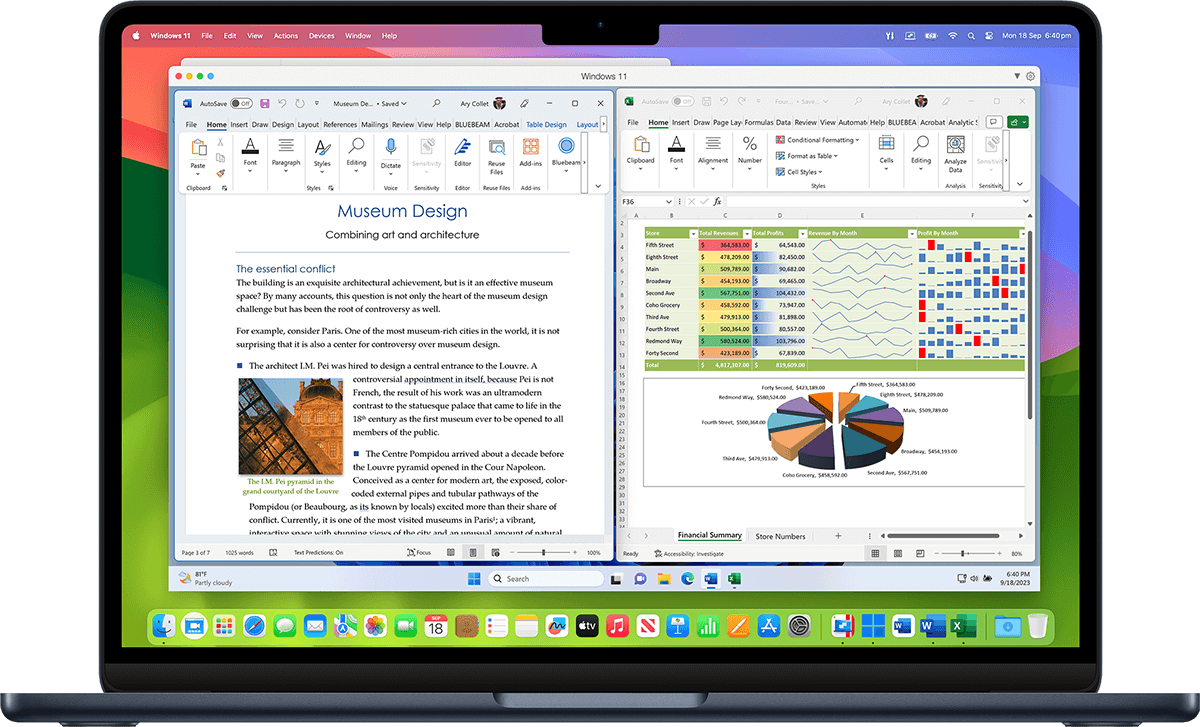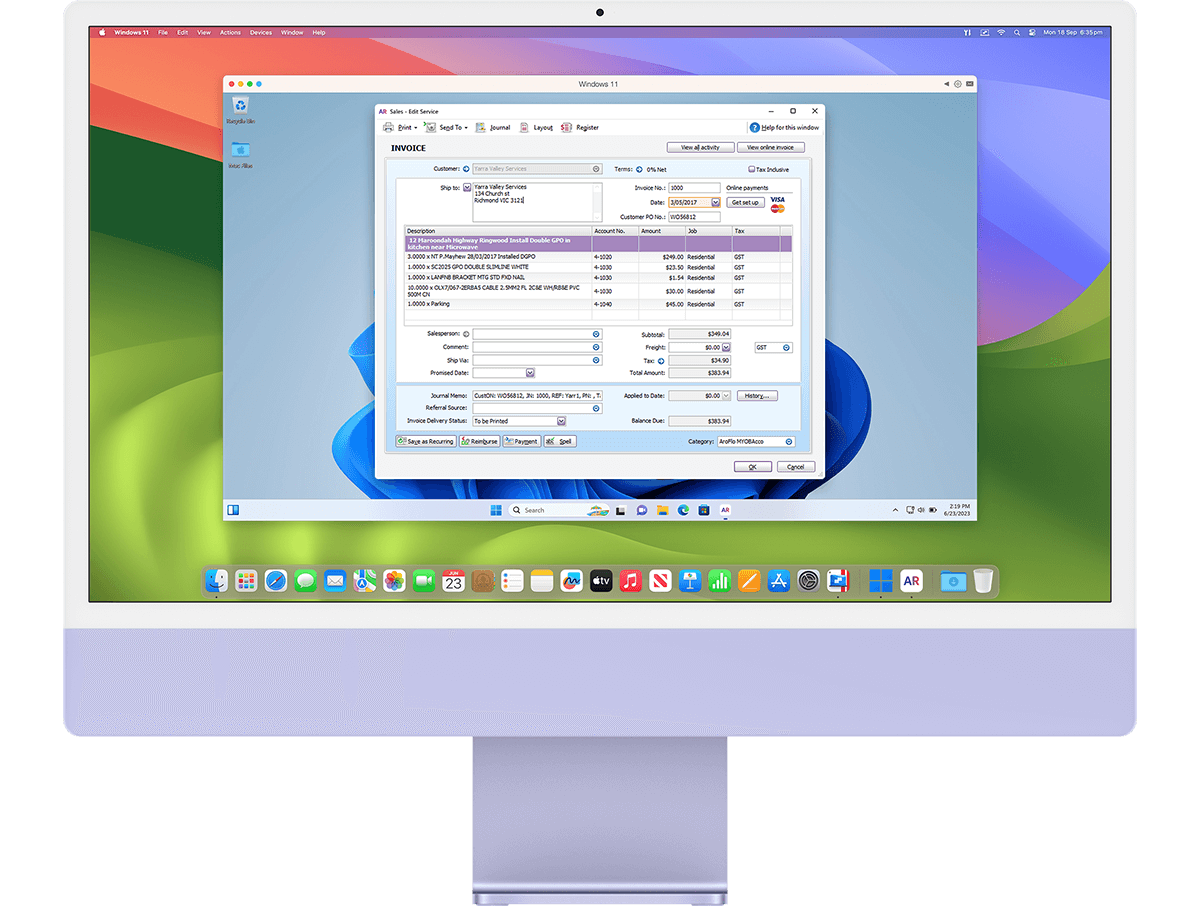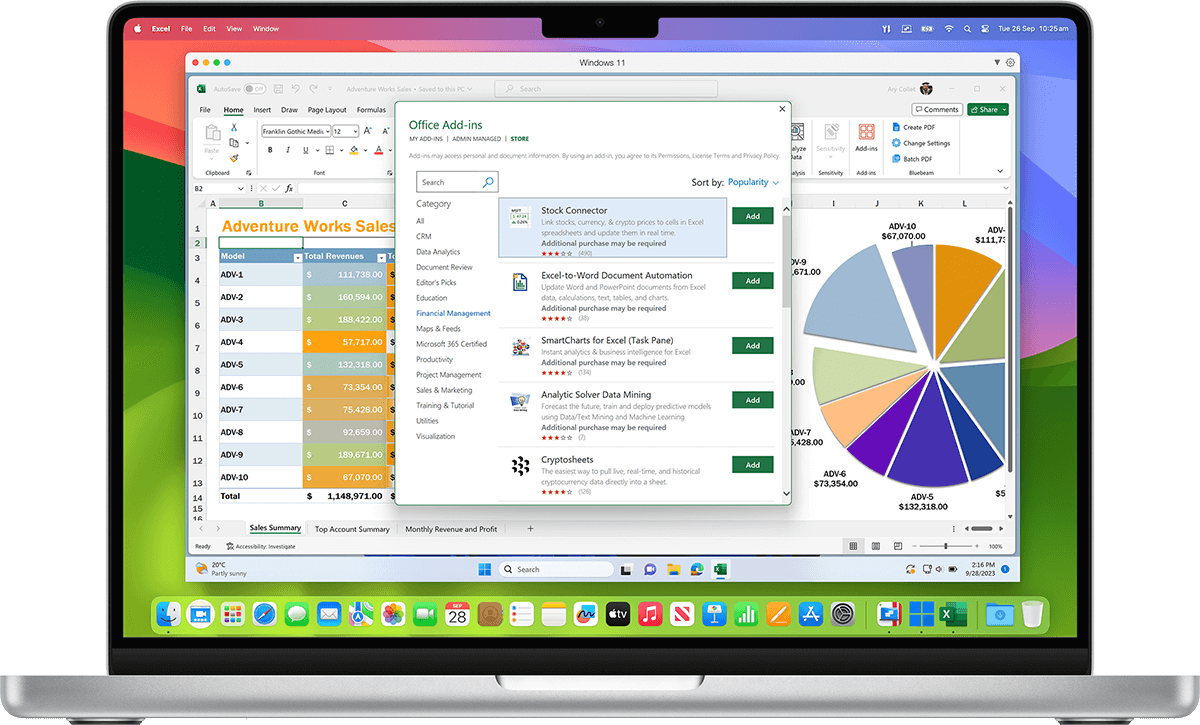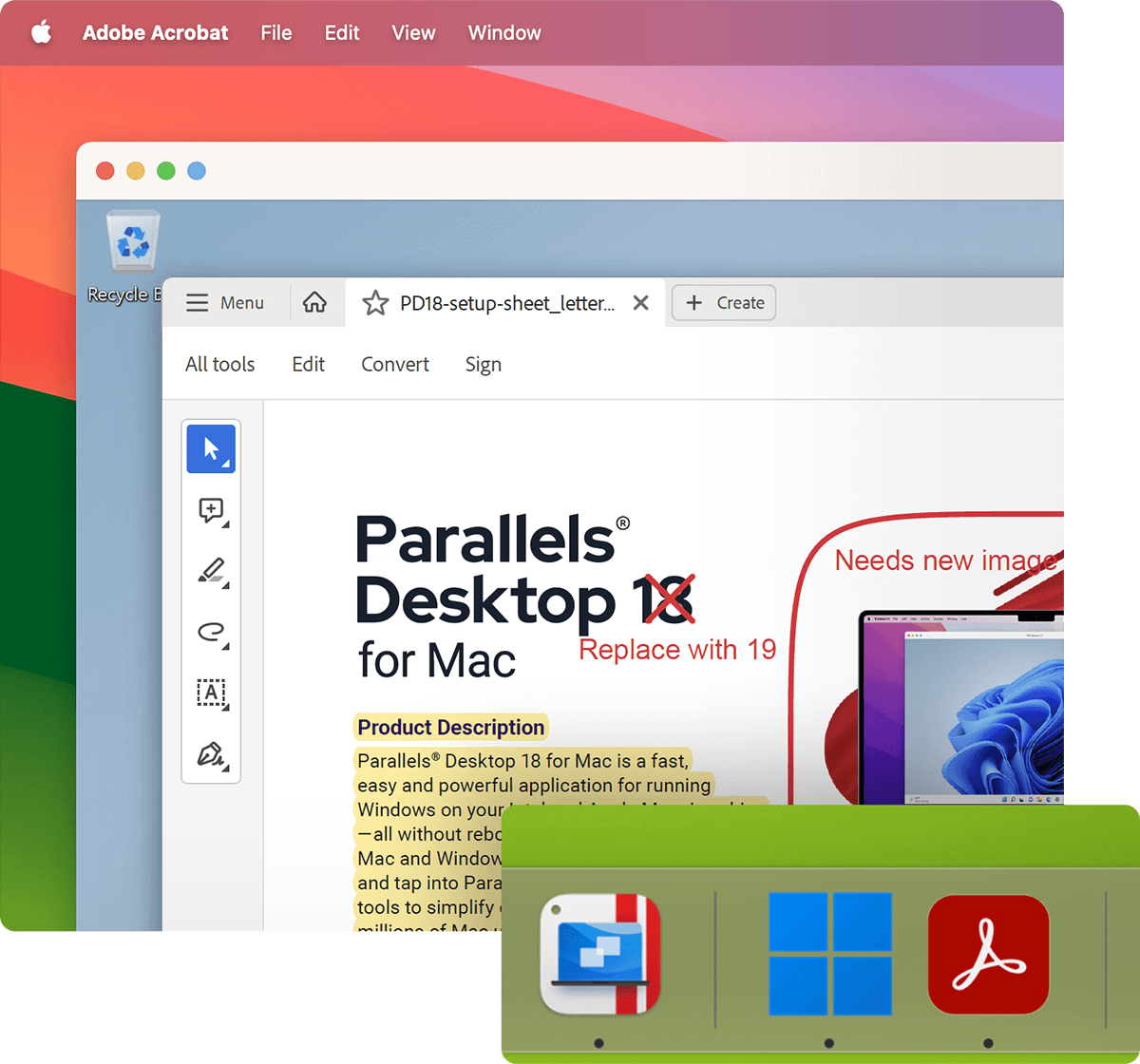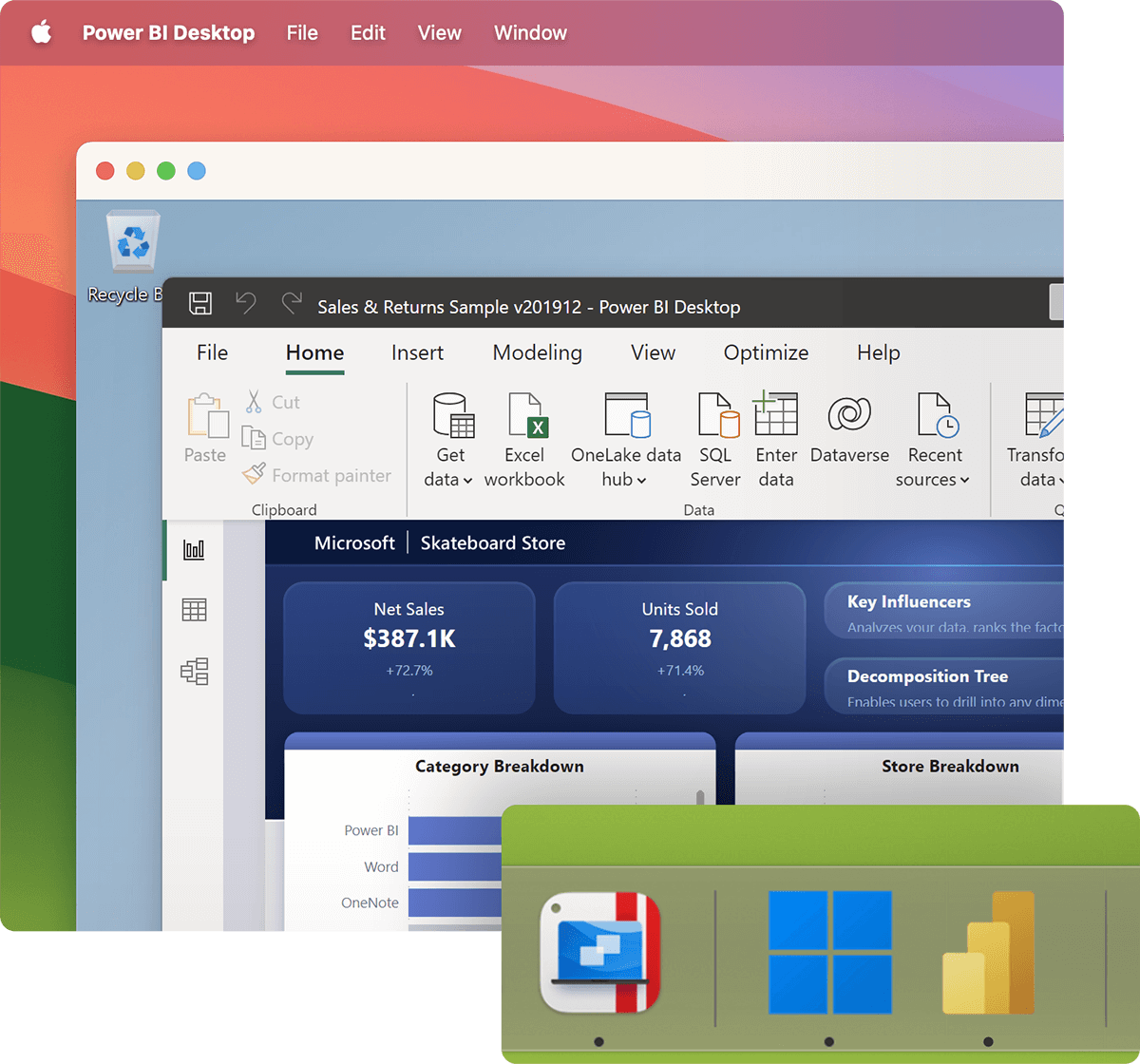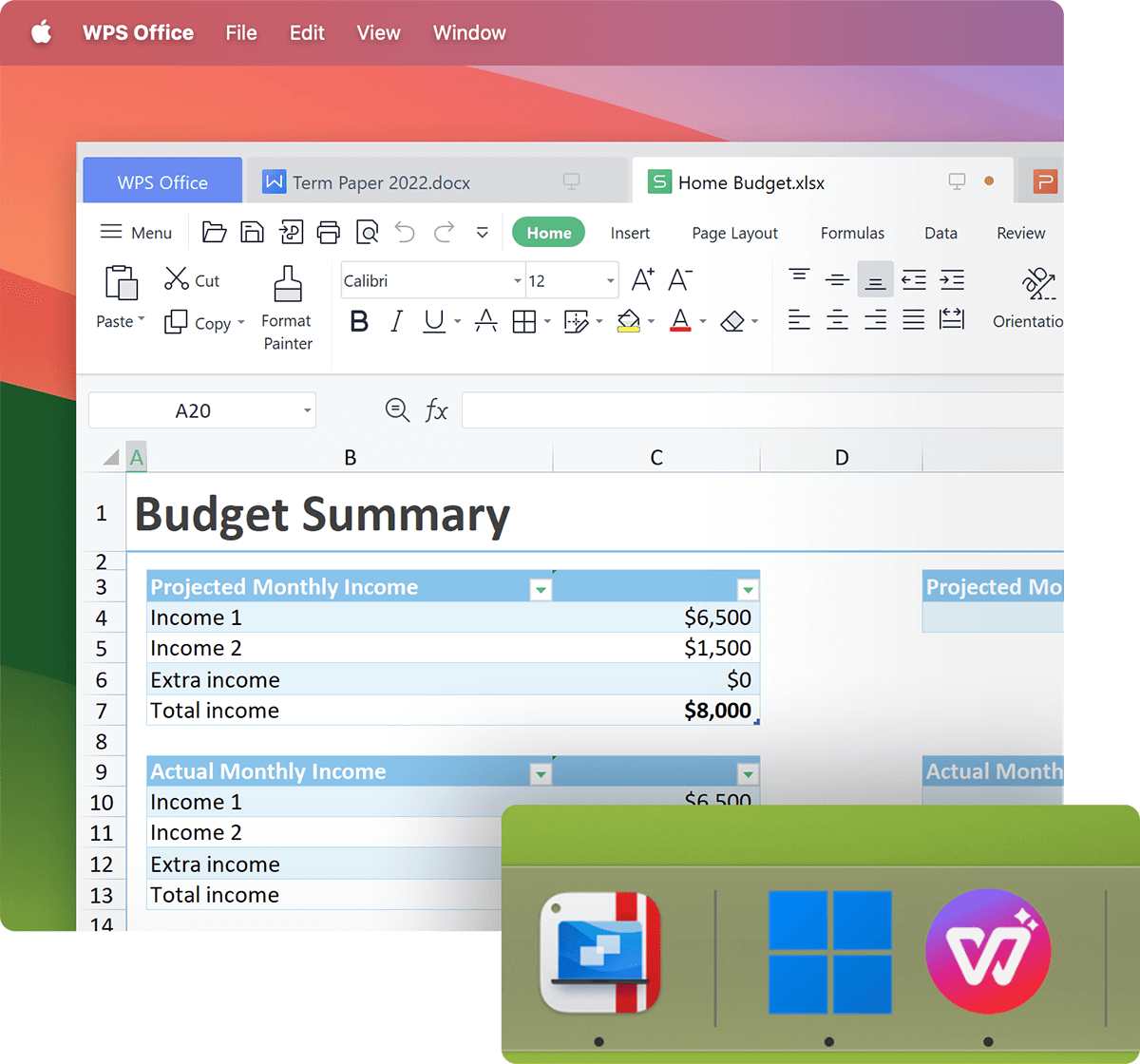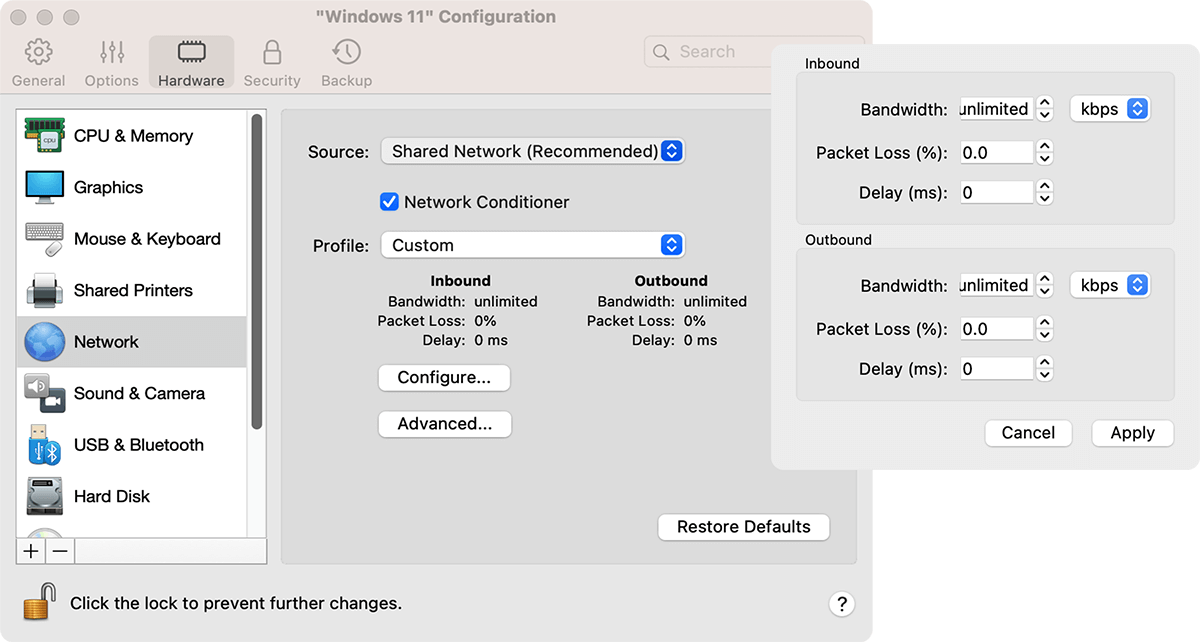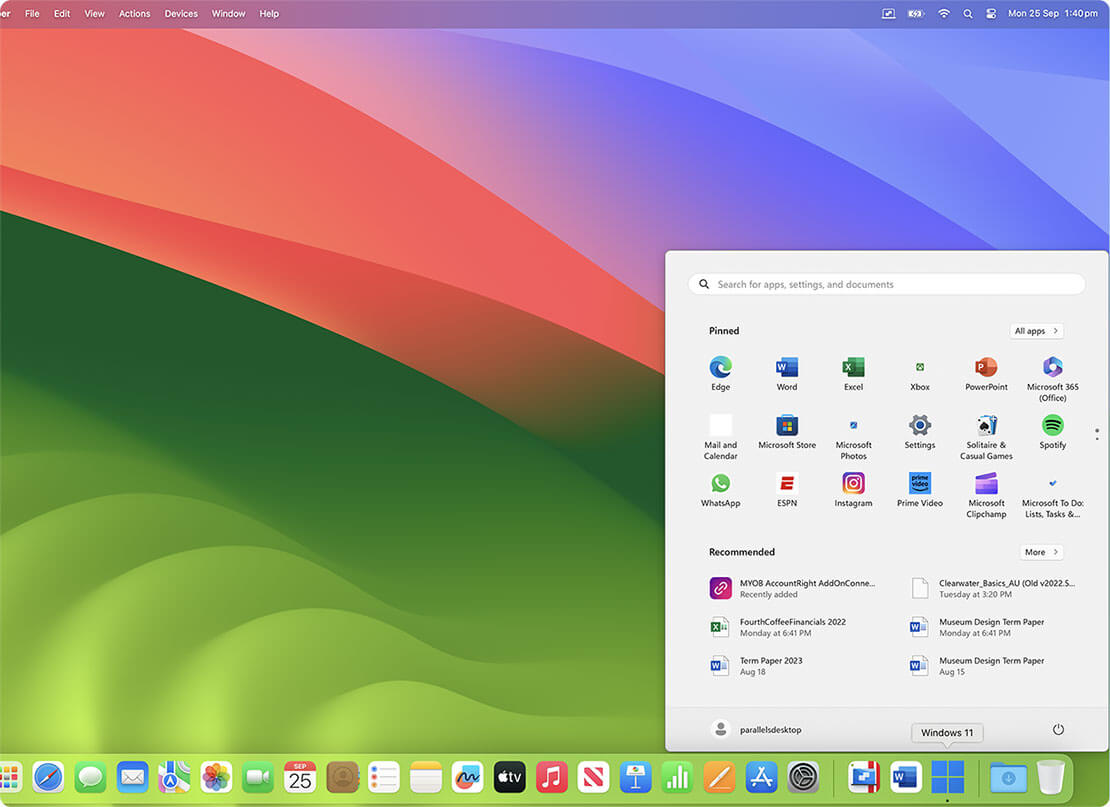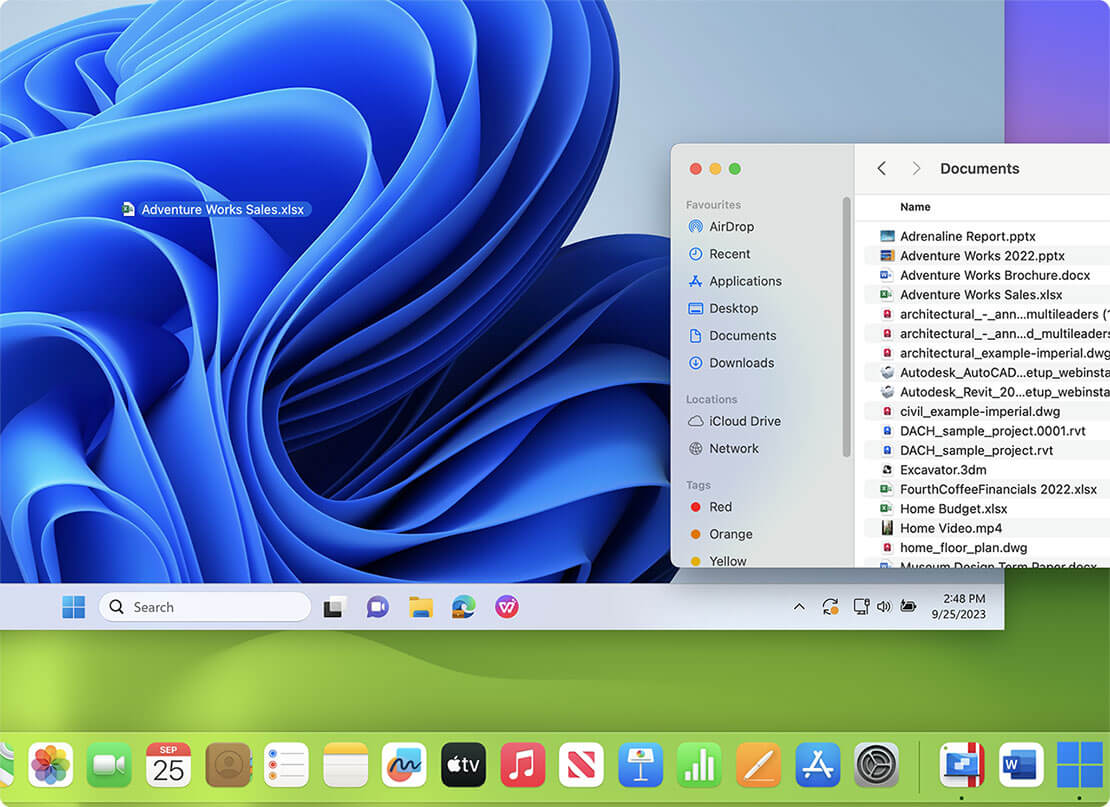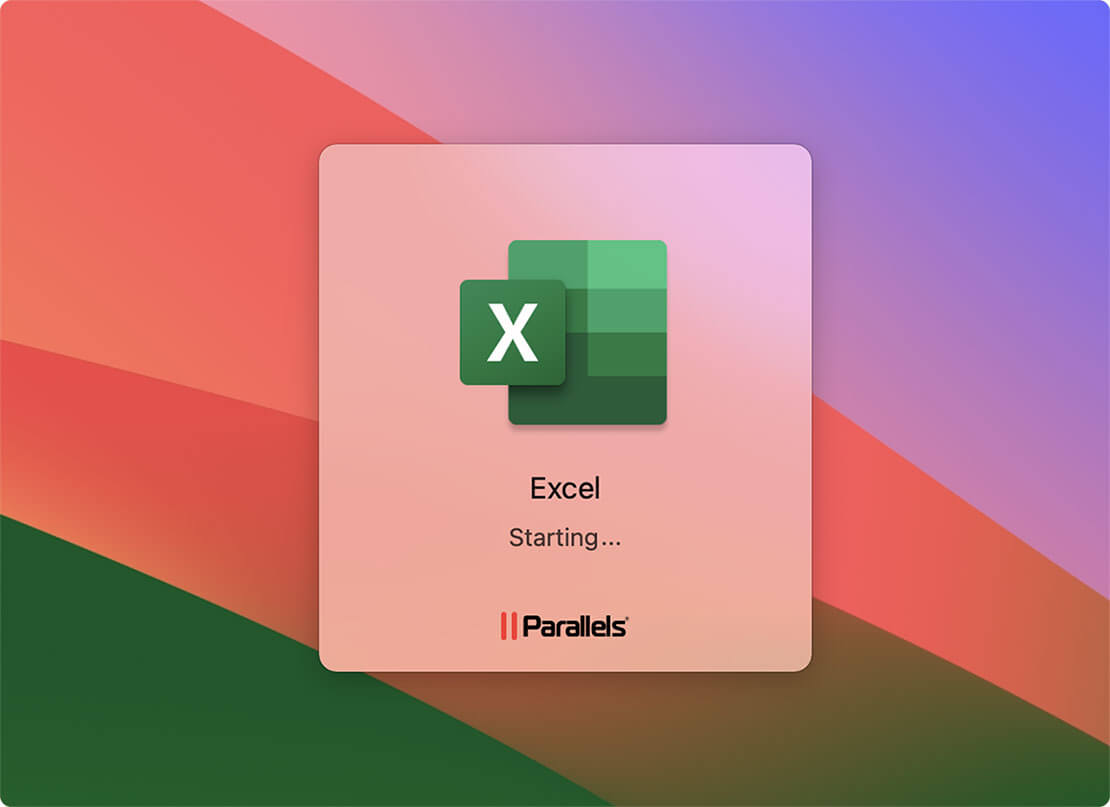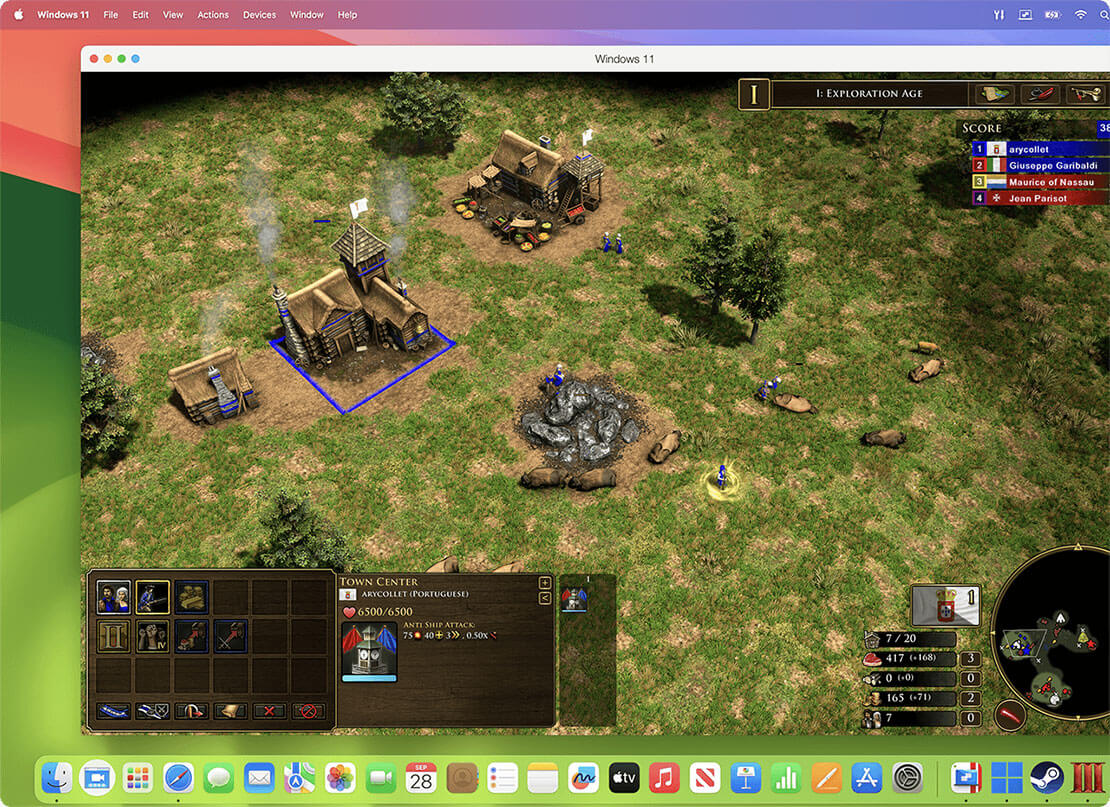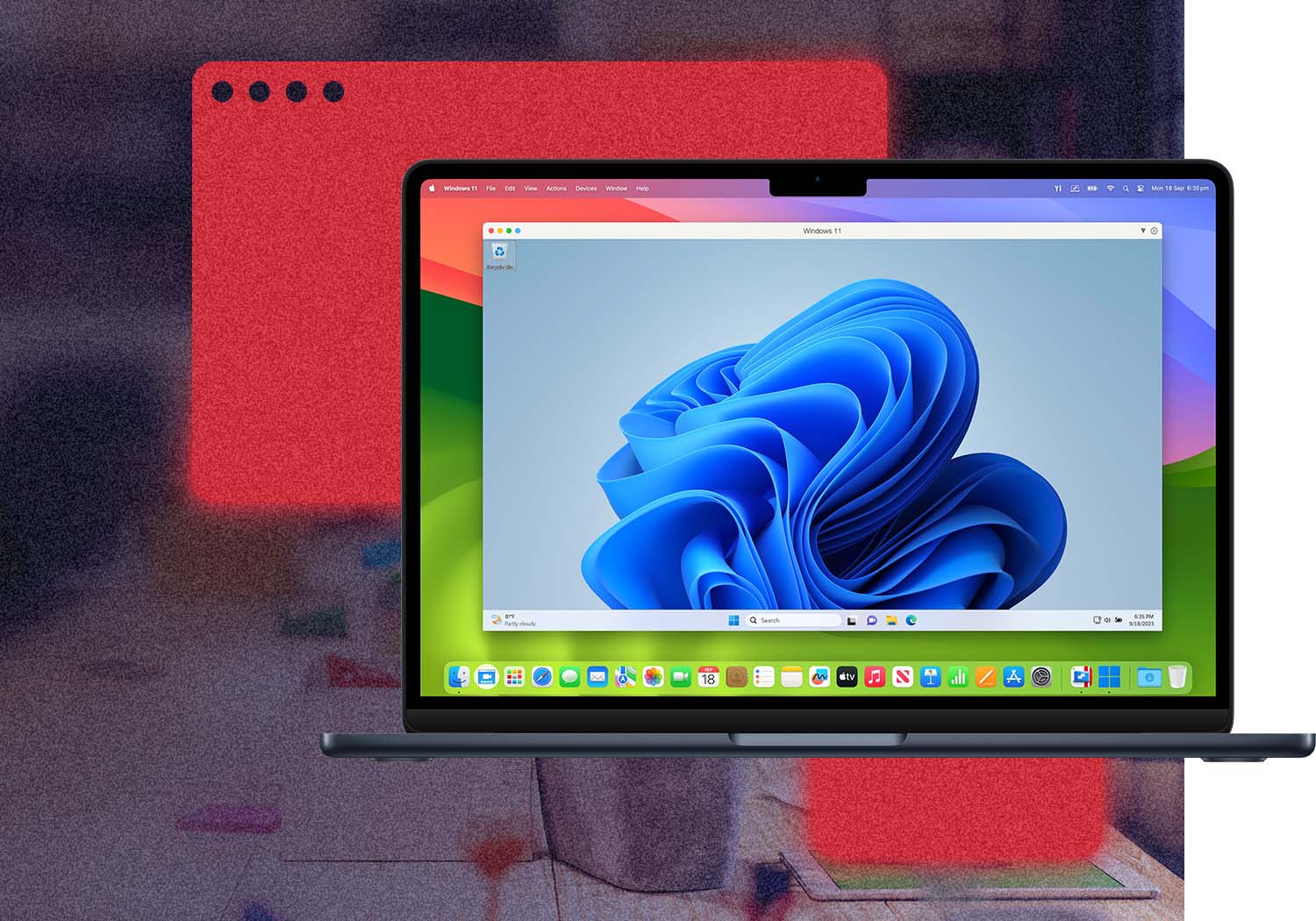
Parallels Desktop 7 for Mac is simply the seamless, intuitive, fast way to run Windows and Mac applications side by side, without rebooting.
Enjoy Mac OS X features (Launchpad, Mission Control) in Windows apps, and remotely access both your Mac and Windows programs from your iPad or iPhone with the new Parallels Mobile app available in the iTunes App Store. NEW! Parallels Desktop now supports OS X Mountain Lion and Windows 8 Release Preview.
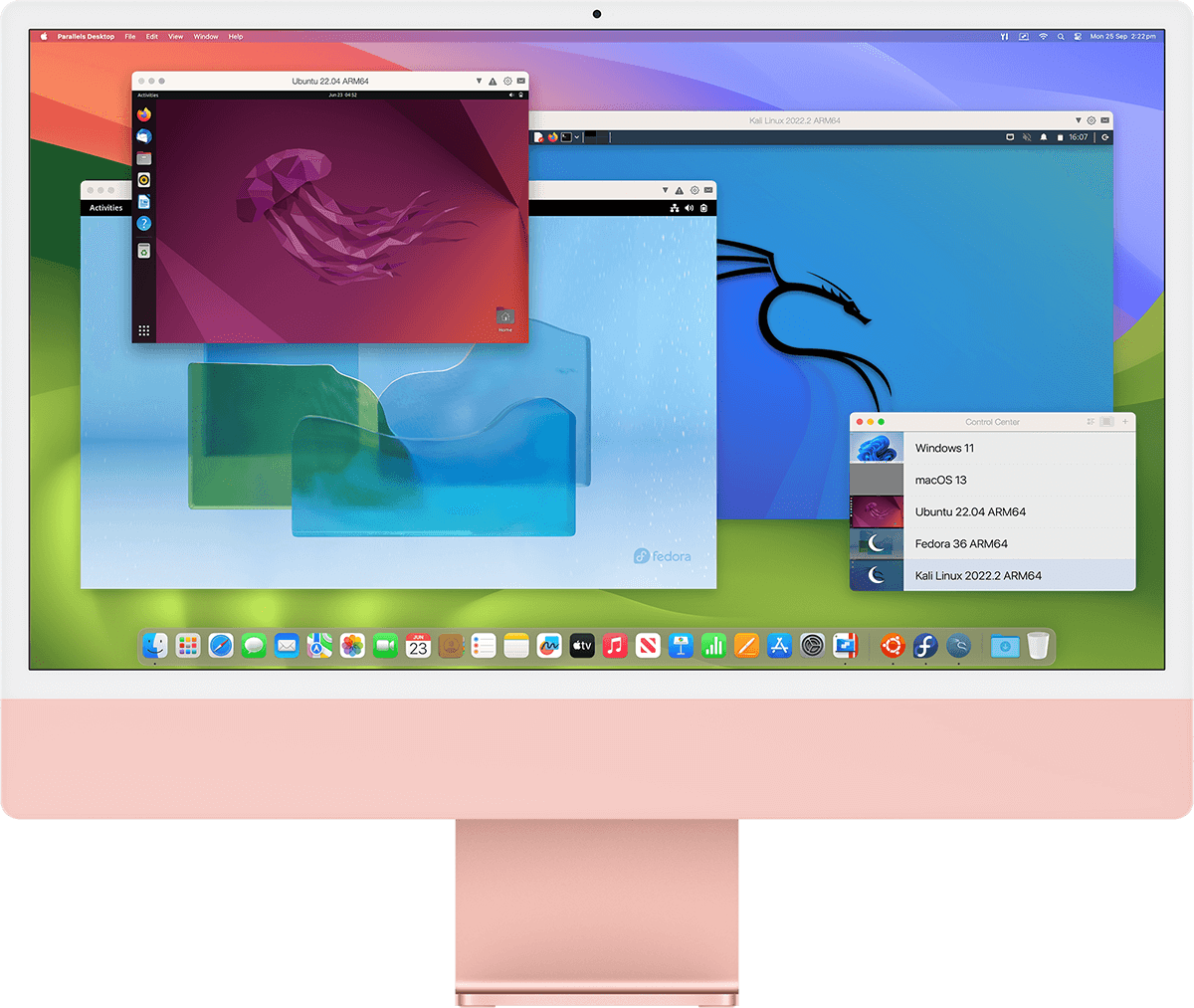
Need more than Windows? Run Google Chrome, Linux and many other operating systems simultaneously. With Parallels Desktop 7 for Mac, you’ve made the leap to anywhere, anytime, any platform computing.
Parallels Desktop 7 for Mac is the virtualization solution that is the most powerful and flexible for users who need regular access to many apps on both Windows and Mac from a single machine without rebooting. From PC-only games to productivity software, Parallels Desktop 7 for Mac has you covered.
If you love the look and feel of Mac OS, make Windows invisible while still using its applications. If you’re new to Mac, keep the familiar Windows background and Start menu on your Mac. Either way, run Windows and Mac applications side-by-side with no compromises in performance.
With full for support Windows 7 with its AERO graphics as well as older versions of Windows, Parallels Desktop 7 for Mac is optimized for Mac OS X Mountain Lion. It also supports Mac OS X Lion with features like Launchpad, Mission Control and Gestures working in Windows applications, making them feel like they were made for Mac.
Parallels Desktop includes a feature called Coherence Mode, which hides the Windows desktop while displaying Windows applications. Windows still runs in the background, but is hidden from view. Windows applications appear in the Dock, letting you switch between them without using the Windows interface. Isn’t that cool?
When no Windows applications are open, Parallels Desktop will pause, thus taking up very little system resources. Parallels Compressor is a feature that automatically compresses optimizes the virtual disk while you work for better performance.
On the go? You can remotely access your Windows programs from your iPad or iPhone with our Parallels Mobile app. Parallels Mobile enables an iOS user to access all of their Mac and Windows programs remotely.Complete tasks that were previously not possible on an iOS device, for example: to view and interact with Flash websites using Internet Explorer or Firefox, and to use printers that aren’t AirPrint-enabled.I use Parallels because I need one or two Windows programs on a regular basis, and I know that people love using Parallels for programs like Quicken. It was a splurge for me but I’m very happy with my purchases. — Mary, myFirstMac
Parallels Desktop for Mac works great. On medium graphics all the games I tested worked excellent. Thanks for making an excellent product! — Todd, @toddkelley, Twitter
Buy Parallels Desktop 7 for only $59.99 & get the next version at no additional cost or Download a Trial Now
Parallels Desktop is consistently ranked as the world’s #1 virtualization software — its award winning history is second to none! See what others have to say.
Head-to-Head: How do VMware Fusion 4 and Parallels Desktop 7 for Mac compare?
When we look at the "big picture" of all the top-level test results, Parallels is the clear winner. If you count up the general tests (including the top 3D graphics scores), Parallels won 60% of the tests by 10% or more. And, if you include all the tests where Parallels was at least 5% faster, as well as the balance of the 3DMark06 graphics tests, Parallels increased the lead further.
Parallels Takes the Virtualization Crown
A superior mobile client and mass deployment support make Parallels Desktop 7 a winner for Mac-based virtualization.
As frosting on the cupcake, the Parallels Mobile client is far ahead of anything that VMware offers for mobile devices. Advantage: Parallels.
Bloomberg: Mac, PC Finally Friends in Parallels Universe: Rich Jaroslovsky
Parallels Desktop 7, the latest version of Parallels Inc.’s Windows-in-a-Mac software, successfully navigated my little torture test with nary a hiccup. There’s no better solution for Mac users who want Windows compatibility...
Wall Street Journal:In my tests, this latest Parallels edition ran Windows quickly and smoothly, and integrated well with some of Lion’s new features, even though my test Mac isn’t the fastest Apple laptop available today...
All Windows 7 programs I tested launched and ran quickly and smoothly, and the fancy visual effects in Windows 7, such as mini-previews for icons in the taskbar, worked great...
ZDNet: Parallels Desktop 7 for Mac released
The speed of the new Parallels version running Windows 7 in a virtual machine was impressive, as Windows programs running on the Mac desktop (Coherence mode) were as fast as native Mac programs.
GearLive: Parallels Desktop 7 for Mac available September 6
On the performance end of things, Parallels Desktop 7 is 60 percent faster than the previous version for resuming Windows, and 45 percent faster for 3D graphics. Also new is improved 5.1 surround sound, and support for 7.1 surround as well.
TUAW: Parallels Desktop 7 for Mac: Faster, new features, better mobility
Parallels 7 has just been announced. The latest iteration of Parallels, the virtualization environment that currently has about 75% of the total market share for VM software, ships with more than 90 new and enhanced features.
Parallels offers a simple and flexible volume licensing program that rewards businesses, academic, non-profit and government organizations for volume purchasing. Realize deeper IT savings and get the best value from your software investment with a Parallels Volume Licensing Program.
Volume Licensing Program
A Parallels Volume Licensing Program offers a simple and flexible approach to acquire the latest Parallels technologies and ensure your IT investment is protected. Licensing plans are available in the following options:
Based on the size of your organization, a customized volume licensing program can address network computing requirements and purchasing preference while delivering a cost-effective and scalable solution. In addition, volume licensing allows organizations to acquire product licenses and maintenance plans, for a cost-effective and simple approach to acquiring the latest Parallels software.
Please follow these steps to make your upgrade as safe as possible.
If you are upgrading from Parallels Desktop 5 or 6 all that you need is to purchase an upgrade license via our online store or another authorized retailer, then download the Parallels Desktop 7 installation package here and then start the installation. Your previous version of Parallels Desktop will be replaced automatically. After the installation is complete, you can start your virtual machine(s) and they will be automatically upgraded to run with Parallels Desktop 7.
If you are upgrading from Parallels Desktop 4 or an earlier version you will need to purchase a full copy of Parallels Desktop 7 for Mac. Please refer to this article for details: http://kb.parallels.com/en/111886.
To learn about the Parallels Desktop 6 for Mac Tech Guarantee and the free upgrade eligibility requirements please click here: http://www.parallels.com/keyfor7.
New customers: You can activate Parallels Desktop 7 during installation. If you choose to activate after installation, go to the Parallels Desktop menu and select "Activate Product".
Enter your name and the other requested information plus your activation key for Parallels Desktop 7 for Mac in the activation form and click 'OK'.
Upgrade customers:
Parallels Desktop 5 and 6 for Mac customers:
If the Parallels Desktop 7 for Mac Upgrade installation does not automatically detect the previous version key, enter your activation key for your previous version of Parallels Desktop (either version 5 or 6) in the pop-up window and press 'OK'.
To find your previous version key refer to this article.
Parallels Desktop 4 for Mac or previous versions Owners:
If you have Parallels Desktop 4 for Mac or an earlier version installed, please check the following Knowledge Base article for additional instructions: http://kb.parallels.com/111886.
Parallels Desktop for Mac activation is a license validation procedure.
Registration is a process of registering your activation key with Parallels. Registration allows one to:Option A: Register via the Parallels web site.
Please login to your account at www.parallels.com ("My account" in the upper-right corner). You will first go to "My registered products" and then "Register your activation key."
Option B: Register from within your Parallels application.
After product installation, Parallels Desktop 7 for Mac will ask you to register your key. Please enter your activation key and the email address that you used for your account creation at Parallels.com.
If you do not have an account at Parallels.com, it will be created automatically after this step, and you will receive a notification of account activation. If you skip this step, you can register at any time by clicking on Parallels Desktop and selecting "Register Product".
The Parallels Product ID is created at the moment of activation of Parallels Desktop 7 and contains the information about your Parallels Desktop 7 for Mac activation key. The Parallels Product ID helps to secure your activation key. Therefore, the activation code is no longer needed nor displayed. For details please see this article.
I’d like to use a localized version of Parallels Desktop 7 for Mac. How can I do that?
We have great news for you. You can now have Parallels Desktop 7 for Mac in any available localization.
The Parallels Desktop 7 for Mac installation image is multilingual and installs the product in all its supported languages.
The language of the Parallels Desktop 7 for Mac interface can be changed by simply changing the language of the Mac OS X.
Refer to this article for instructions: http://kb.parallels.com/111830.
The Parallels Convenience Store is a built-in store that allows Parallels Desktop 7 for Mac customers to purchase Windows, Windows Applications and much more right from within Parallels Desktop 7 for Mac. To visit the Convenience Store please go to the Top Parallels Desktop menu bar click on File > Convenience Store. You will now be taken to the Parallels Online Store to purchase the application you need.
Please check the following KB article to learn more about new the Parallels Mobile app http://kb.parallels.com/112043.
Please check the following KB article to learn more about Parallels Desktop 7 for Mac: http://kb.parallels.com/112042.
Works great with Parallels Mobile for iPad and iPhone
The Award-winning Parallels Desktop is the best way to run Windows on the Mac with over a dozen awards for its excellence, including the industry-acclaimed Macworld Editor’s Choice award, PC Pro Recommended, WinMag Pro 2010 Best Choice and many other awards.
TESTED, TRUSTED
AND TALKED ABOUT*
* Reviews and awards cited may be for previous versions of Parallels Desktop for Mac.