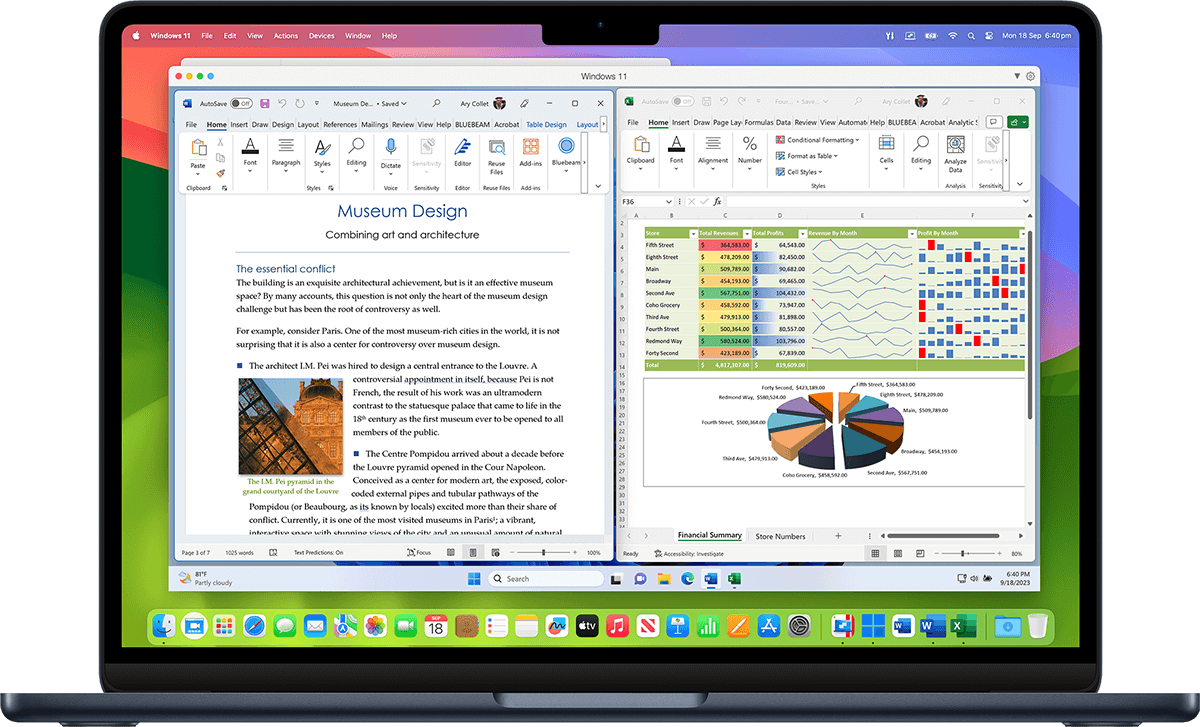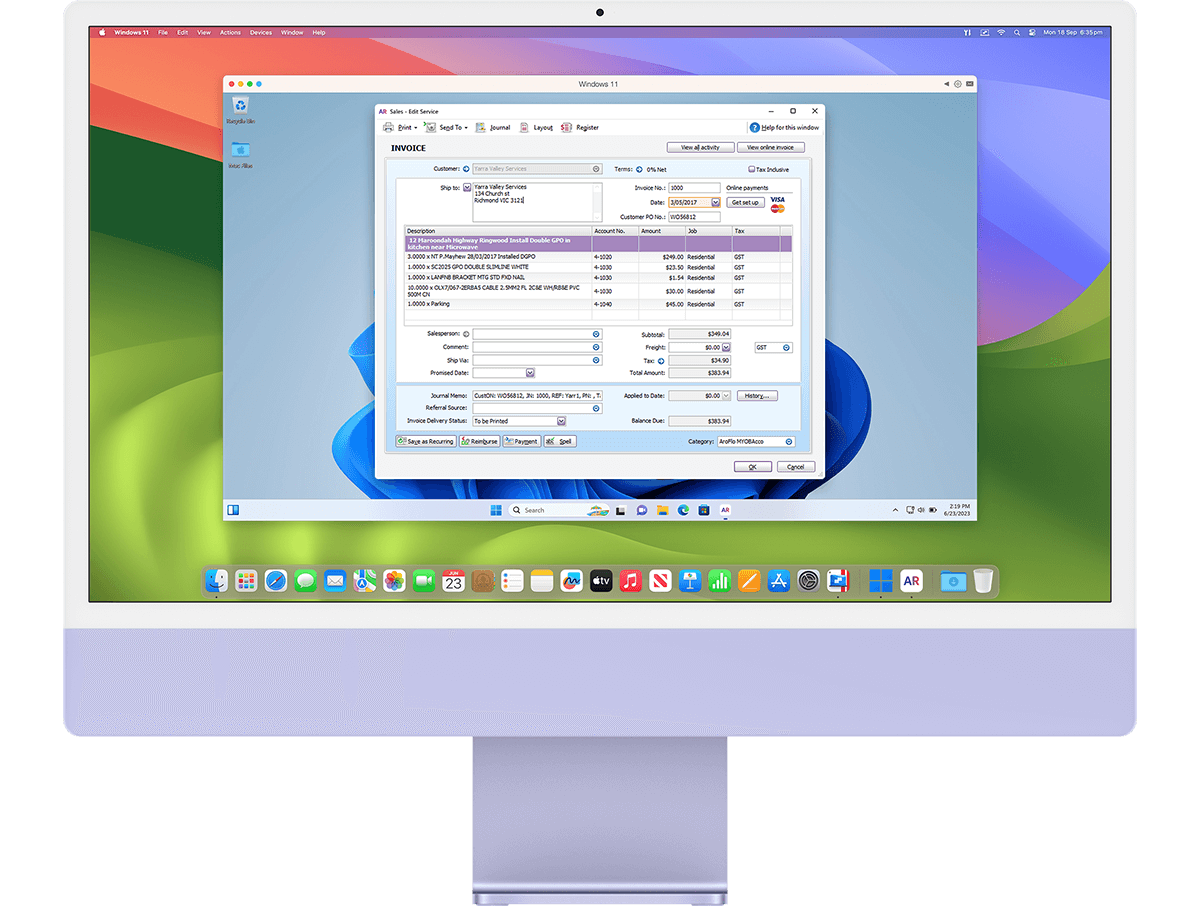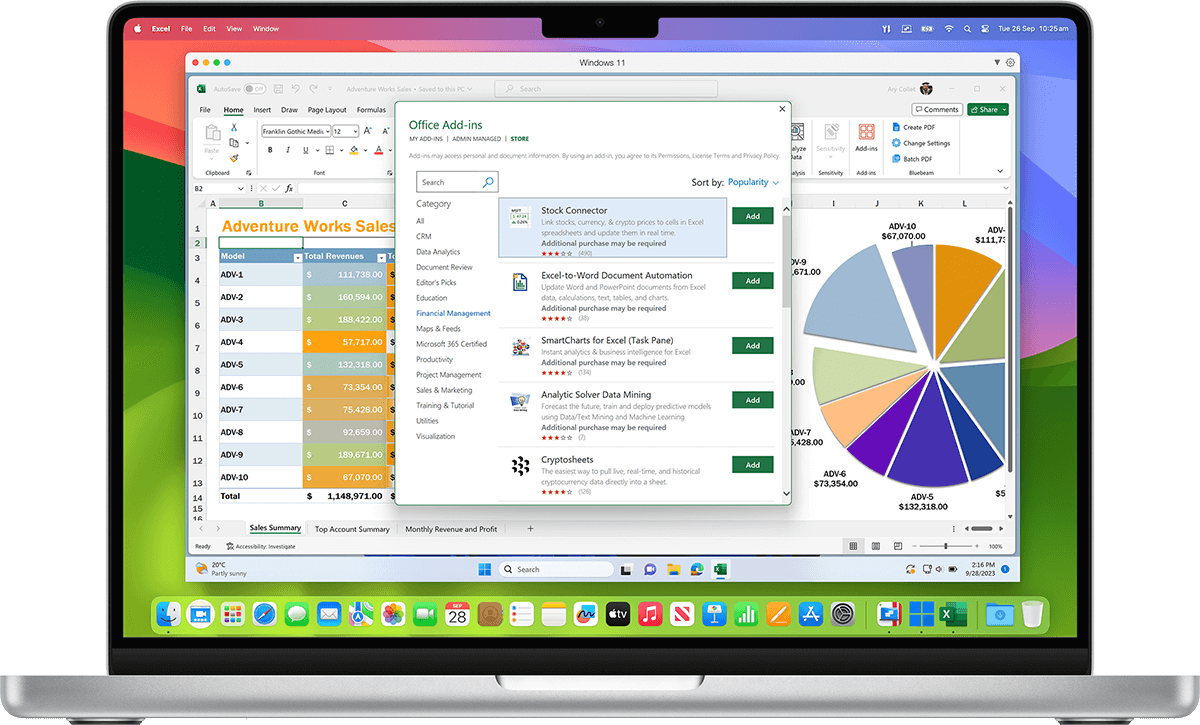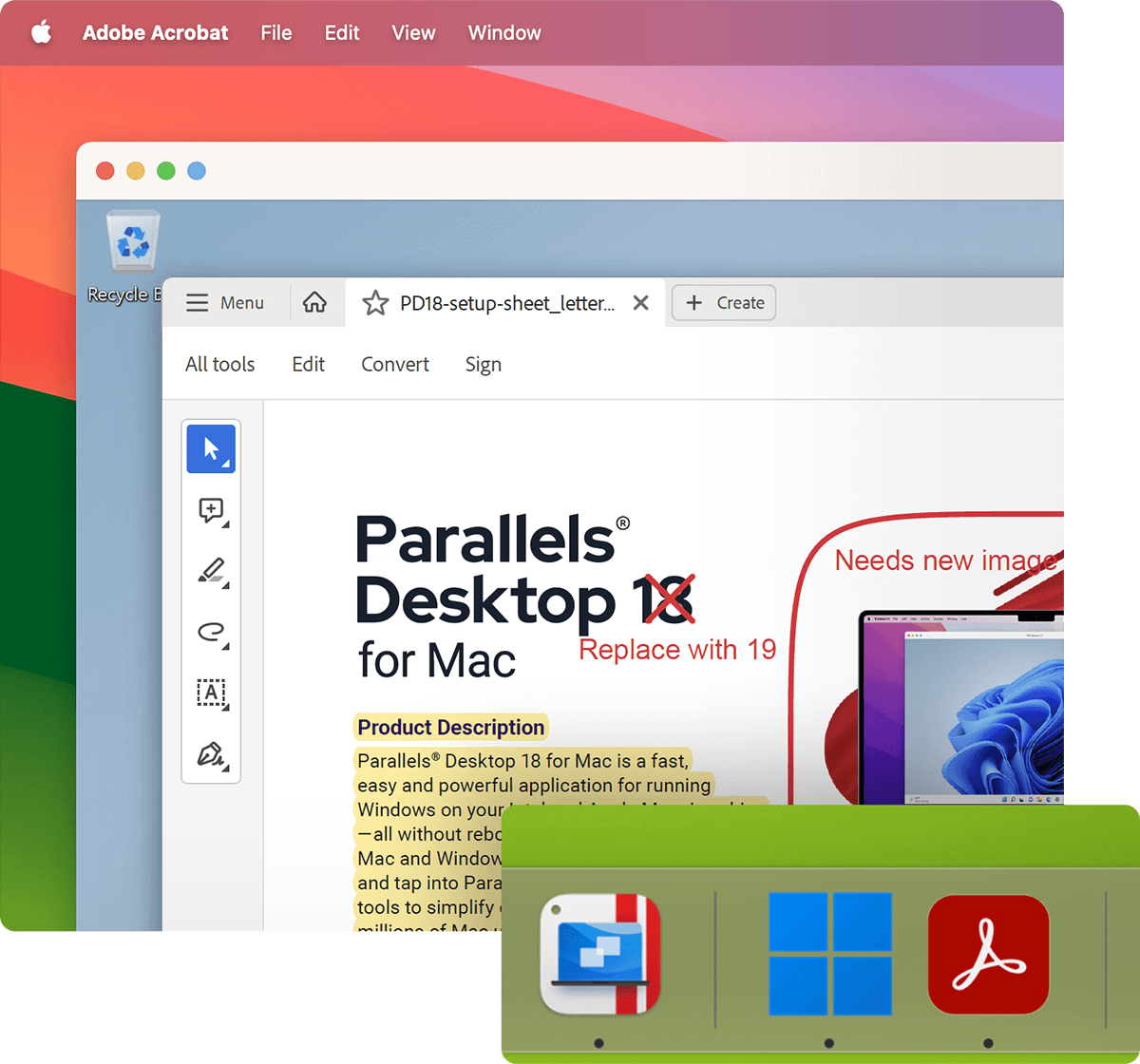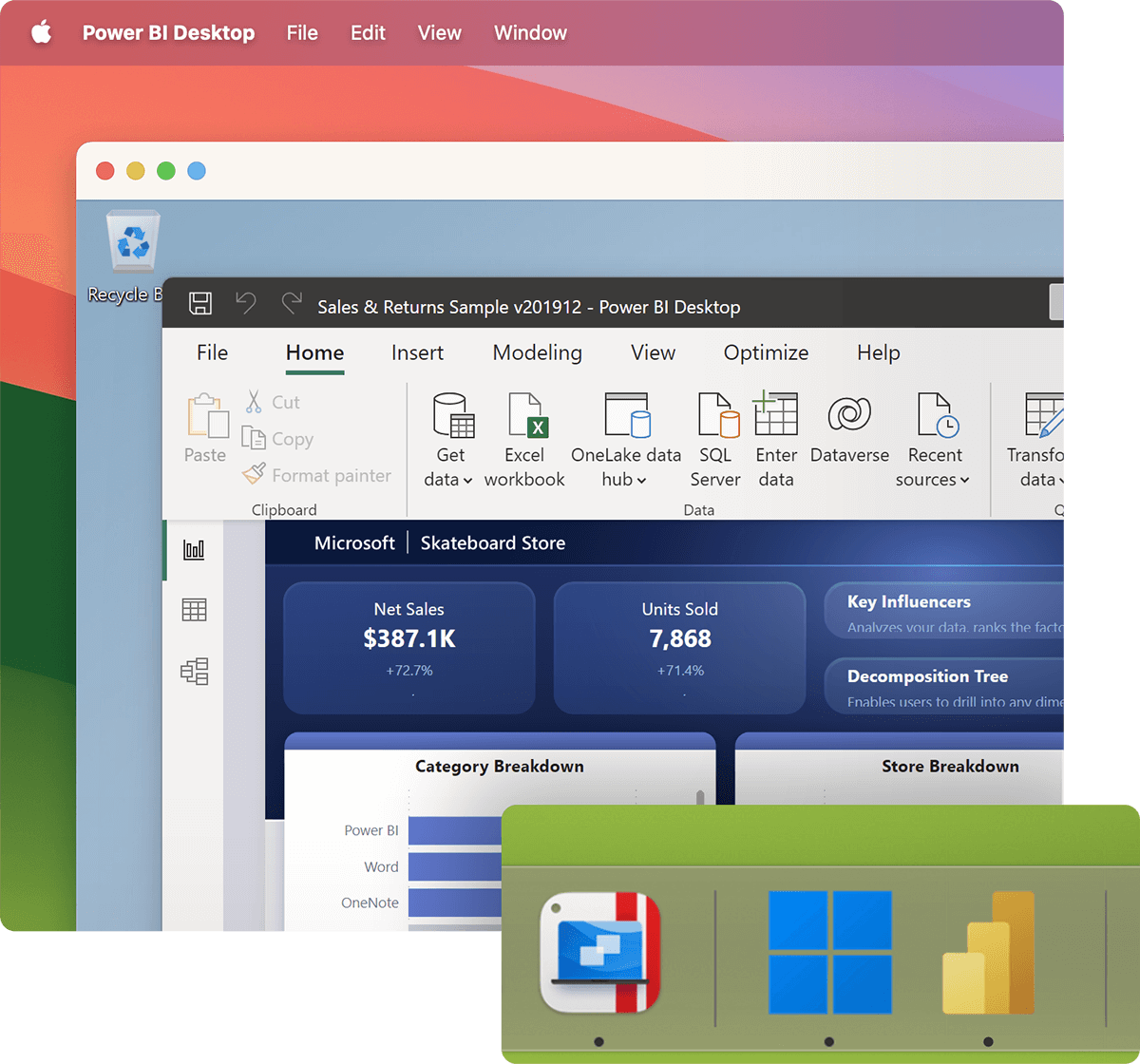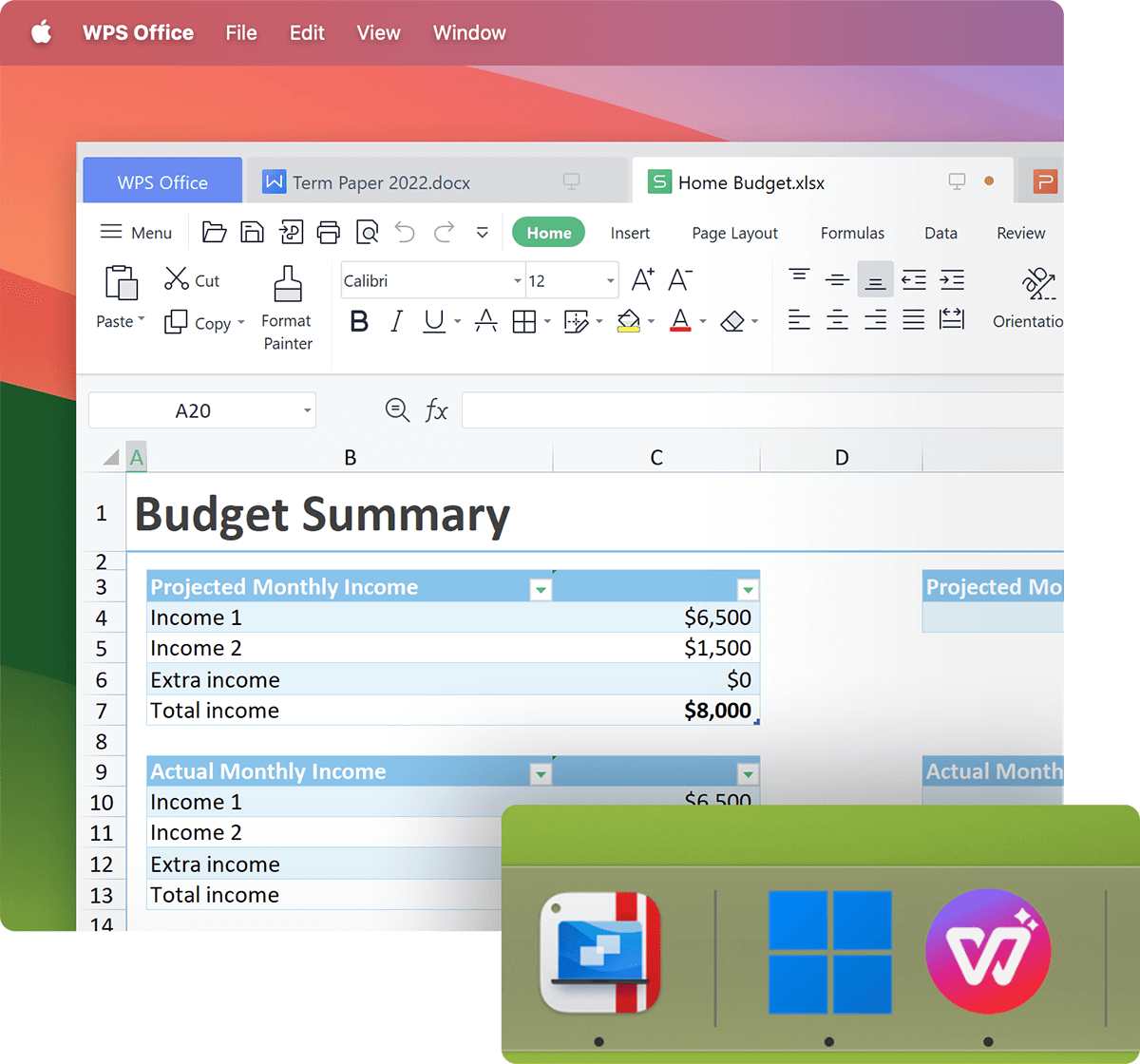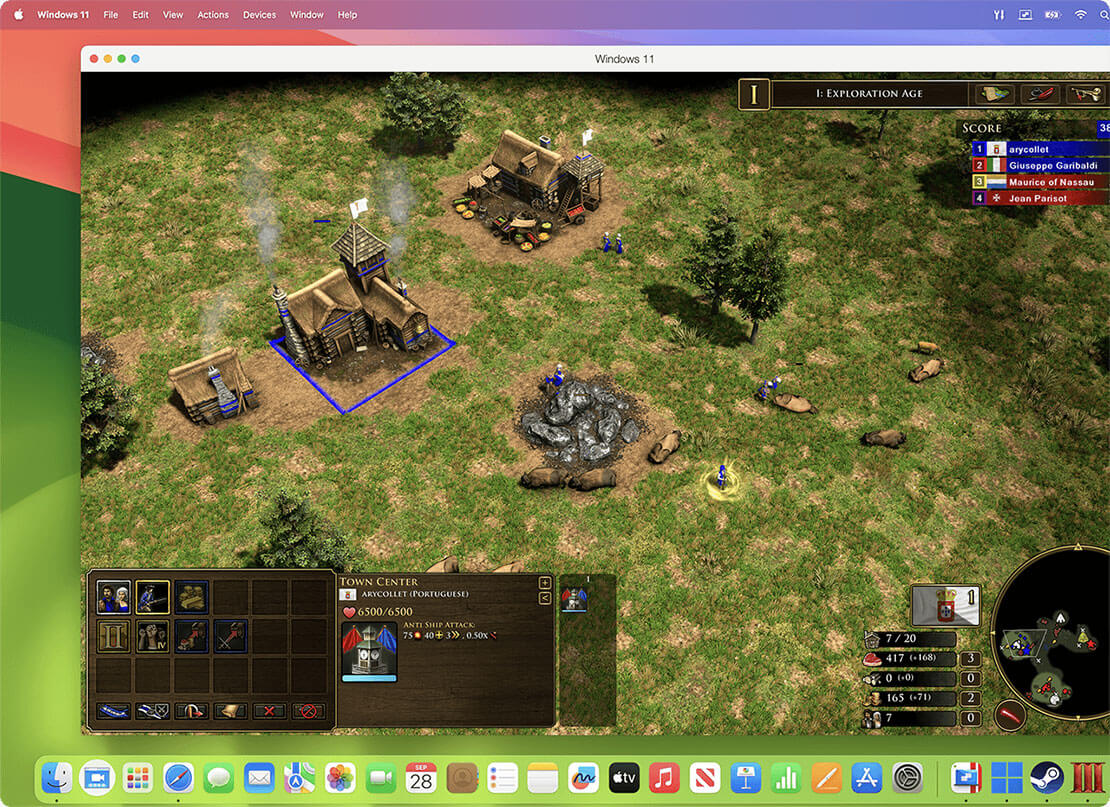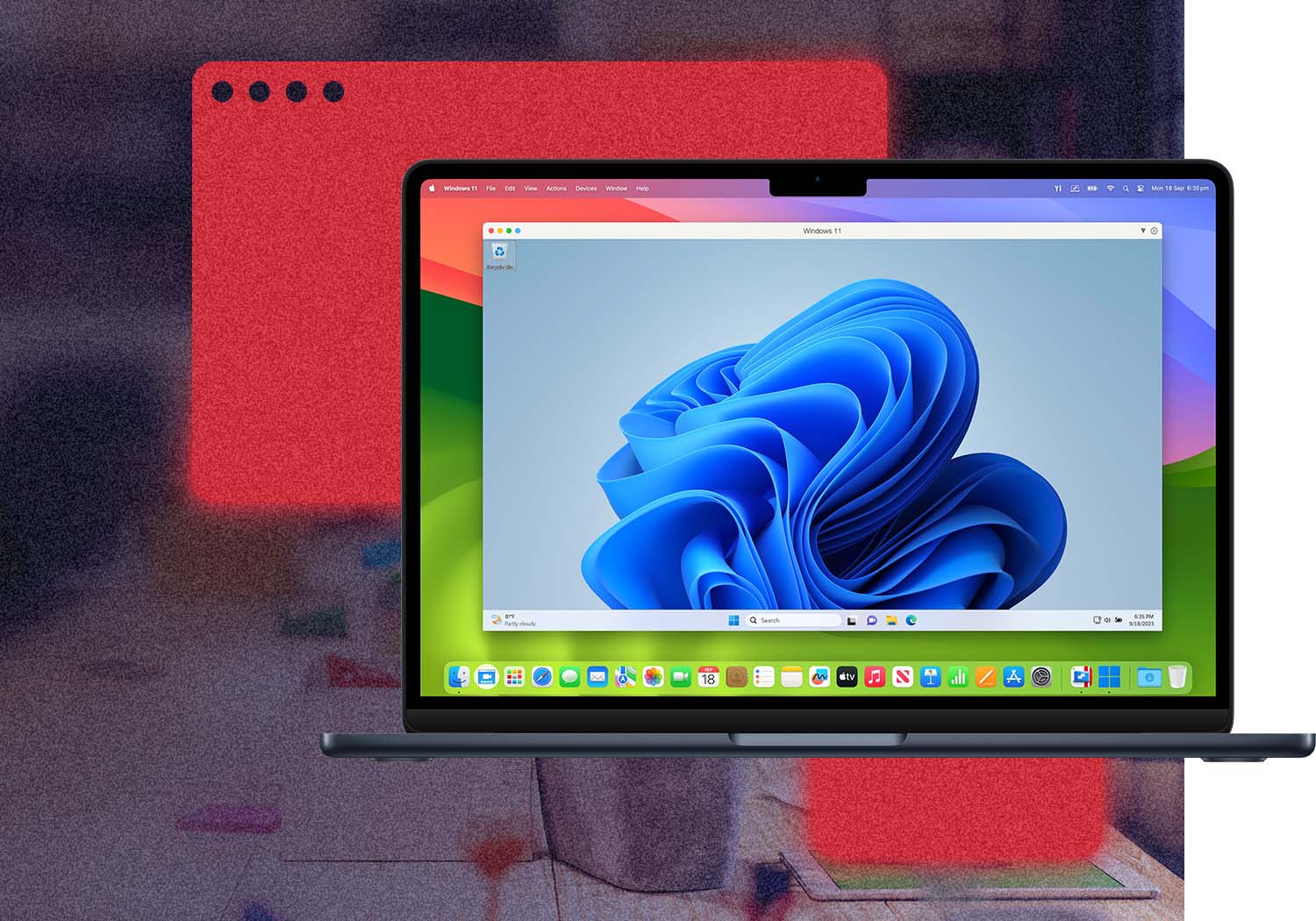
Parallels Desktop 8 for Mac is lets you seamlessly run Windows and Mac applications side-by-side, without rebooting.
Enjoy the latest Mountain Lion and Lion features in Windows apps, and remotely access your Windows and Mac programs from your iPad or iPhone with the Parallels Mobile app, available for purchase in the App Store.
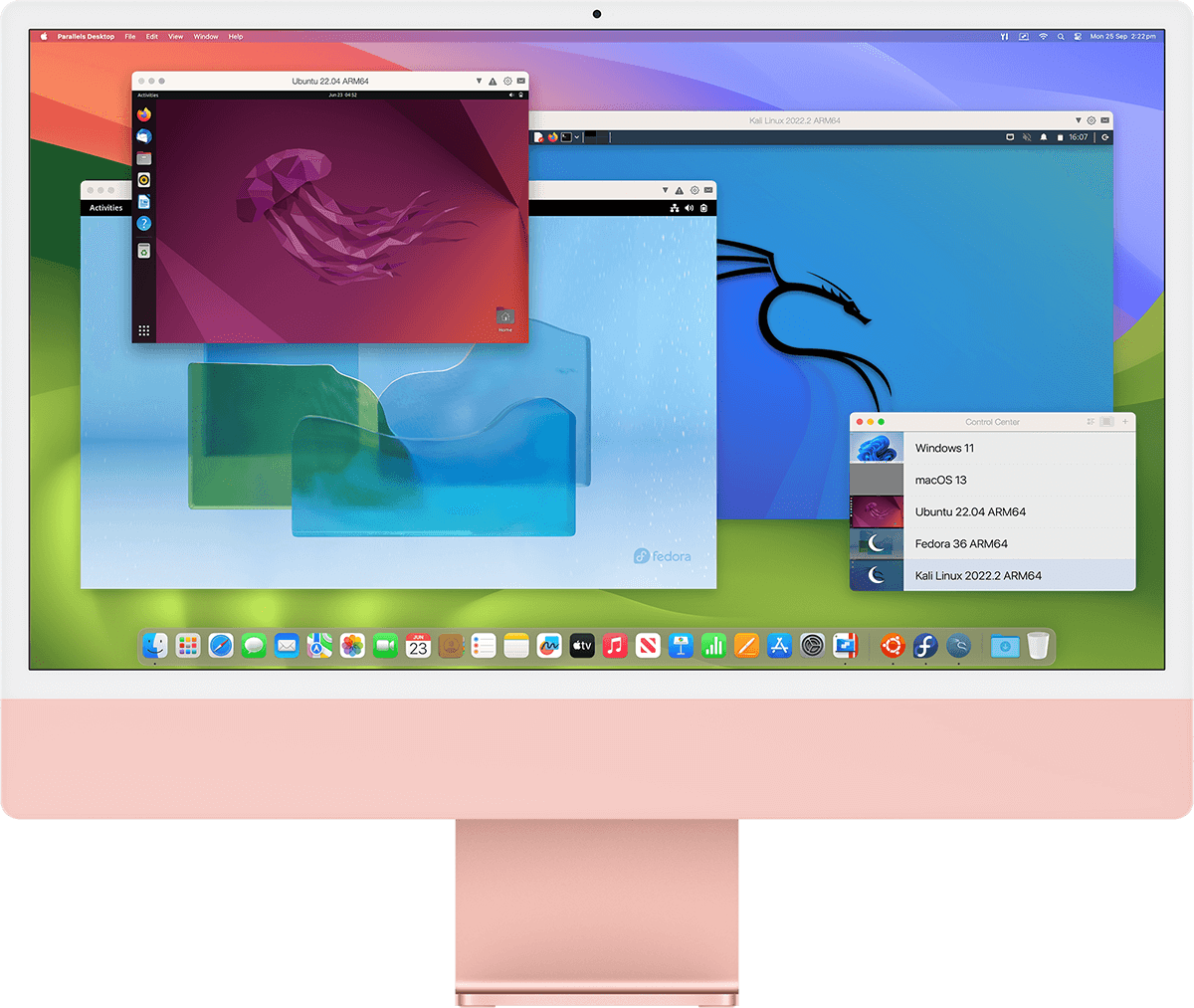
In addition to Windows 7, other OSes can also be run in Parallels Desktop 8 for Mac, including Windows 8, Windows Vista, Windows XP, Windows 98, Linux, and Google Chrome OS.
Parallels Desktop 8 for Mac is the virtualization solution that is the most powerful and flexible for users who need regular access to many apps on both Windows and Mac from a single machine without rebooting. From PC-only games to productivity software, Parallels Desktop 8 for Mac has you covered.
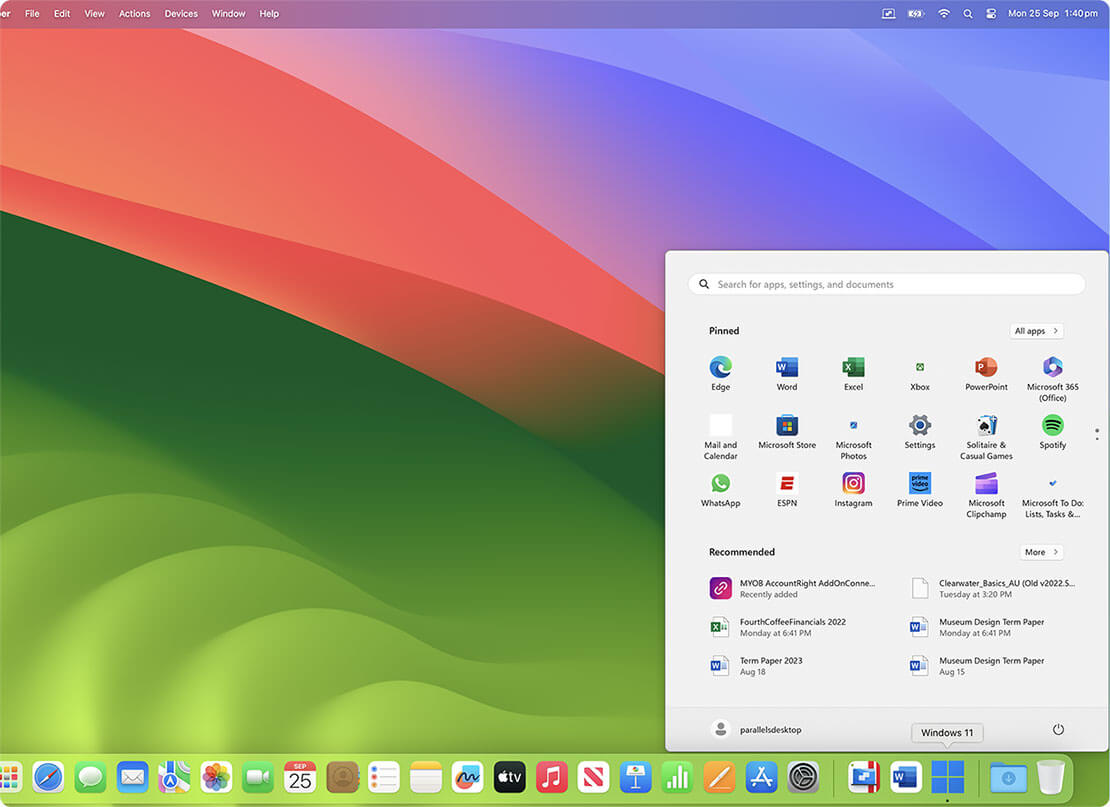
If you love the look & feel of Mac OS, make Windows invisible while still using its applications. If you're new to Mac, keep the familiar Windows background and controls on your Mac. Either way, run Windows and Mac applications side-by-side with no compromises in performance.
With full support of Windows 7 with its AERO graphics, Windows 8 as well as older versions of Windows, Parallels Desktop 8 for Mac is optimized for Mac OS X Mountain Lion. Mac OS X Mountain Lion and Lion features like Launchpad, Mission Control and gestures work in Windows applications, making them feel like they were made for Mac.
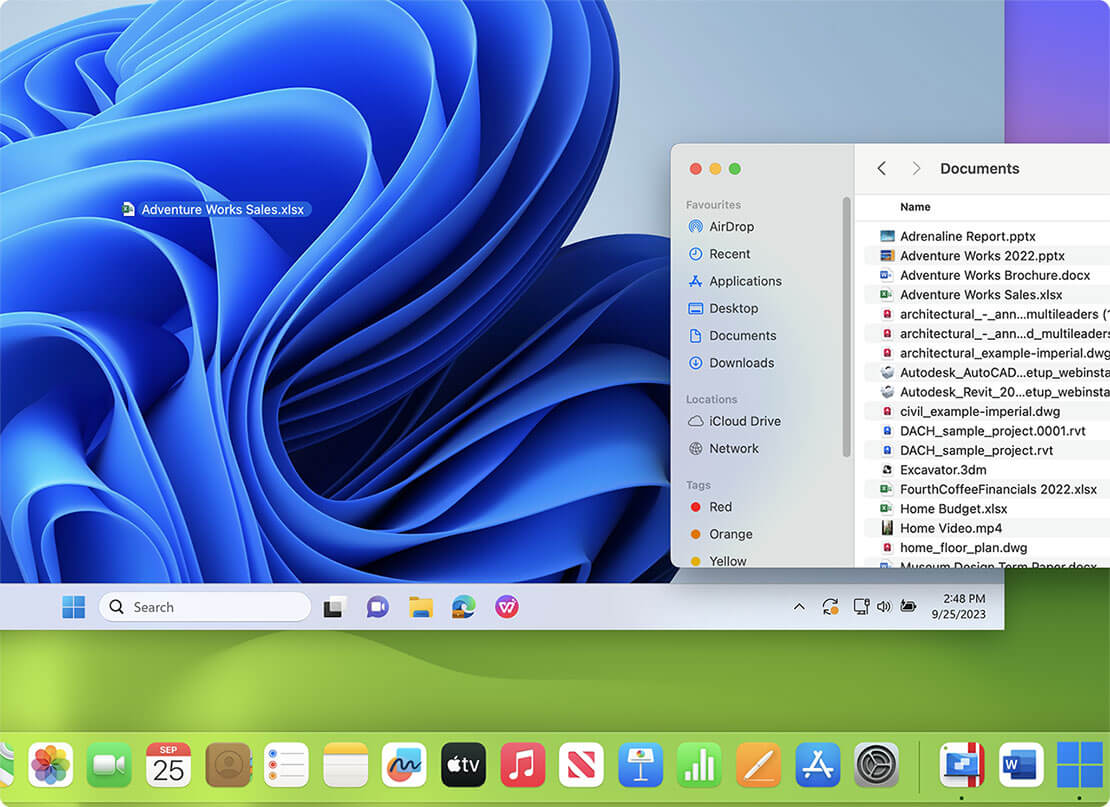
Parallels Desktop includes a feature called Coherence Mode, which hides the Windows desktop while displaying Windows applications. Windows still runs in the background, but is hidden from view. Windows applications appear in the Mac Dock, letting you switch between them without using the Windows interface. Isn’t that cool?
When no Windows applications are open, Parallels Desktop will pause, thus taking up very little system resources. Parallels Compressor is a feature that automatically compresses and defragments the virtual disk while you work for better performance.
On the go? You can remotely access your Windows and Mac programs from your iPad or iPhone with our Parallels Mobile app, available for purchase in the iTunes App Store. Parallels Mobile enables customers worldwide to seamlessly connect from their iPad or iPhone to the Windows applications available on their Mac. Parallels Mobile can start and stop Windows, so there is no need to keep Windows running.Parallels Desktop 8 works flawlessly inside Mountain Lion. My Windows 7 Ultimate VM in full screen mode in its own mission control desktop just works and that's exactly what I need it to do. No hassles, no fuss...just works. — Keith W., Powell, OH
Parallels Desktop for Mac works great. On medium graphics all the games I tested worked excellent. Thanks for making an excellent product! — Todd, @toddkelley, Twitter
I have been using Parallels 8 for a while now and the most important thing I can say is that it hasn't missed a beat. All of the features that caused me to switch from the "other" product are still there and there are some new things that I really like — Rick H.
Upgrade from Parallels Desktop 6 or 7 to
Parallels Desktop 8 for Mac for only $49.99
Retina Display is supported for both Mac and Windows apps
Use OS X Lion & Mountain Lion features like Launchpad and Mission Control with Windows applications
Get a more natural full screen experience for Windows apps with improved support for Spaces and Mission Control.
Now even your Mac Trash Can and Windows Recycle Bins are identical for only one Trash Can to manage.
Use the standard Mac OSX keyboard mapping to get the shortcuts you want in Parallels Desktop for Mac.
It’s easy to see how much hard drive space your virtual machine is using with a visual indicator and improved Snapshots.
The Presentation Wizard allows you to easily and beautifully show presentations from your Mac on any external monitor or projector.
Switch from Safari to the same web page in Internet Explorer with a single click when you try to view a page that doesn’t view correctly.
Easily monitor your Mac’s resources with the new graphical view of how much of your Mac’s processor and memory is being used by your virtual machine.
Seamlessly share Bluetooth devices between Mac and Windows just like with the FaceTime HD camera
Crystal view mode improvements make it easier than ever to access the full power of Crystal view mode.
Improved support for Mac OS X guests give you a more complete experience when running Lion or Mountain Lion in a guest.
Parallels Desktop is consistently ranked as the world’s #1 virtualization software — its award winning history is second to none! See what others have to say.
Head-to-Head: How do VMware Fusion 5 and Parallels Desktop 8 for Mac compare?
In the vast majority of our overall tests, Parallels Desktop 8 won. …If you look at all the tests, including the 3DMark06 detailed tests, Parallels won over 68% by 5% or more, 56.9% of the tests by 10% or more, and 31.7% by 25% or more.
Parallels Desktop has power management features that stretch your battery life. On the MacBook Pro, we saw about 40% more battery time…Parallels ran Windows 8 about 40 minutes longer as well before running out of juice.
Wall Street Journal: Walt Mossberg
In my reviews of the last couple of editions of Parallels and Fusion, I've found Parallels, which claims about 70% of the Windows-on-Mac market, superior.
I never had a crash or observed any strange behavior in Windows 8 using Parallels 8, while Fusion 5 froze my Mac three times and caused some text in Windows 8 to disappear.
I can recommend Parallels 8 as a good solution for running Windows on a Mac simultaneously with Mac programs, and especially for Mac users who want to also use Windows 8 later this fall, or experiment with the pre-release version.
Parallels Desktop 8 Vs 7: Should You Upgrade?
In short, if you are using virtualization regularly, the answer is a resounding yes. There’s a feel to the environment that is just smoother across the board, and the faster boot time, disk performance, and graphics are both welcome and noticeable.
Parallels 8 is a clear winner vs. VMware Fusion 5 in Ars shootout
Parallels 8 out-gunned VMware across the board (as previous benchmarks have shown) performance-wise and adds full support for Retina displays and dictation among other features.
Parallels Desktop 8 vs. VMware Fusion 5: Benchmark Showdown
In terms of DirectX 9 performance, Fusion falls about eight to ten percent short of Parallels in all areas of the benchmark’s measurement.
From a purely performance-based perspective, Parallels has won this year’s competition of virtualization software on OS X.
Seven 'must-have' apps for your new Mac
...the Boot Camp software only allows me to have access to one operating system at a time. By installing Parallels Desktop, I can access applications and data stored in other operating systems, including Windows 8, Windows 7, Linux, and even Android. This gives me access to a wide range of operating systems from my Mac.
Parallels Desktop 8 update enhances support for Windows 8
Parallels Desktop 8 for Mac on a MacBook Pro with Retina display is one of the best ways to run Windows 8. It enables people to experience Windows 8 on a Mac with the most vivid Retina resolution of 2880-by-1800 pixels, but with more readable text and graphics.
Parallels offers a simple and flexible volume licensing program that rewards businesses, academic, non-profit and government organizations for volume purchasing. Realize deeper IT savings and get the best value from your software investment with a Parallels Volume Licensing Program.
Volume Licensing Program
A Parallels Volume Licensing Program offers a simple and flexible approach to acquire the latest Parallels technologies and ensure your IT investment is protected. Licensing plans are available in the following options:
Based on the size of your organization, a customized volume licensing program can address network computing requirements and purchasing preference while delivering a cost-effective and scalable solution. In addition, volume licensing allows organizations to acquire product licenses and maintenance plans, for a cost-effective and simple approach to acquiring the latest Parallels software.
Parallels Desktop 8 for Mac supports OS X Mountain Lion as a host and guest virtual machine (VM).
Older versions of Parallels Desktop (versions 4, 5 and 6) will not run on Mac OS X Mountain Lion, so we recommend that customers upgrade to Parallels Desktop 8 if they plan to run Mountain Lion. To learn more about new OS X Mountain Lion hardware and software compatibility please refer to this article: http://kb.parallels.com/pdtop10
Customers who purchased a copy of Parallels Desktop 7 for Mac from Parallels or an authorized reseller on or after July 25, 2012 are eligible to request an upgrade to the next version of Parallels Desktop for Mac at no additional cost: Parallels Desktop for Mac Tech Guarantee 2012
To learn about installing Windows OS, please refer to this article for complete details: http://kb.parallels.com/4729.
To learn about the Parallels Desktop for Mac support options please check the following KB article: http://kb.parallels.com/6571
The latest build of Parallels Desktop 7 for Mac is compatible with the previews of Windows 8. Please visit http://kb.parallels.com/112443 for more information on Parallels Desktop for Mac and Windows 8.
To learn about activation, please refer to this article for complete details: http://kb.parallels.com/114585.
To learn about what to do if you can't start your virtual machine, please refer to this article for complete details: http://kb.parallels.com/113964.
To learn more about what to do the Windows installation fails, please refer to this article for instructions: http://kb.parallels.com/112940.
To learn about migrating your PC, please refer to this article for complete details: http://kb.parallels.com/113269.
Please check the following KB article to learn more about upgrading to Windows 7, http://kb.parallels.com/113266.
The award-winning Parallels Desktop is the most tested, trusted and talked about way to run Windows on the Mac with more than a dozen awards for its excellence.
MOST TESTED, TRUSTED
AND TALKED ABOUT*
* Reviews and awards cited may be for previous versions of Parallels Desktop for Mac.