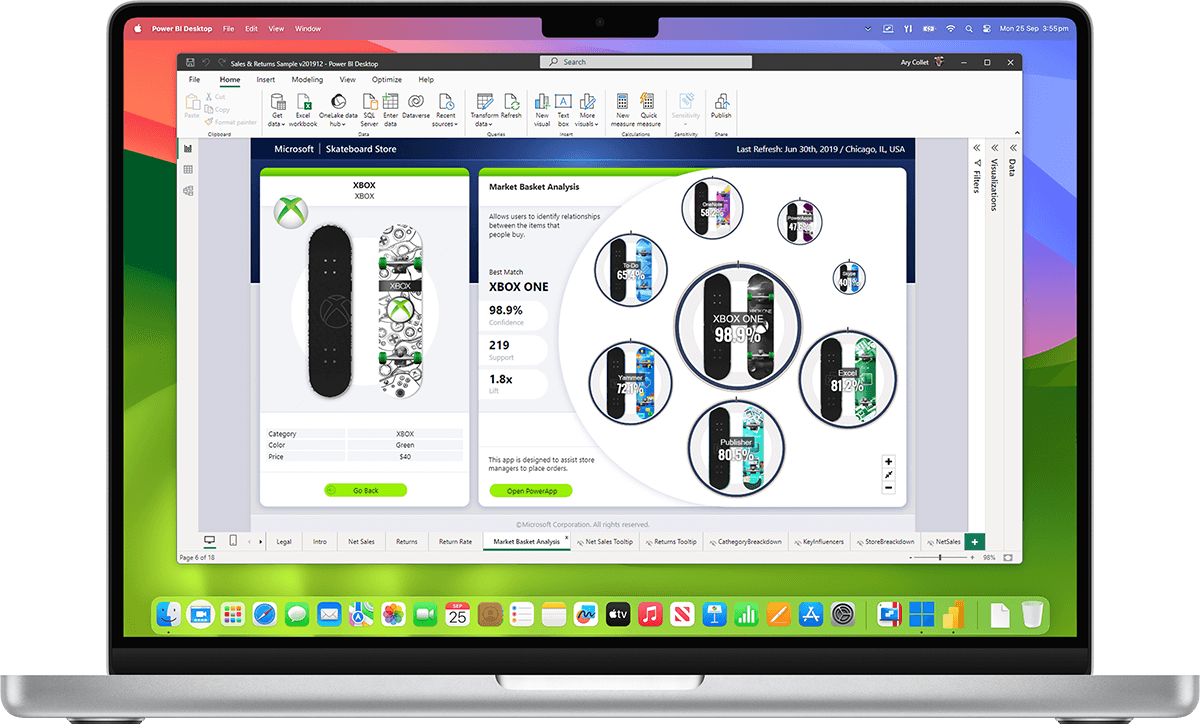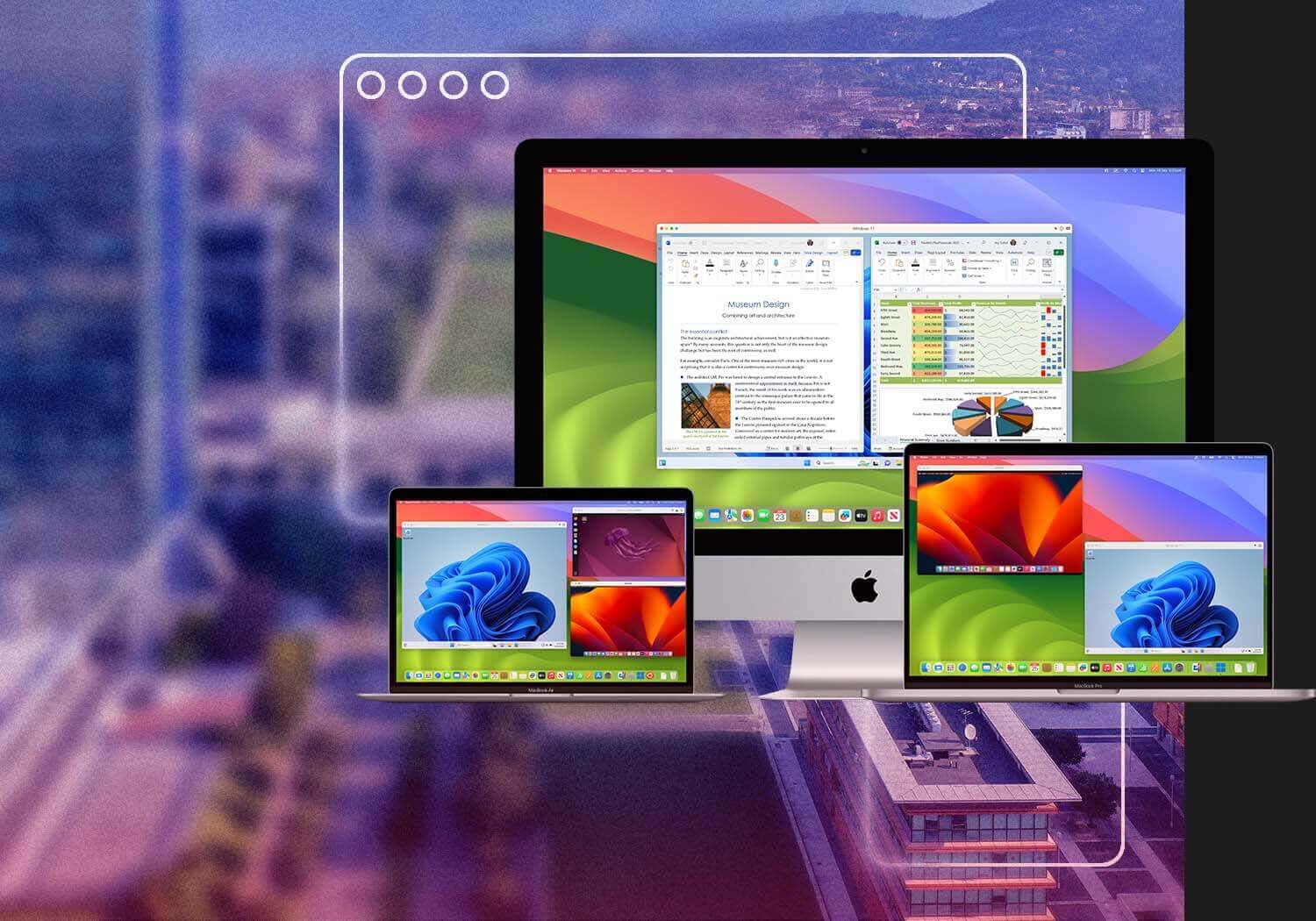
Parallels Desktop for Mac Enterprise Edition provides IT administrators the ability to support Windows-based applications for Mac users with a configurable, policy-compliant solution that easily fits into existing IT business processes. Say YES to Macs while meeting your internal requirements.
With the ability to support corporate policy compliance, simplification of mass deployments and streamlining of the business user experience, Parallels Desktop for Mac Enterprise Edition is built on the world’s best-selling, top-rated, most-trusted solution for running Windows applications on the Mac.
Large-scale deployment of
Parallels Desktop for Mac
With the Enterprise Edition, IT departments can support the Macs that business units want, while maintaining compliance to company standards.
Seamlessly run Windows-based business applications on the Mac
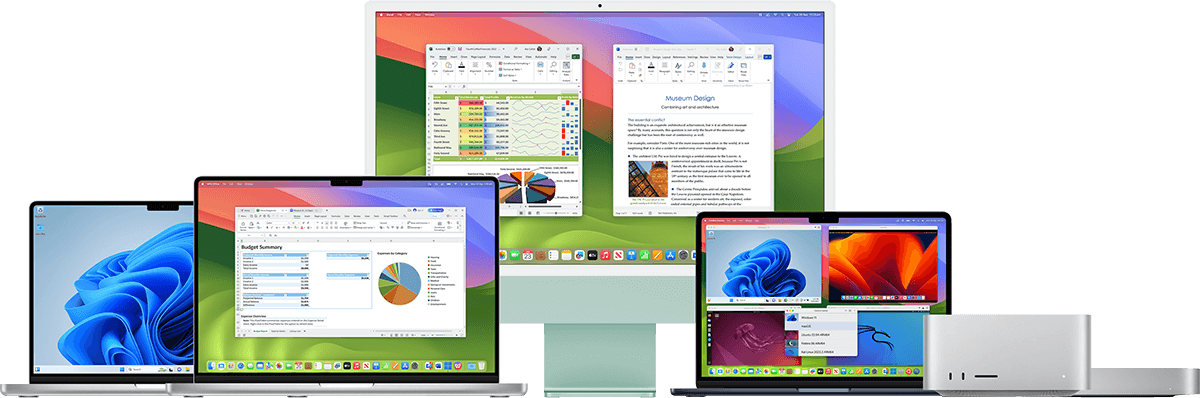
With Parallels Desktop for Mac, your Mac users can seamlessly run both Windows and Mac OS X applications side-by-side with speed, control and confidence. Business users can experience as much or as little Windows as they want. Multiple view modes make it possible for users to customize the level of integration between Mac and Windows without compromising performance.
Configurable, Policy-compliant solution
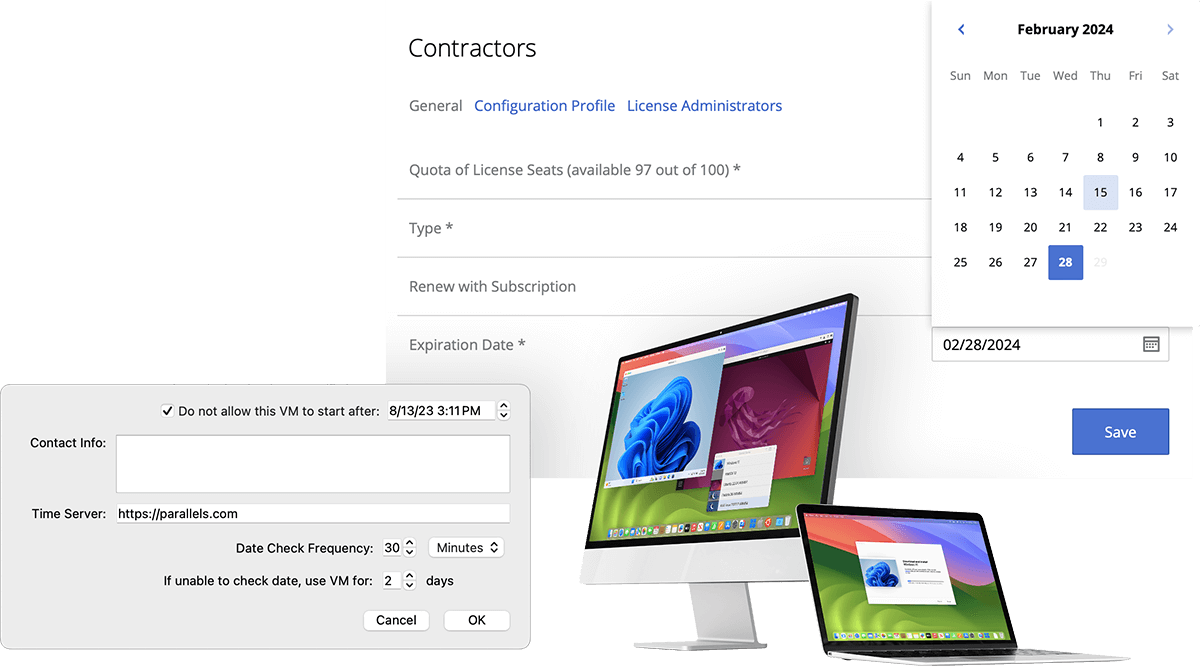
Meet policy compliance guidelines through the streamlined business GUI and enhanced mass configuration capabilities of the Enterprise Edition. Enforce corporate change management policies with a software update policy and optional local update server.
Easily fit into existing business processes
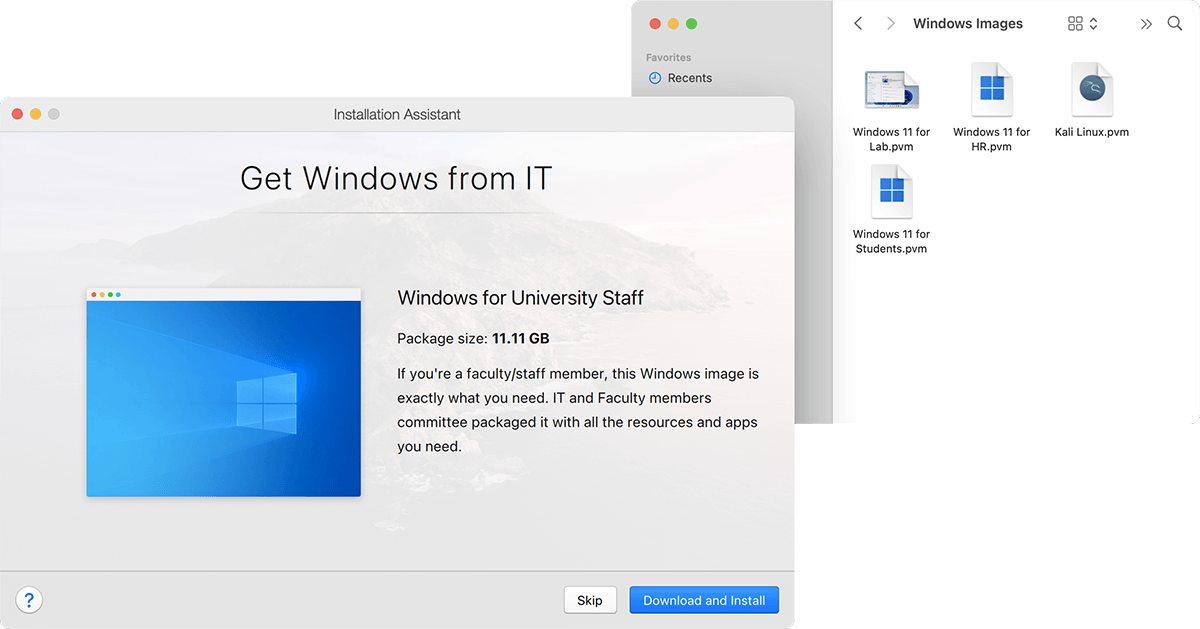
Simplify administration with Parallels Desktop Mass Deployment Application for lights-out deployment capabilities reducing the time and expense to roll out the solution. Deploy and manage Parallels client software & virtual machines through standardized Mac software distribution and systems management tools.
Simplify licensing compliance
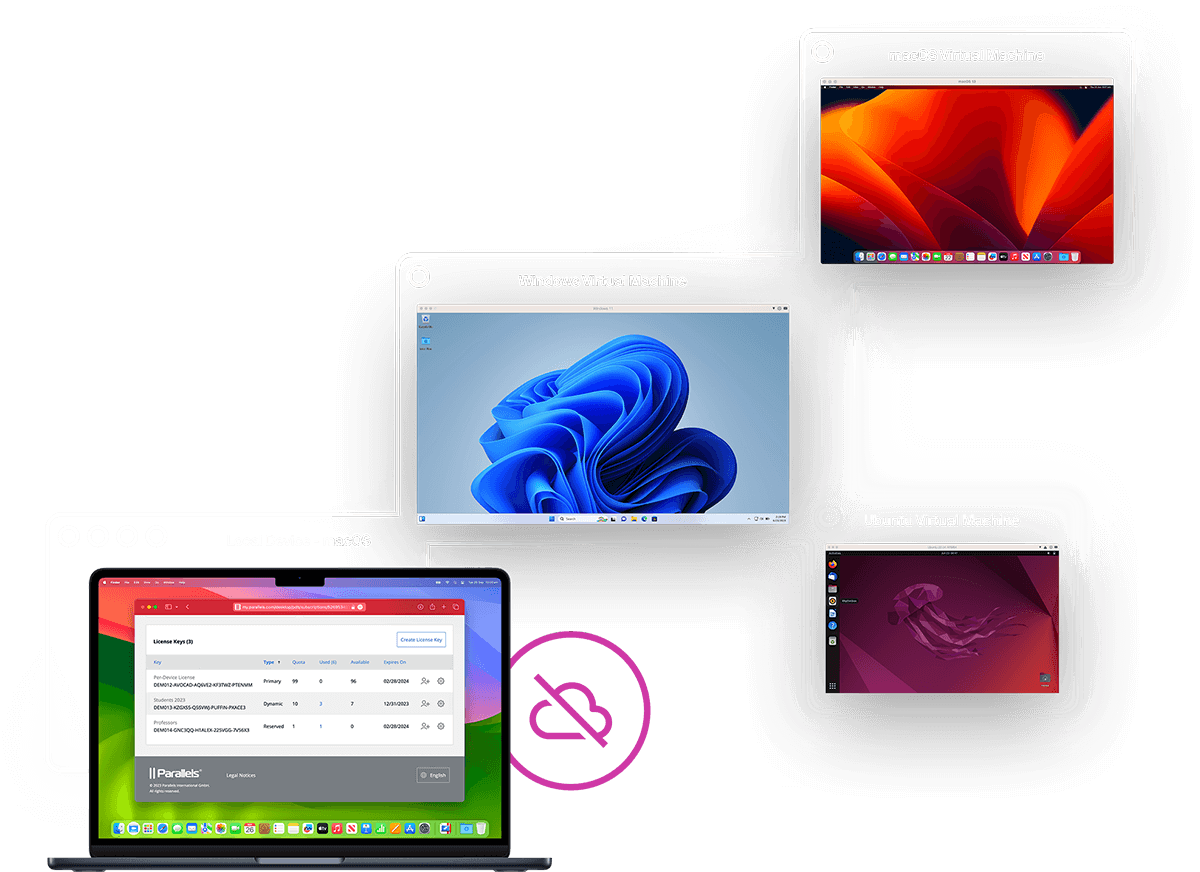
Simplify license compliance and auditing across the company with a unified Parallels Desktop for Mac volume license key. This license key ensures business support entitlements and access to the latest software updates and versions without the burden of managing individual endpoint licenses.
All-inclusive subscription license
Parallels Desktop for Mac Enterprise Edition subscriptions are an all-inclusive offering. This offering includes business class support with priority phone and email access, ongoing software updates, major version upgrades and access to beta software. Enterprise Edition customers also have the opportunity to participate in our Gold Customer Council providing feedback and suggestions for future improvements.
Enterprise Edition eligibility
A minimum of 100 annual subscriptions is required to qualify for an Enterprise Edition subscription agreement. If you need fewer than 100 subscriptions, click here for information on our volume licensing pricing starting with as few as 10 licenses.
Parallels Desktop for Mac Enterprise Edition starts with the world’s best-selling, top-rated, most-trusted solution for running Windows applications on the Mac, then adds new capabilities to support corporate policy compliance, simplification of mass deployments and streamlining of the business user experience.
| Parallels Desktop 7 for Mac | Standard Edition | Enterprise Edition |
|---|---|---|
| World’s most powerful, best-performing solution for running Windows applications on a Mac without rebooting | ||
| Drag & Drop and Copy & Paste between Mac and Windows applications | ||
| Use the Parallels Mobile app for iPhone, iPad and iPod touch to remotely access both your Mac and Windows applications | ||
| Award-winning Kaspersky security and an anti-virus software for Windows and Mac* | ||
| Backup software included** | ||
| Simple deployment with unified volume license activation key | ||
| Customized in-product “Request Support” option | ||
| Configurable software update policy and local update server option | ||
| Business class support with 24/7 priority phone and email access | ||
| All-inclusive annual subscription license |
*90-day complimentary subscription plus special offer; Requires software download.
**For Windows only.
| Document Name | Format |
|---|---|
| Readme for Parallels Desktop | PDF | RTF |
| Getting Started With Parallels Desktop | |
| Parallels Desktop User’s Guide | PDF | ZIP |
| Parallels Mobile User’s Guide | |
| Parallels Python API Reference | |
| Parallels C API Reference | |
| Parallels Desktop Advanced VM Configuration | |
| Parallels Command Line Reference Guide | |
| Parallels Virtualization SDK Programmer’s Guide | |
| Mass Deployment of Parallels Desktop |
Product box shots, screen shots, briefing documents and press releases are available for journalists and analysts – please contact us.
Outside of the USA, please find your local press contact here.
| Document Name | Format |
|---|---|
| PDfM7 Enterprise Box Shot | JPG |
| Parallels Desktop 7 for Mac Makes Windows Programs Roar Press Release | DOCX |
| New Parallels Mobile App for iPad, iPhone and iPod Touch Press Release | DOCX |
The hardware requirements for Parallels Desktop for Mac Enterprise Edition are:
Note: Mac OS X Tiger v10.4.x is not supported in this version of Parallels Desktop.
To get information about your Mac OS X version, type of processor, and amount of memory, choose About This Mac from the Apple menu.
32-bit:
64-bit:
* – Virtual machine operating systems - such as Windows, Linux, and Solaris - are not included.
What people are saying...
"As Macs become increasingly more prevalent in the workplace, there is a growing need for Mac users to run essential Windows applications that are critical to their business..."
Laura DiDio
Principal of research firm Information Technology Intelligence Consulting
© 1999-2012 Parallels Holdings Ltd. All Rights Reserved. Terms of Use | Privacy Policy
Parallels is a global leader in hosting and cloud services enablement and desktop virtualization. Founded in 1999, Parallels is a fast-growing company with more than 850 employees in North America, Europe and Asia.