




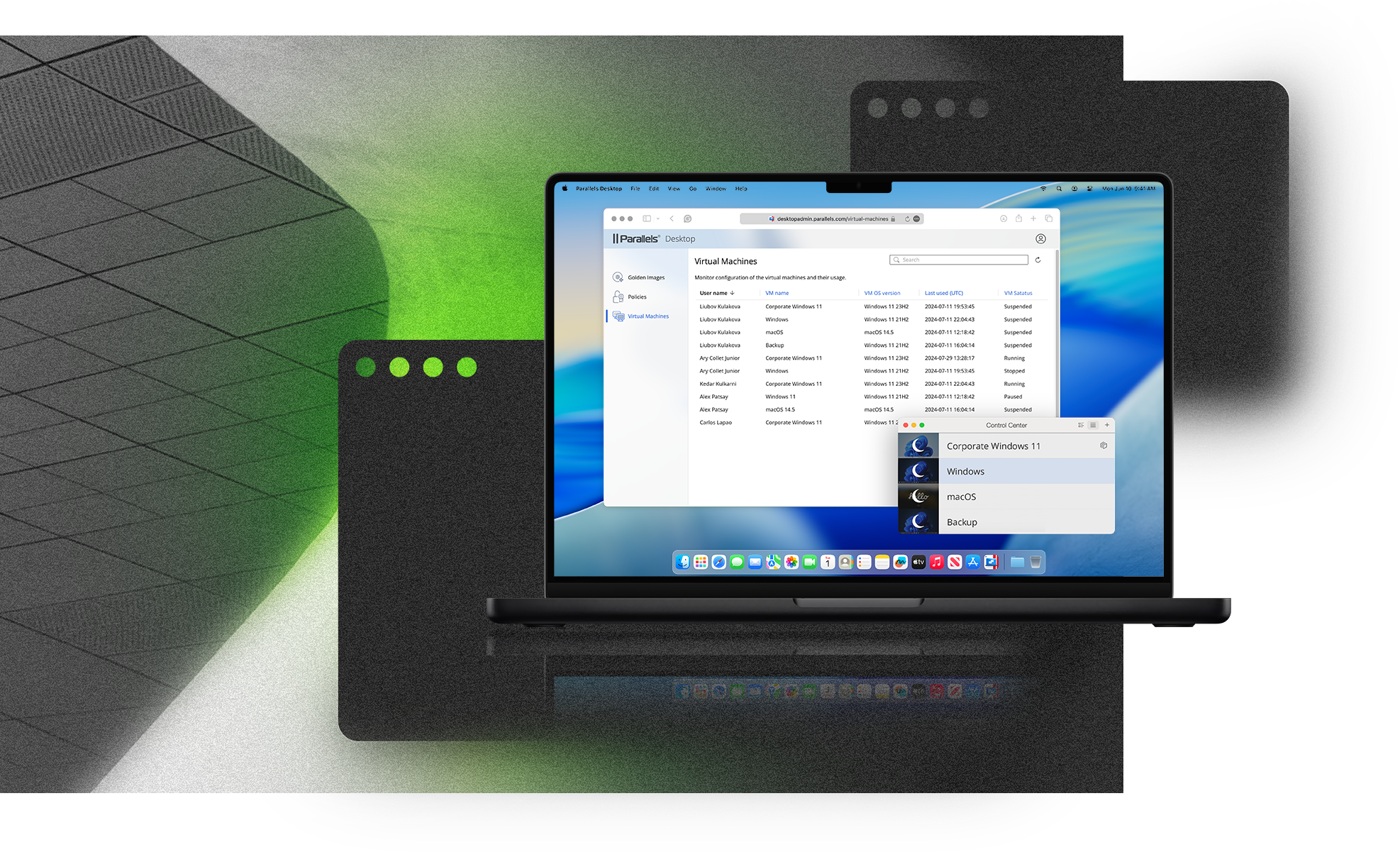
Parallels Desktop for Mac Enterprise Edition
Deliver Enterprise Applications and VMs to Macs at Scale
Give employees access to the Windows, legacy, and proprietary applications they need on a single, managed Mac. Parallels Desktop for Enterprise combines on-device virtualization with centralized deployment, security, and lifecycle control for IT.


Trusted by leading enterprises worldwide






Solutions for every industry
Organizations across all industries rely on Macs for their performance, security, and user experience. Parallels Desktop helps teams extend those capabilities to support more applications, operating systems, and development environments.






Provide secure, reliable access to mission‑critical applications, including emergency call centers and first‑response units, ensuring continuity and readiness when it matters most
Parallels Desktop DevOps plugin for Visual Studio Code enables developers to build, test, and run apps across multiple operating systems while streamlining CI/CD workflows
Provide a unified platform for modern IT, with enterprise-ready deployment, optimized management, and enterprise-grade security
Enterprise Application and VM Delivery
Deliver Enterprise Applications
Give users secure access to Windows, legacy, and proprietary applications while simplifying the end-user experience.
Standardize Deployments
Use Golden Images and VM catalogs to give users consistent, secure environments with the same applications, settings, and policies.
Manage at Scale
Deploy, monitor, update, and govern virtual machines and application environments from a centralized platform.
Secure by Design
Protect corporate environments with identity integration, encryption, and policy-based controls. SOC 2 and SOC 3 certified.
Features built for enterprises





Premier Support
Get priority access to technical experts, faster response times, and guidance for deploying and managing Parallels Desktop for Enterprise across your organization.
Learn more
Designed for Enterprise IT
Enjoy the peace of mind and 24/7 support you get from a Microsoft-authorized solution. Get everything you need in a single streamlined Management Portal.
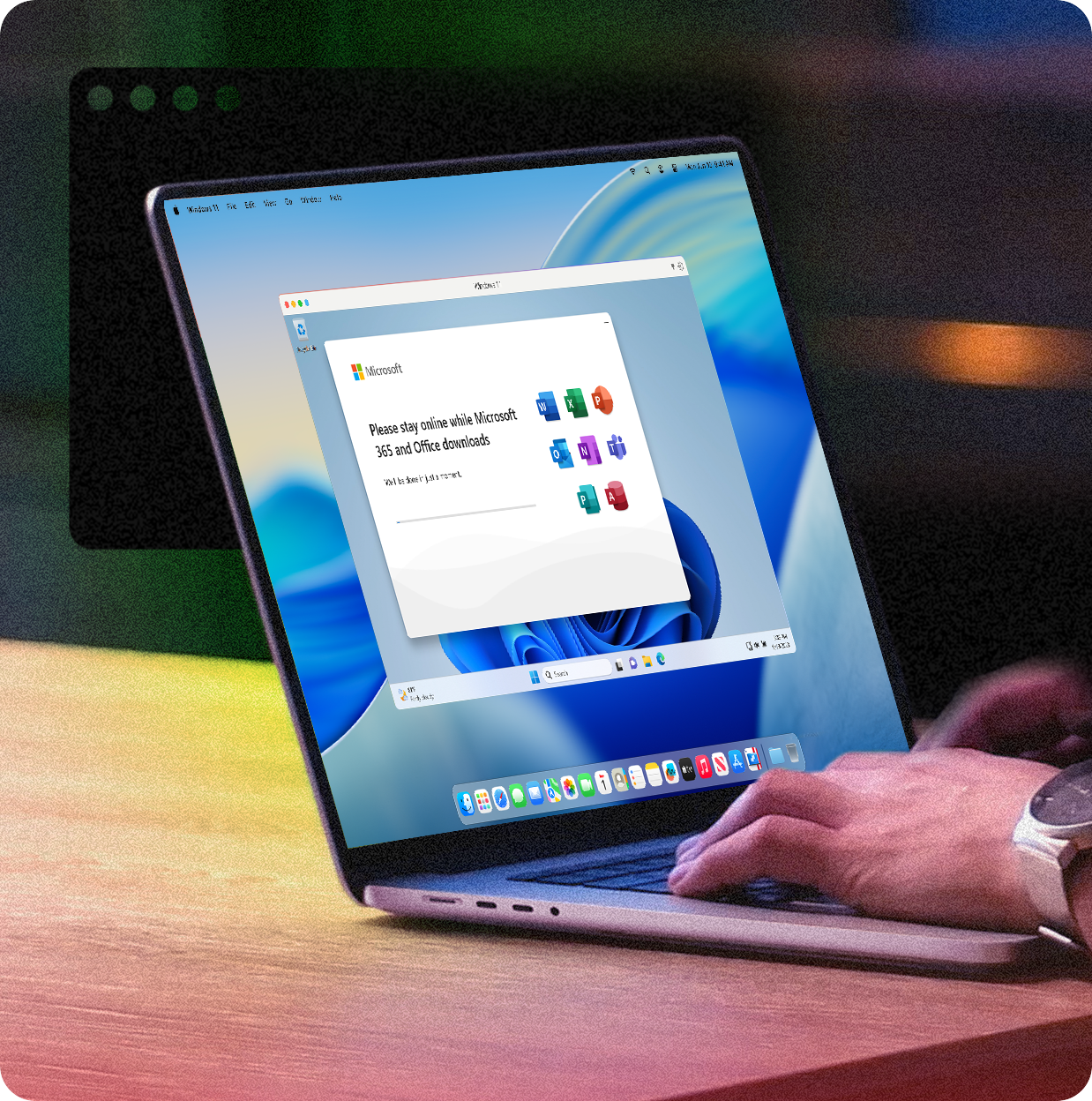
Rely on a trusted Microsoft-authorized solution for running virtualized Windows environments on Mac, ensuring full compatibility, support, and compliance with Microsoft’s standards.
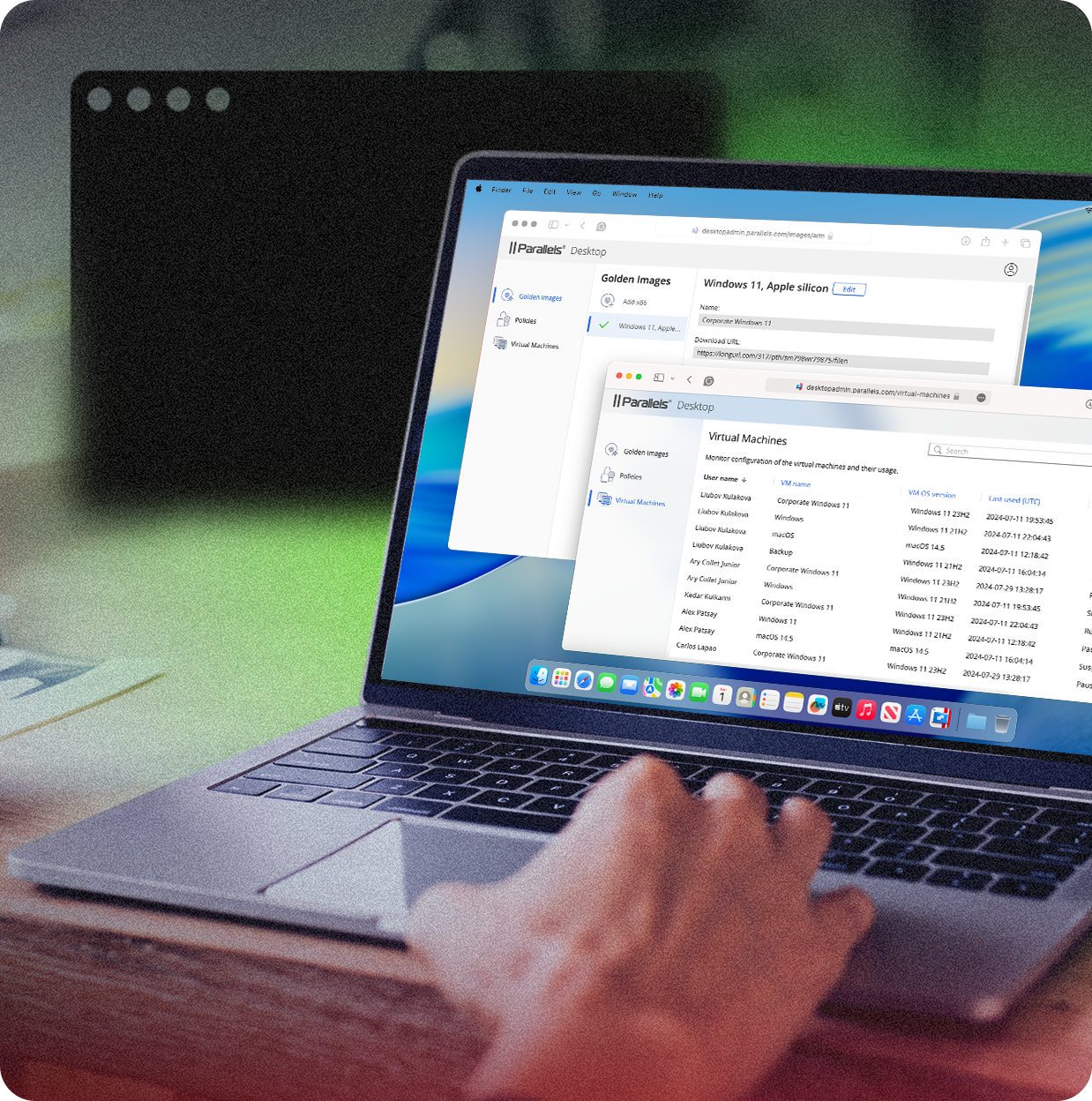
Learn moreGet priority support, a dedicated account manager, and expert onboarding with system engineers to ensure a smooth deployment and ongoing success with Parallels Desktop.
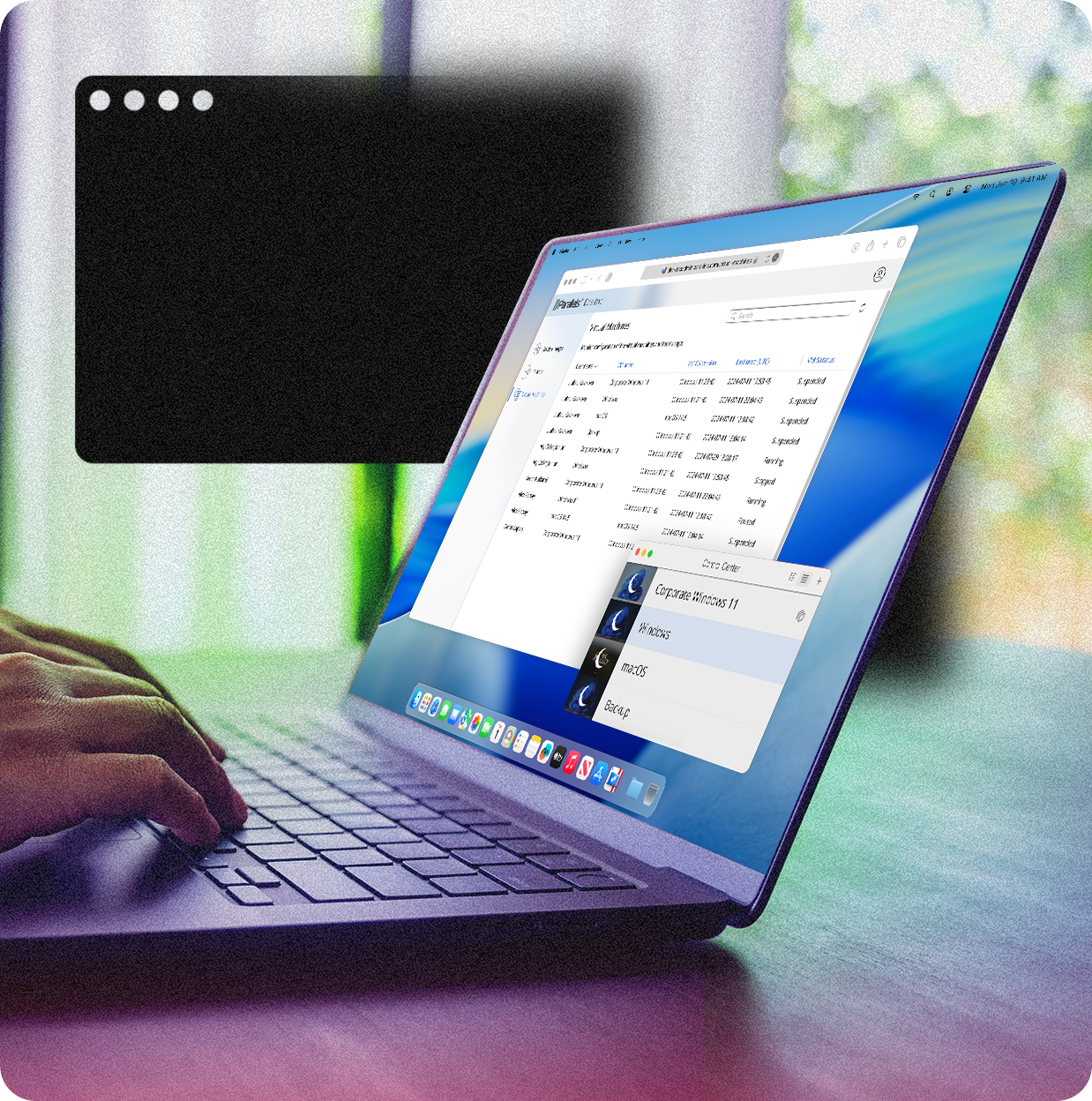
Learn moreEasily manage and scale your licenses as your business grows. Parallels Desktop Enterprise Edition allows you to assign, reclaim, and redistribute licenses efficiently through the management portal, minimizing license wastage.
Let’s talkSystem Requirements
Parallels Desktop works with all modern Macs.
For the most up-to-date system requirements, please visit our Knowledge Base article.
Trust Center
Security, Compliance, and Transparency
Enterprise security reviews often depend on clear documentation. The Parallels Desktop Trust Center provides access to security materials, compliance certifications, attestations, and reports that can support vendor reviews and due diligence.
Visit the Trust Center
Why buy from Parallels


Frequently asked questions
Parallels Desktop for Mac Enterprise Edition is a virtualization solution designed for large organizations. It enables Mac users to run Windows, Linux, and other operating systems without rebooting, providing seamless access to enterprise applications on any OS from a Mac. It also includes advanced management tools, security features, and support for IT departments.
The Parallels Management Portal allows IT admins to manage and deploy Parallels Desktop across the enterprise. With centralized control, admins can monitor licenses, deploy virtual machines, enforce security policies, and automate tasks, ensuring smooth deployment and maintenance of VMs.
Yes, Parallels Desktop Enterprise Edition integrates with key IT infrastructure tools such as JAMF for Mac management, Microsoft SCCM, and other software distribution platforms. This allows IT teams to manage Mac devices and virtual machines efficiently within the existing infrastructure.
Security is a priority in Parallels Desktop for Enterprise. Features include encryption options for virtual machines, Secure Boot support, the ability to isolate VM environments, and integration with corporate security policies, ensuring data protection and compliance across all deployed VMs.
Parallels Desktop for Enterprise can be purchased through Parallels directly or via authorized resellers. Deployment is handled through the Parallels Management Portal, where IT teams can assign licenses, configure VMs, and manage user access across the organization.
Yes, it is an ideal solution for developers and testing teams as it allows the creation and running of different operating systems and environments on a single Mac, making it easier to test applications across multiple platforms.
Is Parallels Desktop for Mac Enterprise Edition suitable for large-scale virtual machine deployment?
Absolutely. With the Management Portal, IT administrators can create, deploy, and maintain golden images of VMs for consistent, large-scale deployments. This ensures all employees have uniform and secure virtual environments tailored to the company’s needs.
Parallels offers a variety of resources, including technical documentation, deployment guides, training webinars, and priority support. IT teams can access these resources to ensure they fully understand and can effectively manage the enterprise deployment.
Parallels Desktop allows employees to access Windows and Linux applications on their Mac, regardless of their location. It ensures continuity for remote workers, enabling them to use their Mac while maintaining access to business-critical applications hosted in virtual environments.