




Run Windows on a Mac. No reboots.
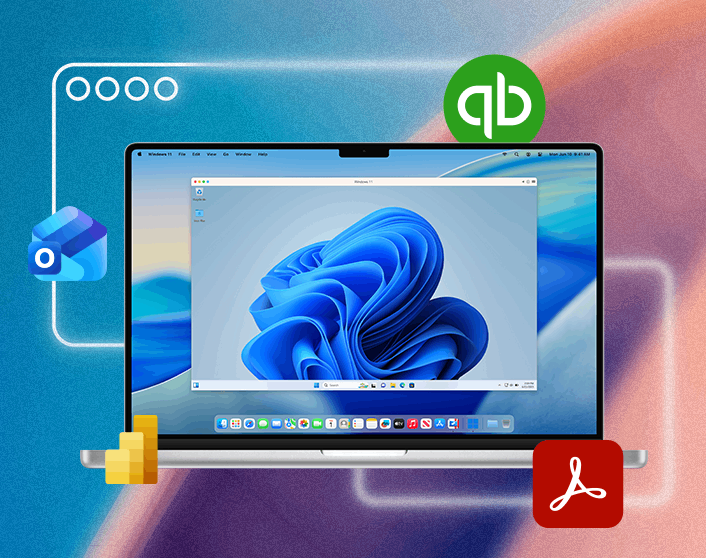
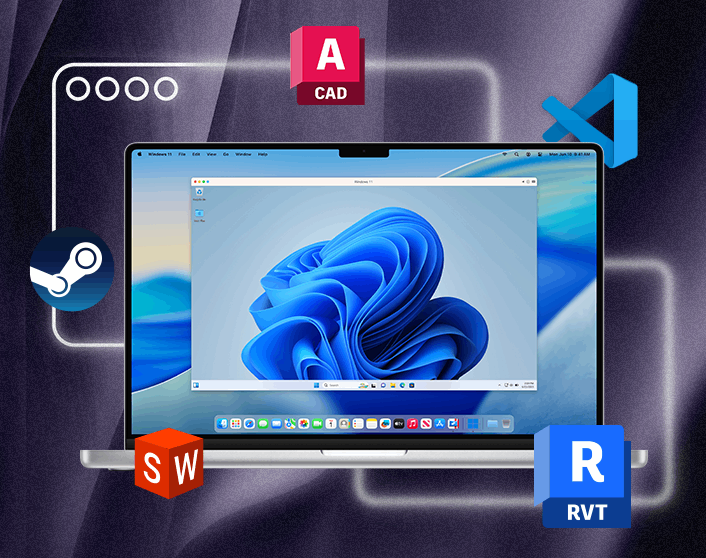
Run Windows apps on your Mac without restarting. Install Windows once, then open the apps you need with a single click.
Development, testing, CAD, Docker, multiple VMs, and resource-intensive Windows apps
/yr
Office, QuickBooks, productivity tools, school software, and everyday Windows business apps
/yr


Run the Windows apps you need on your Mac
Run more than 200,000 Windows apps on macOS with less setup work, broader compatibility, and fewer day-to-day issues than most free virtualization tools.

How professionals run Windows on Mac
Trusted by teams running development workflows, engineering software, and Windows-only business apps on Mac.



TrustRadius rating: 8.8 out of 10
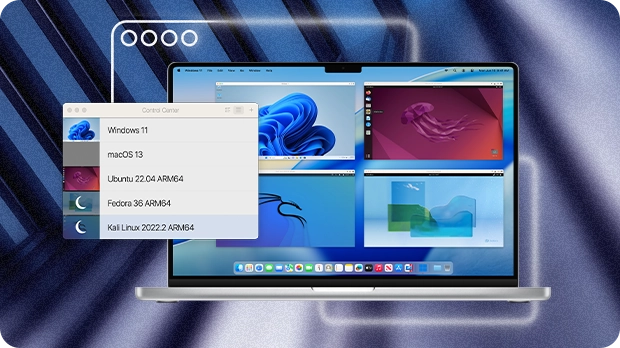
For development and high-performance workloads
Built for engineers, developers, and technical teams that need stronger performance, higher VM resource limits, broader compatibility, and more reliable day-to-day virtualization on Mac.
- Run multiple VMs
- Windows, Linux, and macOS environments
- Higher CPU and memory limits
Find the right fit for how you work
| Standard | |
| Best for Light app use | |
| Core components |
|
|
Maximum virtual RAM and CPUs
|
8 GB vRAM, 4 vCPUs |
|
Supports latest versions of macOS, Windows, and Linux
|
Subscription only |
|
Authorized by Microsoft and SOC 2-certified
|
|
|
3D acceleration—DirectX and OpenGL
|
|
|
Run thousands of Windows apps on your Mac
|
|
| Buy | |
| Most Popular | |
| Pro All the Standard features PLUS: |
|
| Best for Power users, designers, engineers, and developers | |
| Core components |
|
|
Maximum virtual RAM and CPUs
|
128 GB vRAM, 32 vCPUs |
|
Supports latest versions of macOS, Windows, and Linux
|
|
| Advanced capabilities |
|
|
Run Windows apps with intensive graphics and processing needs
|
|
|
Command line interface
|
|
|
Built-in developer tools
|
|
| System tools |
|
|
Disk cleanup and memory cleaner
|
|
|
System and performance monitoring
|
|
|
Multimedia download and conversion
|
|
|
Productivity and privacy boosters
|
|
|
Screen capture and recording
|
|
| Buy | |
| Business All the Standard and Pro features PLUS: |
|
| Best for Teams and small businesses | |
| Teams and small business |
|
|
Centralized administration and license management
|
|
|
Automation of CI/CD workflows
|
|
|
Advanced provisioning tools
|
|
|
Volume licensing
|
|
|
Jamf and Intune integration for automated deployment and updates
|
|
| Buy now | |
System requirements
Parallels Desktop supports current Apple silicon and Intel-based Macs.
For the latest system requirements, visit our Knowledge Base article.
The only Microsoft-authorized solution for Windows 11 on Mac
Virtualization optimized for Apple silicon Macs
Frequently asked questions
Parallels Desktop is worth it if you need a reliable way to run Windows on a Mac without restarting. It installs Windows in minutes, runs Windows apps alongside macOS, and is the only Microsoft-authorized solution for Apple silicon Macs.
Yes. Parallels Desktop lets you run Windows on any Mac, including Apple silicon models (M1 through M5). You install Windows once, and from then on it runs in a window alongside your Mac apps. No rebooting, no switching machines. Setup takes under five minutes.
Yes, Parallels Desktop is fully optimized for Apple silicon Macs, including M1, M2, M3, M4, and M5 chips. It is the only Microsoft-authorized solution for running Windows 11 on these Macs and is designed to handle everyday Windows apps, development tools, and business software alongside macOS without requiring a separate PC.
Parallels Desktop Standard Edition is designed for everyday Windows apps like Office, QuickBooks, and other business software on Mac. Pro Edition adds support for multiple virtual machines, Linux environments, advanced resource controls and higher hardware limits, including up to 128 GB vRAM and 32 vCPUs. If you're not sure, Standard is the best place to start.
No. Parallels Desktop runs Windows inside macOS, so you can open Windows apps alongside your Mac apps without restarting your computer. Boot Camp required a full reboot to switch operating systems, but Parallels Desktop lets Windows and macOS run at the same time, making it easier to move between work, files, and applications