






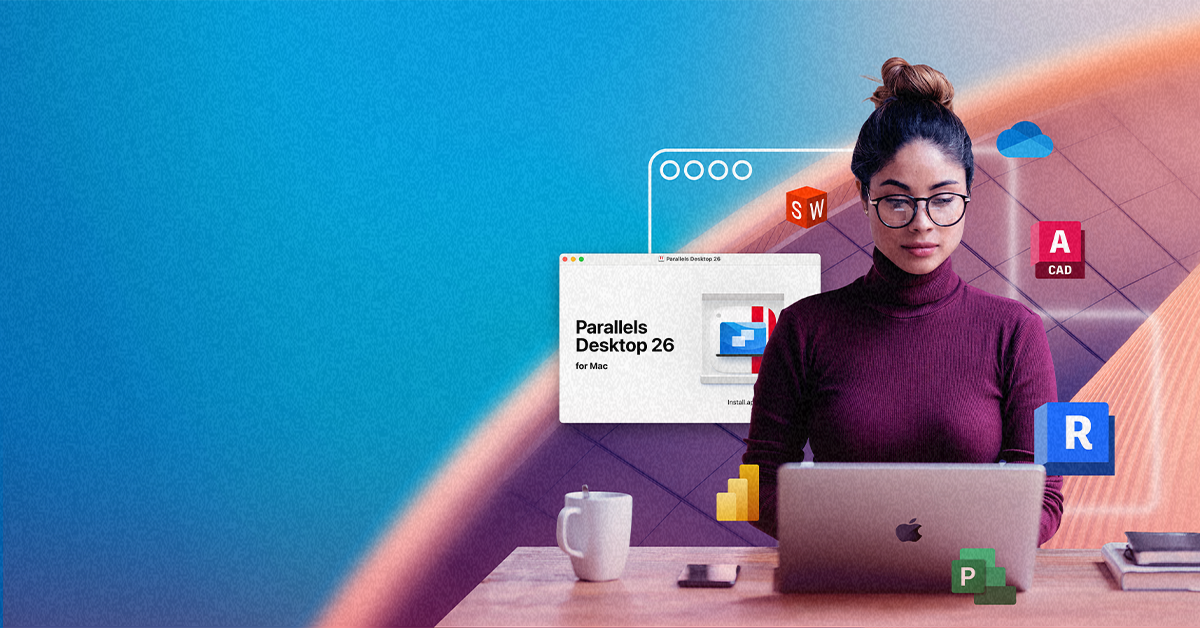
Run Windows on Your Mac: no reboot required
Parallels Desktop is the fastest way to run Windows on a Mac. Install Windows in minutes, run Windows apps side by side with macOS, and switch between them without rebooting, on both Apple silicon and Intel Macs.
The best way to run Windows on a Mac
Running Windows on a Mac used to mean rebooting into Boot Camp or buying a second PC. Parallels Desktop changes that. It runs Windows as a virtual machine directly inside macOS—so you can open a Windows app in seconds and get back to Mac without restarting anything.
Run Windows apps without a second device
Keep your Mac as your only computer. Run Excel, AutoCAD, QuickBooks, or any Windows-only software right alongside Mac apps.
Optimized for Apple silicon and Intel Macs
The only Microsoft-authorized solution to run Windows 11 on Apple M-series chips.
Switch between macOS and Windows in seconds
No reboots. No separate machine. Just press a key.
Who needs to run Windows on a Mac?
A virtual PC becomes useful the moment a Windows-only requirement shows up, and you want to meet it without changing how you work. Here are the most common job-level reasons people adopt a Windows VM on Mac, and what that choice unlocks.

Who runs Windows on a Mac
- Professionals and prosumers
- Students
- Developers and technical professionals
- Anyone collaborating across OS boundaries

Common Windows app needs on Mac
- You need a Windows-only tool for work, finance, engineering, reporting, or client deliverables
- Your course software, testing tools, or exam requirements are Windows first
- You need a dependable Windows environment for testing, debugging, or customer reproduction
- A project uses Windows-specific formats, workflows, or dependencies
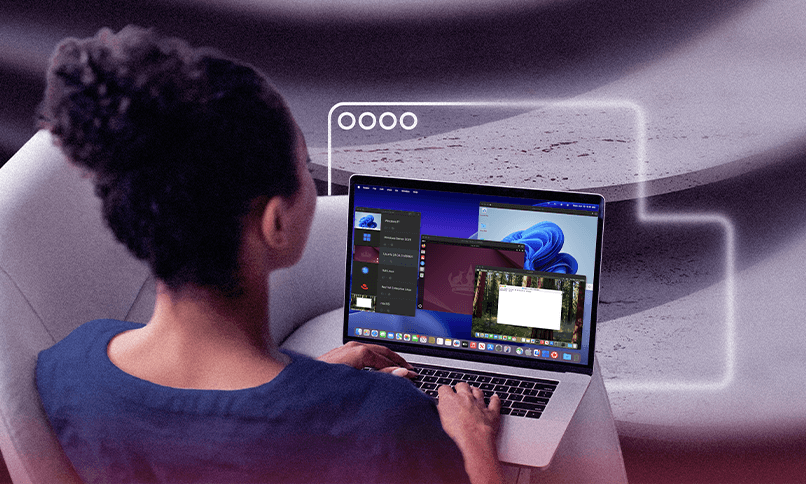
What you can do with Windows on Mac
- Run Windows apps on your Mac, keep your files and workflow consistent
- Install Windows without replacing your Mac, then use the required apps as needed
- Create repeatable Windows setups, including multiple virtual machines for parallel validation
- Open, edit, and share files without “it doesn’t work on Mac” friction
Different roles have different reasons, but the outcome is the same: you keep your Mac as your daily driver and use Windows when it earns its keep.
Parallels Desktop: The easiest way to run Windows on Mac
Parallels Desktop runs Windows as a virtual machine inside macOS, so your Windows apps open like any other app on your Mac, your Mac files stay accessible, and both operating systems run at the same time without fighting for the screen.
On Apple silicon Macs (M1, M2, M3, M4, M5, and Neo), Parallels Desktop is the only Microsoft-authorized solution to run Windows 11. Intel Mac users get the same experience with Windows 10 and 11.
Unlike Boot Camp (no longer available on Apple silicon, requiring a full restart on Intel), Parallels Desktop runs Windows as a background process: open it when you need it, step away when you don't.
How Parallels Desktop runs Windows on a Mac
Up in minutes
Install Windows and run your first app in under 15 minutes. No ISO files, no manual partitioning.
Run Windows apps alongside macOS
Coherence mode opens Windows apps on your Mac desktop. Excel on Mac, AutoCAD on Windows, same screen.
Works with thousands of Windows apps
If it runs on Windows, it runs in Parallels Desktop.
Your Mac stays your Mac
Windows runs in a contained virtual machine. Parallels Desktop allocates a dedicated slice of your Mac's memory and CPU to Windows, so neither system has to compete for resources.
Solution components and where each fits
Choose how you want to run Windows on your Mac
| Need | Parallels Desktop edition | What it delivers |
| Personal use and everyday Windows apps | Parallels Desktop | A local Windows VM with tight Mac integration for running Windows apps and the Windows desktop on demand. |
| Power users, creators, and developers | Parallels Desktop Pro Edition | More tuning options for performance and workflows are helpful when you run heavier apps or keep multiple virtual machines. |
| Small business and managed Mac fleets | Parallels Desktop Business Edition | Centralized licensing and admin capabilities for teams who want consistency across devices. |
If you’re mainly solving “I need Windows on my Mac,” start with Parallels Desktop. If you’re managing a group, Business Edition adds the structure most teams want.
Real reasons people run Windows on a Mac
Different people arrive here for different reasons, but the pattern remains consistent: keep macOS as the home base, then add Windows only where required.
| Students | Run Windows-only course or exam software on a Mac | Install Windows in Parallels Desktop, launch required apps as needed | Finish required work without switching devices |
| Professionals | Use Windows-only tools tied to reporting, finance, client systems, or specialized apps | Run Windows apps locally while keeping Mac tools and files close | Fewer workarounds, faster turnaround on deliverables |
| Developers | Validate behavior across OS environments | Fewer workarounds, faster turnaround on deliverables | Faster testing and clearer bug reproduction |
| Prosumer workflows | Keep Windows available without changing your primary setup | Use the Windows desktop when needed, or coherence mode for app-by-app use | Windows fits your day instead of interrupting it |
| Mac users with Windows-only software | Run a Windows app with no Mac version | Install via Parallels Desktop virtual machine | No second PC. No dual-boot. No emulation workarounds. |
Across these roles, the common thread is control: you decide when Windows shows up and how it’s used.
How to run Windows on a Mac with Parallels Desktop
Getting started with a virtual PC for Mac is usually simpler than people expect, especially when you separate setup from day-to-day use.
| Step | What you do | What you get |
| 1 | Download and install Parallels Desktop for Mac | Takes under 5 minutes on both Apple silicon and Intel Macs. | The platform on which your Windows environment runs. |
| 2 | Install Windows | Parallels Desktop guides you through setup automatically. No ISO files required for Windows 11 on Apple silicon. | A working Windows system that opens like any other app. |
| 3 | Run Windows apps side by side with Mac apps | Open Excel, AutoCAD, QuickBooks—right next to your Mac apps. | A single workflow that includes both Mac and Windows tools. |
Once your first VM is set up, repeating the process for additional environments becomes routine.
Ready to run Windows on your Mac? Start your free 14-day trial. No credit card required. Have Windows running in minutes, not hours.
Set up your first virtual PC for Mac using the apps and workflows you already rely on. That gives you a real way to evaluate fit, on your own Mac, without committing to a second device or a reboot-heavy setup.
Frequently Asked Questions (FAQ)
Yes, Parallels Desktop runs a complete Windows environment on your Mac, so running Windows apps behaves as expected inside the VM.
Yes, Parallels Desktop provides the virtualization software, and Windows is licensed separately through Microsoft.
On modern hardware, especially Apple silicon Macs, performance is typically predictable for everyday business, professional, and development workloads. The experience depends on your Mac resources and what you run, but the goal is consistency, not novelty.
No, Windows and macOS can run side by side, so you can move between Mac apps and the Windows environment without rebooting.
Yes, you can create multiple virtual machines for testing, separation, or different workflows, and switch between them as needed.
Yes. Parallels Desktop runs Windows as a virtual machine inside macOS. No partitioning, no Boot Camp, and no reboot required. Boot Camp is also no longer available on Apple silicon Macs, so a virtual machine is the recommended solution for M-series hardware.
Parallels Desktop is a virtual machine, not an emulator. It runs a full, real copy of Windows—not a simulation. This means better performance, full app compatibility, and support for demanding professional software that emulators cannot run.
On modern Apple silicon Macs, running Windows in Parallels Desktop has minimal impact on macOS performance. You allocate a specific amount of RAM and CPU to the Windows virtual machine and macOS continues to run normally. Most users run both simultaneously without noticeable slowdown.
Yes. Parallels Desktop is the only Microsoft-authorized solution for running Windows 11 on Apple M-series Macs (M1, M2, M3, M4, M5, and Neo). It uses the ARM version of Windows 11, which is optimized for Apple silicon and runs at native speed.
Looking for step-by-step setup instructions?
Our detailed guide walks you through how to install Windows on your Mac from scratch — including ISO options, license setup, and first-run configuration.