All your business apps on Mac

Switch from Windows to Mac without losing your essential apps

Even with corporate Mac use on the rise, it can be intimidating to migrate from Windows to Mac for business—especially if you need to access Windows apps at times.

Parallels Desktop is the bridge between your organization and a hybrid Windows/macOS infrastructure. Provision and control Windows virtual machines with a complete solution featuring tools for business needs and IT management.

See why 60,000+ organizations use Parallels Desktop

"In my experience, Windows 10/11 is faster under macOS and Parallels than it is on the same raw machine, iMac and hackintosh."

Riley, Reddit

"Parallels Desktop is by far the most powerful and effective tool for accessing a Windows or Linux instance on your Mac."

PC Mag

"Parallels Desktop is used in my organization and with our customers to support Windows apps when there is no Mac application or the Mac application is not fully featured."

Will Goad, VP – Solutions

Switch between Windows and Mac with Parallels Desktop

Parallels Desktop Pro Edition

Best for a business owner or employee who needs to run Windows apps on a Mac

Authorized by Microsoft icon Authorized by Microsoft

Optimized for Mac M-series icon Optimized for Mac M-series

  • Use 200,000+ Windows apps
  • Access all Windows apps and features
  • No need for a second Windows machine
  • Switch between macOS and Windows effortlessly

Parallels Desktop for Business

Best for an IT admin or business that needs to manage corporate licenses

Authorized by Microsoft icon Authorized by Microsoft

Optimized for Mac M-series icon Optimized for Mac M-series

  • All features of Parallels Desktop Pro
  • Centralized management
  • Integration with IT Tools
  • Ability to preconfigure virtual machines

Why businesses are moving from Windows to Mac

Device performance

Device performance

Apple silicon devices typically deliver better battery life and performance than Windows-based devices, making them a good choice during the hardware refresh cycle.

Long-term hardware costs

Long-term hardware costs

Although they have a higher upfront cost, Macs tend to have longer lifespans than Windows devices, reducing long-term expenses and total cost of ownership.

Attracting talent

Attracting talent

Mac devices are popular with incoming new hires, so having a Mac adoption strategy in place can be attractive for HR purposes.

Long-term hardware costs

Built-in security features

macOS devices come with corporate-level security functionality, including encryption and automatic updates.

Run Windows on Mac with Parallels Desktop

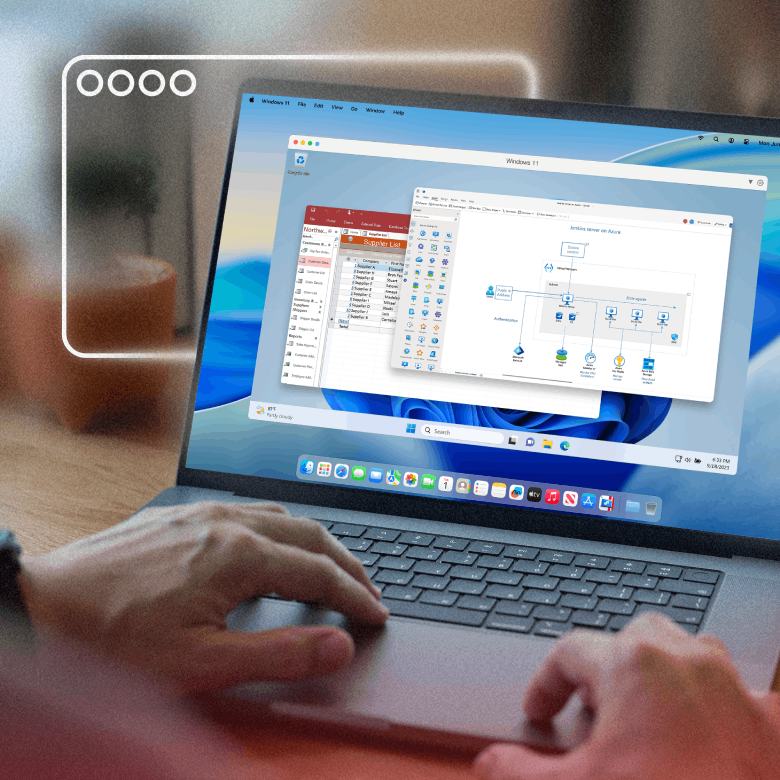
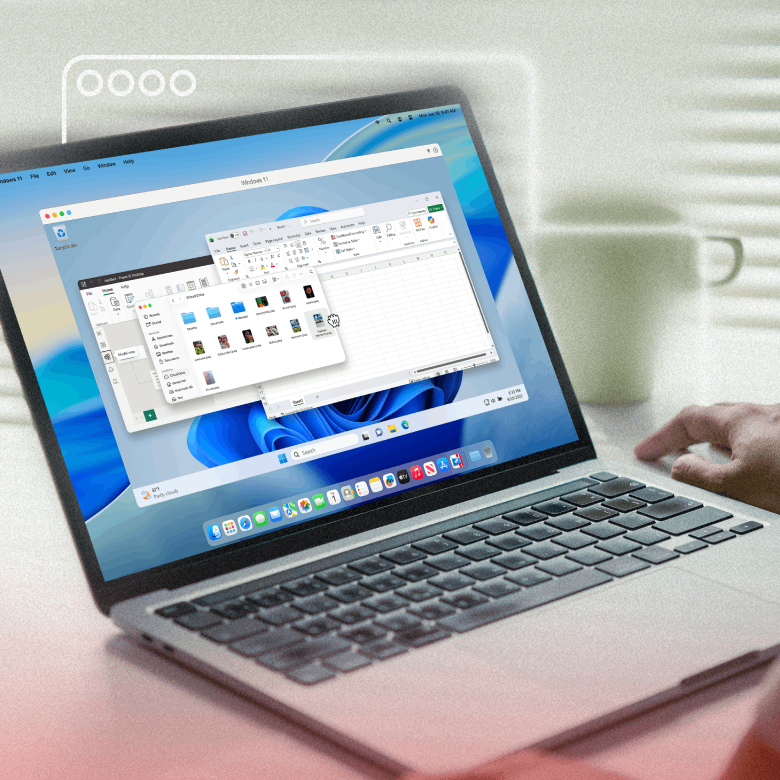
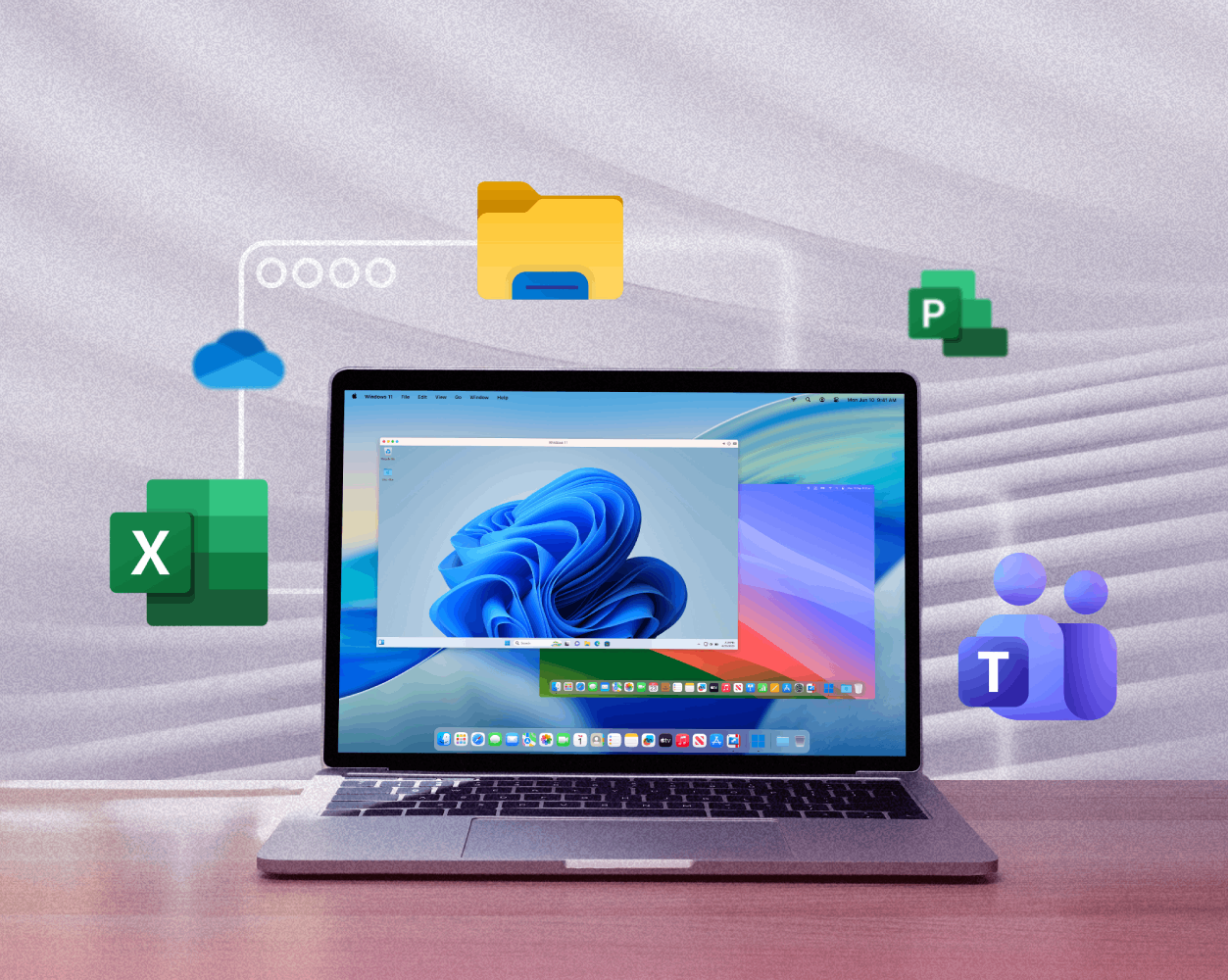
Parallels Desktop lets businesses and users run a full Windows 11 virtual machine (VM) on Apple silicon and Intel Mac devices. No restarts, no complicated setup, and no dual boot required.

Plus, with Coherence mode, Parallels Desktop blends macOS and Windows environments together—so whether you’re running business software, engineering tools, or Windows-only apps, you get Windows compatibility on Mac without disruptions.

What happens to my Windows apps on Mac?

Running Windows through virtual machines on Mac puts all your familiar Windows apps at your fingertips.

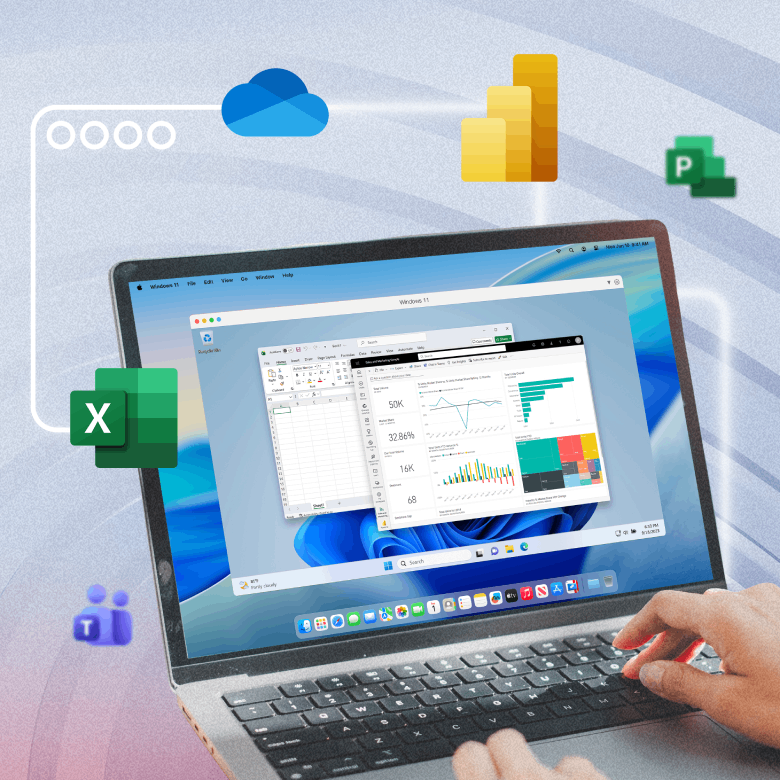
You can still access Windows-only software, Active Directory environments, line-of-business apps, Microsoft 365 workflows, and even legacy Windows apps as if you were using a traditional Windows device.

It’s just on a Mac device instead.

What happens to my Windows apps on Mac?

Can I switch between macOS and Windows without rebooting?

While you can always run Windows on a Mac by installing it directly through tools like Boot Camp, this will require you to reboot the device to switch between the two operating systems.

When you can run both simultaneously, there’s no rebooting to switch. You can still access all your files, run Windows and macOS apps side by side, and even carry items on your clipboard between the two systems.

Can I switch between macOS and Windows without rebooting?

Switching from Windows to Mac for business

Moving your business from Windows to Mac doesn’t need to mean disrupting processes, retraining staff, or rebuilding your IT infrastructure.

Centralized deployment for IT

With Parallels Desktop, IT teams can distribute preconfigured VMs, even at a mass provisioning scale, and maintain control with admin functionality, endpoint management, and policy enforcement.

Secure and compliant Windows environments

Each Windows VM operates in an isolated environment, with built-in features like encryption and Secure Boot support to enforce enterprise security policies.

This ensures data protection for the organization, and keeps Windows environments ready for regulatory compliance.

No downtime, no retraining

Employees can continue using the same Windows apps and workflows they rely on. Files, copy/paste functionality, and shared folders will work across both macOS and Windows environments.

Plus, with Coherence mode, Windows apps feel like native Mac apps, reducing friction for teams.

Replace Windows PCs with Macs without replacing your software

With Parallels Desktop, you can modernize your hardware strategy and preserve your business’ Windows apps at the same time.

Whether you need to support a cross-platform workforce, allow for hybrid environments, support remote work, or introduce a bring-your-own-device (BYOD) policy, Parallels Desktop helps you migrate your workforce as gradually or as rapidly as you need.

What happens to my Windows apps on Mac?

Compare your Windows migration options

Not all Windows-on-Mac solutions are created equal. Here’s how the most common approaches stack up:

Feature Dual boot (Boot Camp) Windows 365 Remote desktop Parallels Desktop
Offline access Yes (requires reboot) No (internet required) No (internet required) Yes (runs locally)
Performance Native, but only one OS at a time Dependent on internet speed Dependent on network latency High-performance local virtualization
IT control Limited centralized management Cloud-managed Server-dependent Centralized VM provisioning and policy control
Cost No VM cost, but hidden operational costs Ongoing subscription and cloud licensing Infrastructure and licensing costs Predictable licensing, no cloud infrastructure required
Hardware dependency Requires reboot, limited on Apple silicon Works on supported devices Requires host Windows machine Optimized for Apple silicon and Intel Macs

How to transition from Windows to Mac in 3 steps

1. Deploy Macs to your team

Roll out Mac hardware where it makes the most sense for your business, whether that’s new hires, specific teams, or a company-wide upgrade.

2. Install and configure Parallels Desktop

Set up Parallels Desktop on each Mac device with a Windows license key. Configure settings and deploy policies from your IT team’s centralized dashboard.

3. Provision Windows VMs centrally

Allow users to start up their preconfigured Windows environments with the right apps, permissions, and policies without needing to retrain.

FAQs: Switching Windows to Mac

Still have questions about switching a Windows-based business to Mac devices? Find answers here.

Parallels Desktop Pro Edition

Best for a business owner or employee who needs to run Windows apps on a Mac

Supports future operating systems

Parallels Desktop for Business

Best for an IT admin or business that needs to manage corporate licenses

Supports future operating systems