




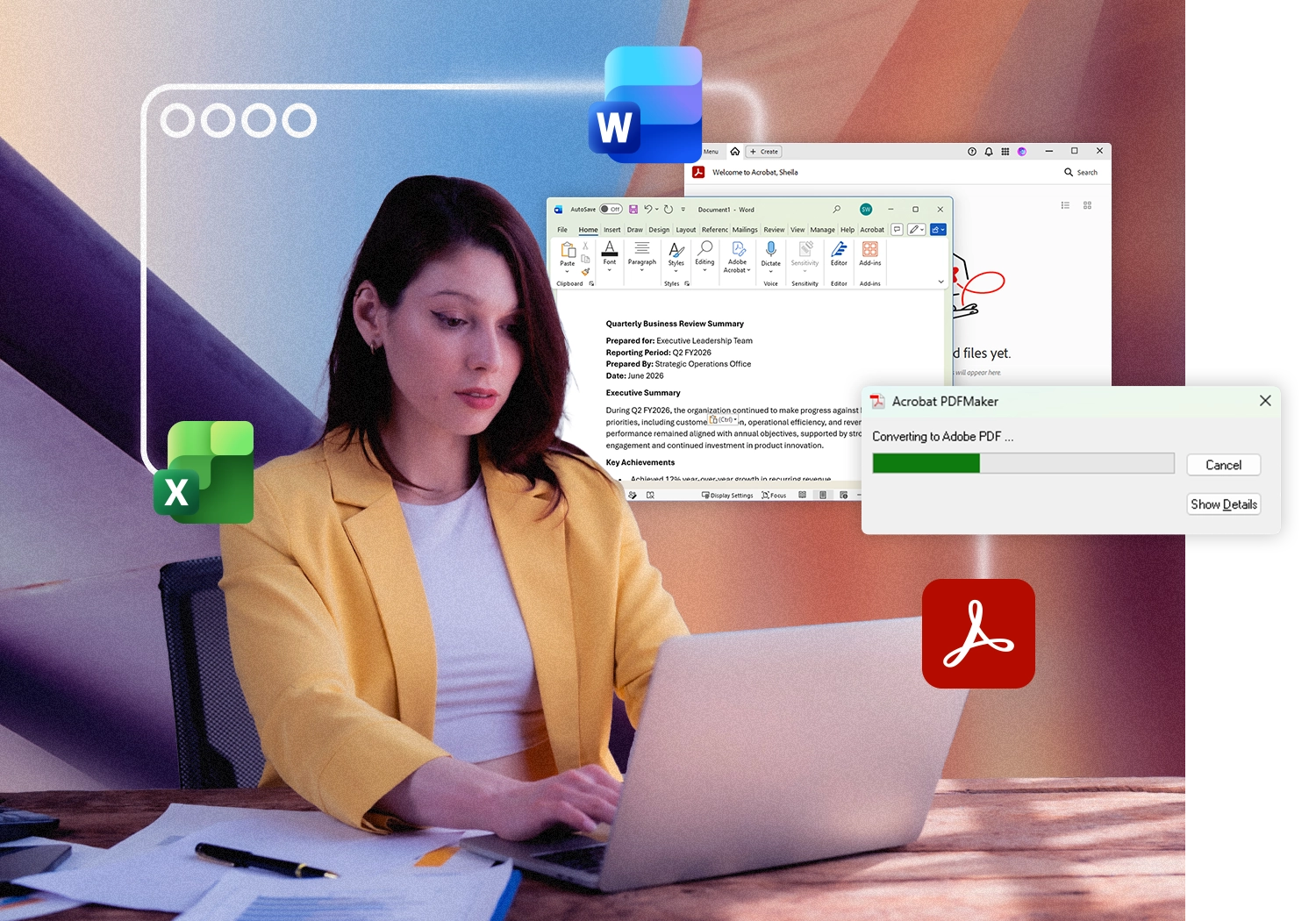
Run Adobe Acrobat on Mac with Parallels Desktop Pro
Access Windows Adobe Acrobat on your Mac for advanced PDF workflows, enterprise forms, document signing, Office integration, and business applications.
Run Windows and macOS apps side-by-side on one device.
Windows 11 and Adobe Acrobat licenses sold separately.
Free 14-day trial
Why organizations still rely on Windows Acrobat workflows
Adobe Acrobat is available for both Windows and macOS, and many Mac users successfully use Acrobat every day for editing, reviewing, sharing, and signing PDF documents.
However, many organizations have built document processes around the Windows version of Acrobat. These workflows often extend beyond PDF editing and involve integrations with Microsoft Office, enterprise applications, document management systems, forms platforms, compliance tools, and Windows-specific plugins.
As a result, employees who prefer Mac frequently need access to the same Windows Acrobat environment used across their organization.
Common examples include:
- Enterprise PDF workflows
- Microsoft Office and Acrobat PDFMaker processes
- Legal document review and compliance workflows
- Financial reporting and document archiving
- Forms automation and scripting
- Records management systems
- Enterprise document approval workflows
- Windows-specific Acrobat plugins and extensions
For these scenarios, Parallels Desktop Pro allows you to run the full Windows version of Adobe Acrobat on the same Mac you already use—without switching devices.
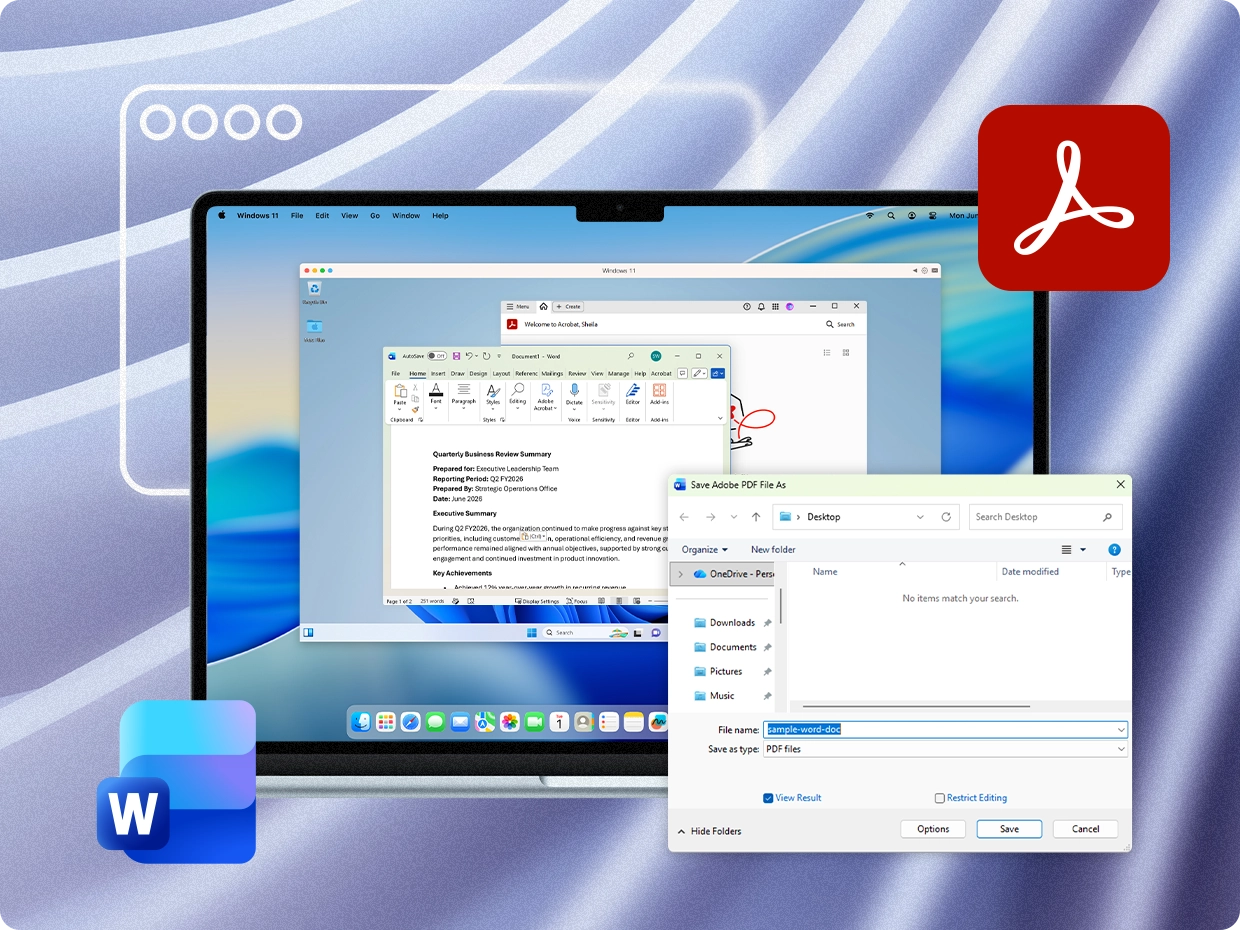
Windows Acrobat, running alongside your Mac apps

Parallels Desktop Pro lets you run Windows 11 alongside macOS on the same Mac. Inside Windows, you can install Adobe Acrobat just as you would on a traditional Windows PC.
For many professionals, this means continuing to use an existing Windows Acrobat environment while working on the Mac they prefer. It's also a practical way to access Windows-specific Acrobat capabilities and maintain document workflows that have been standardized across an organization.
Your Windows and Mac environments work together seamlessly:
- Run Windows Acrobat and Mac apps side-by-side
- Share files between Windows and macOS
- Copy and paste across operating systems
- Drag and drop documents between environments
- Access Windows applications without interrupting your Mac workflow
Whether you're creating PDFs from Microsoft Office, working with document management systems, processing forms, or supporting enterprise PDF workflows, everything happens on a single device.
On Apple silicon Macs, Parallels Desktop Pro is optimized for M1, M2, M3, M4, and M5 chips, delivering a fast and responsive experience for business productivity applications.
What you get with Windows Adobe Acrobat on Mac

Full Windows Acrobat environment
Run the Windows version of Adobe Acrobat on your Mac and continue using the features, plugins, and document tools your work depends on. Ideal for users who need Windows-specific Acrobat capabilities or want to maintain established PDF processes after moving to Mac.

Advanced forms and scripting
Use the full JavaScript console, calculated field scripting, and form automation features. Workflows that depend on these tools run as expected inside Parallels Desktop Pro.

Microsoft Office + PDF workflows
Create, convert, and manage PDFs alongside Microsoft Word, Excel, PowerPoint, and Outlook. Support Office-to-PDF publishing, document distribution, mail merge processes, and other Acrobat workflows commonly used in professional environments.

Enterprise integrations
IT admins can distribute Adobe Reader and Acrobat to Mac fleets using Parallels Mac Management Software Distribution, enabling standard package-based deployment with no user interaction required.
Who uses Windows Acrobat workflows on Mac?
Parallels Desktop Pro helps professionals continue using the Windows Acrobat workflows their organizations depend on while working on the Mac hardware they prefer.
Legal and compliance teams
Law firms and legal professionals often rely on Acrobat alongside Microsoft Word, Outlook, case management platforms, and document-intensive workflows. Parallels Desktop Pro helps maintain established Windows-based document processes, plugins, and PDF tools on Mac.
Finance and operations professionals
Finance teams frequently use Acrobat as part of reporting, document distribution, approvals, recordkeeping, and Office-based workflows. Running Windows Acrobat on Mac helps maintain consistency across business-critical processes.
Education administration
Administrative teams often manage forms, enrollment documents, approvals, and institutional records. Parallels Desktop Pro allows Mac users to participate in the same Acrobat workflows used across their organization.
Enterprise and IT-managed environments
Many organizations standardize on Windows applications, document management systems, and deployment practices. Parallels Desktop Pro helps Mac users stay compatible with existing Acrobat environments while giving IT teams flexibility in supporting mixed-device fleets.
Professionals with Windows software stacks
For many users, Acrobat is just one part of a larger workflow that includes Microsoft Office, Outlook, accounting software, engineering tools, legal applications, or industry-specific business systems. Parallels Desktop Pro keeps those applications working together on a single Mac.
Get Adobe Acrobat running on your Mac today
-
Download Parallels Desktop Pro
Download and install Parallels Desktop Pro on your Mac. Compatible with Apple silicon or Intel-based Macs, running macOS Ventura, Sonoma, or Sequoia.
- Install Windows 11
Parallels Desktop Pro guides you through creating a Windows 11 virtual machine. On Apple silicon Macs, Parallels automatically handles the Windows 11 ARM installation process.
Windows 11 license required and sold separately.
- Install Adobe Acrobat
Open Windows, visit Adobe or Creative Cloud, and install Adobe Acrobat the same way you would on a Windows PC. Once installed, Acrobat is available alongside your Mac applications. With Parallels Coherence mode, Windows applications can appear and launch like Mac apps, making it easy to access Acrobat directly from your familiar Mac workspace.
Adobe Acrobat license required and sold separately.
What Parallels Desktop Pro brings to your Acrobat workflow
| Feature | Parallels Desktop Pro |
| Run Windows Adobe Acrobat on Mac | Yes |
| Supports Apple silicon (M1-M5) | Yes |
| Use Acrobat alongside macOS apps | Yes |
| Shared files between Mac and Windows | Yes |
| Microsoft Office compatibility | Yes |
| Office-to-PDF workflows | Yes |
| Windows Acrobat plugins and extensions | Yes |
| Enterprise workflow support | Yes |
| Professional document management workflows | Yes |
| Optimized for business productivity applications | Yes |
| Guided setup experience | Yes |
| Free 14-day trial available | Yes |
Trusted for professional Windows workflows on Mac


Frequently asked questions
Yes. Adobe Acrobat is available for macOS. If your organization relies on Windows-specific Acrobat workflows, plugins, Office integrations, or enterprise systems, Parallels Desktop Pro lets you run the full Windows version of Acrobat alongside your Mac applications.
Yes. Parallels Desktop Pro allows you to install and run Windows 11 on your Mac and then install Adobe Acrobat inside that Windows environment.
Yes. Parallels Desktop Pro is optimized for Apple silicon and supports M1, M2, M3, M4, and M5 Macs.
Some organizations standardize on Windows Acrobat workflows that include enterprise plugins, Office integrations, PDFMaker, forms automation, virtual printing, compliance tools, or business applications designed around Windows. Parallels Desktop Pro gives Mac users access to those workflows without requiring a separate PC.
Install Parallels Desktop Pro on your Mac, create a Windows 11 virtual machine (Windows license sold separately), and then install Adobe Acrobat from Adobe's site or through Creative Cloud (Adobe Acrobat license sold separately). Once installed, Acrobat can be launched alongside your Mac applications, and with Parallels integration features enabled, you can even access it directly from your Mac Dock.
Yes. Windows 11 and Adobe Acrobat licenses are sold separately. Parallels Desktop Pro provides the environment needed to run them on your Mac.
PDFMaker is commonly used with Microsoft Office applications to create PDFs directly from Word, Excel, PowerPoint, and Outlook while preserving formatting, bookmarks, links, and metadata. If your organization relies on Windows-based PDFMaker workflows, running Windows Adobe Acrobat and Microsoft Office in Parallels Desktop Pro allows Mac users to access the same PDF creation process used by Windows teams.
Many organizations use Adobe Acrobat as part of broader document workflows that include Microsoft Office, document management systems, compliance tools, and Acrobat plugins. With Parallels Desktop Pro, Mac users can run the Windows version of Adobe Acrobat and access the same Windows-based plugins and integrations their teams rely on.
Yes. Parallels Desktop Pro includes a free 14-day trial. Purchases made directly from parallels.com are covered by a 30-day money-back guarantee. Start your free trial at parallels.com/products/desktop/trial/
Start using Windows Acrobat on your Mac today
Parallels Desktop Pro gives your Mac access to the full Windows version of Adobe Acrobat — alongside everything you already use in macOS. Set it up in minutes with the free trial.
Windows 11 and Adobe Acrobat licenses sold separately.