Parallels Desktop vs. UTM vs. VMware Fusion for Autodesk software
If you're evaluating virtualization software for Autodesk applications on Mac, graphics support, Windows compatibility, usability, and ongoing support are often more important than the virtualization platform itself. Here is how Parallels Desktop, UTM, and VMware Fusion compare for Autodesk CAD, BIM, and project coordination workloads.
| 3D graphics (DirectX 11) |
Yes |
No |
Limited on Apple silicon |
| OpenGL 4.1 support |
Yes |
No |
Limited on Apple silicon |
| Autodesk recommendation |
Yes (Coherence mode) |
No |
Limited on Apple silicon |
| Shared folders |
Yes |
Manual configuration |
Limited on Apple silicon |
| Microsoft-authorized for Windows 11 on Apple silicon |
Yes |
No |
No |
| Windows 11 installation |
Automated |
Manual setup required |
Manual configuration often required |
| Technical support |
24/7 phone, chat, and email |
Community forums only |
Community forums only |
| Drag and drop between Mac and Windows |
Yes |
Limited |
Limited on Apple silicon |
Why graphics acceleration matters for Autodesk software
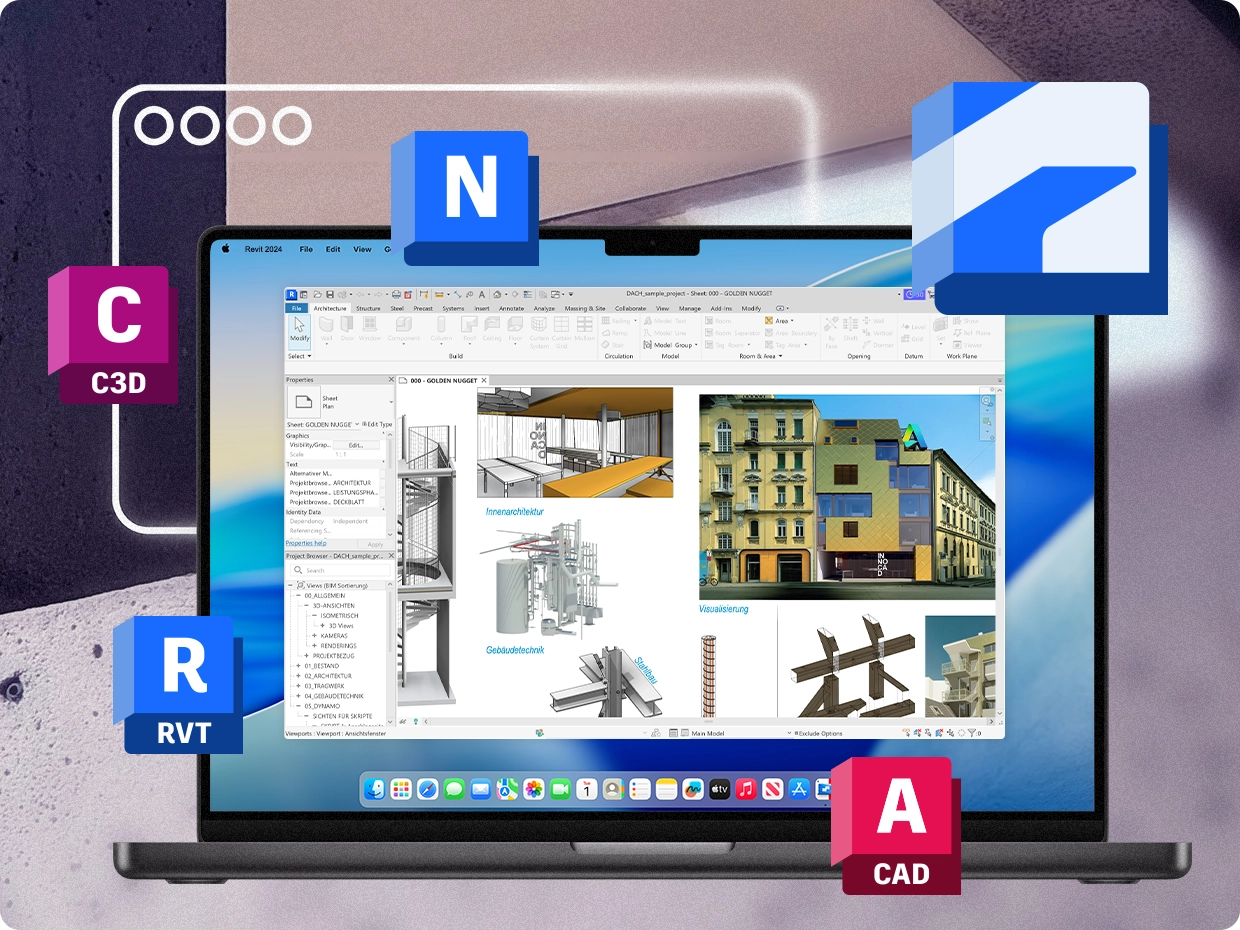
Applications such as Civil 3D, Revit, Navisworks Manage, Inventor, InfraWorks, and 3ds Max rely heavily on hardware-accelerated graphics. Navigating 3D models, reviewing BIM projects, running clash detection workflows, visualizing infrastructure designs, and working with large assemblies all depend on GPU acceleration. When a virtualization platform lacks robust graphics support, Autodesk applications may experience reduced functionality, limited performance, or compatibility challenges. Parallels Desktop provides DirectX 11 and OpenGL support for Windows virtual machines, helping Autodesk applications access the graphics capabilities they need for day-to-day design, BIM, and coordination work on Mac.
Why AEC teams often choose Parallels Desktop
Beyond graphics performance, many firms evaluate virtualization software based on ease of deployment, user experience, and support. Parallels Desktop installs Windows 11 on Apple silicon Macs with minimal setup, integrates Windows and macOS through features such as Coherence mode and shared folders, and includes 24/7 support for subscribers. For AEC professionals who depend on Civil 3D, Revit, Navisworks Manage, AutoCAD, Inventor, and other Autodesk applications every day, those workflow advantages can be just as important as raw technical specifications. Instead of managing separate hardware or complex virtual machine configurations, teams can access the Autodesk software they need directly from their Mac.






 Authorized by Microsoft
 Optimized for Mac M-series