Run Autodesk software on Mac with Parallels Desktop

Run Autodesk software on Mac with Parallels Desktop

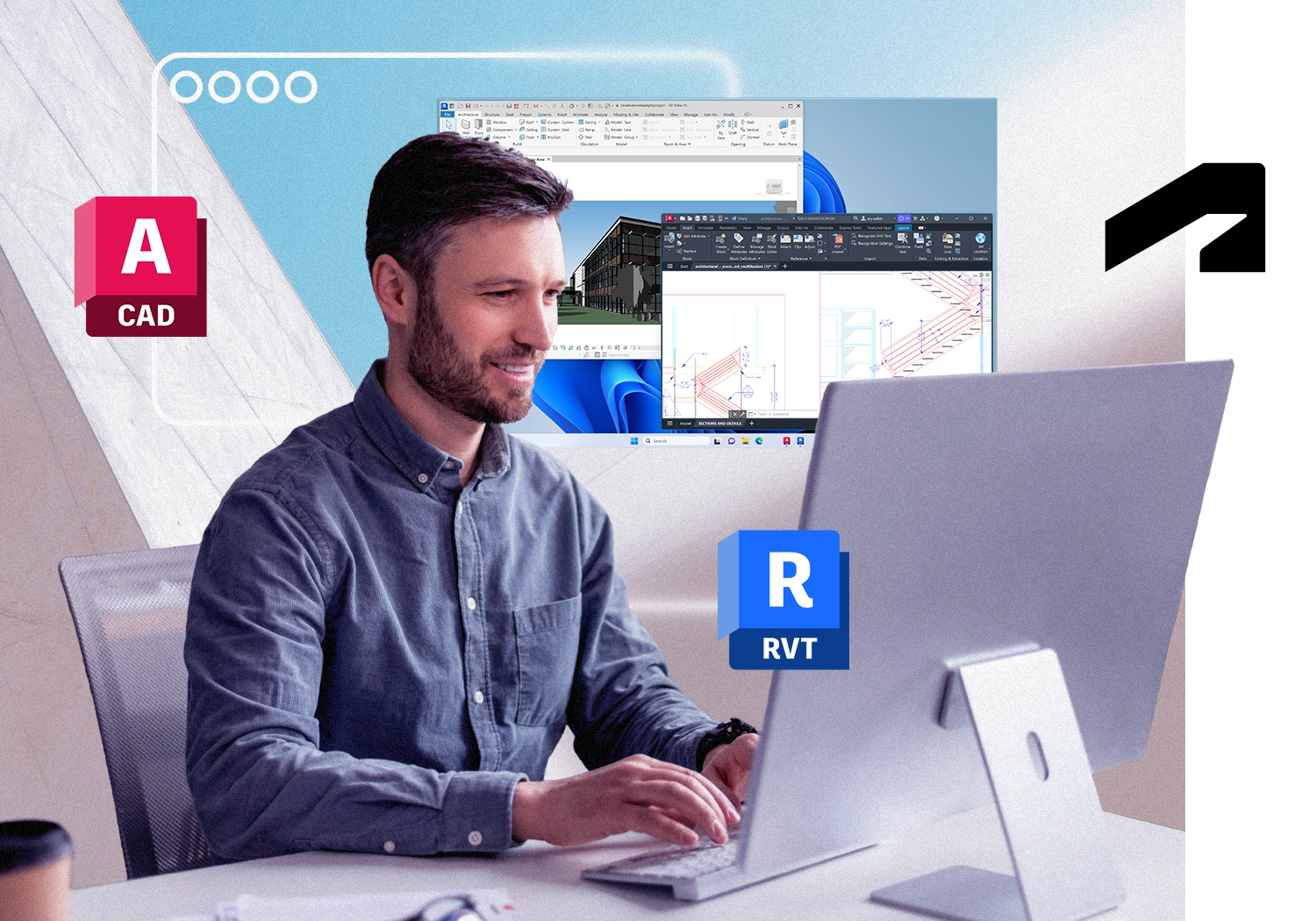
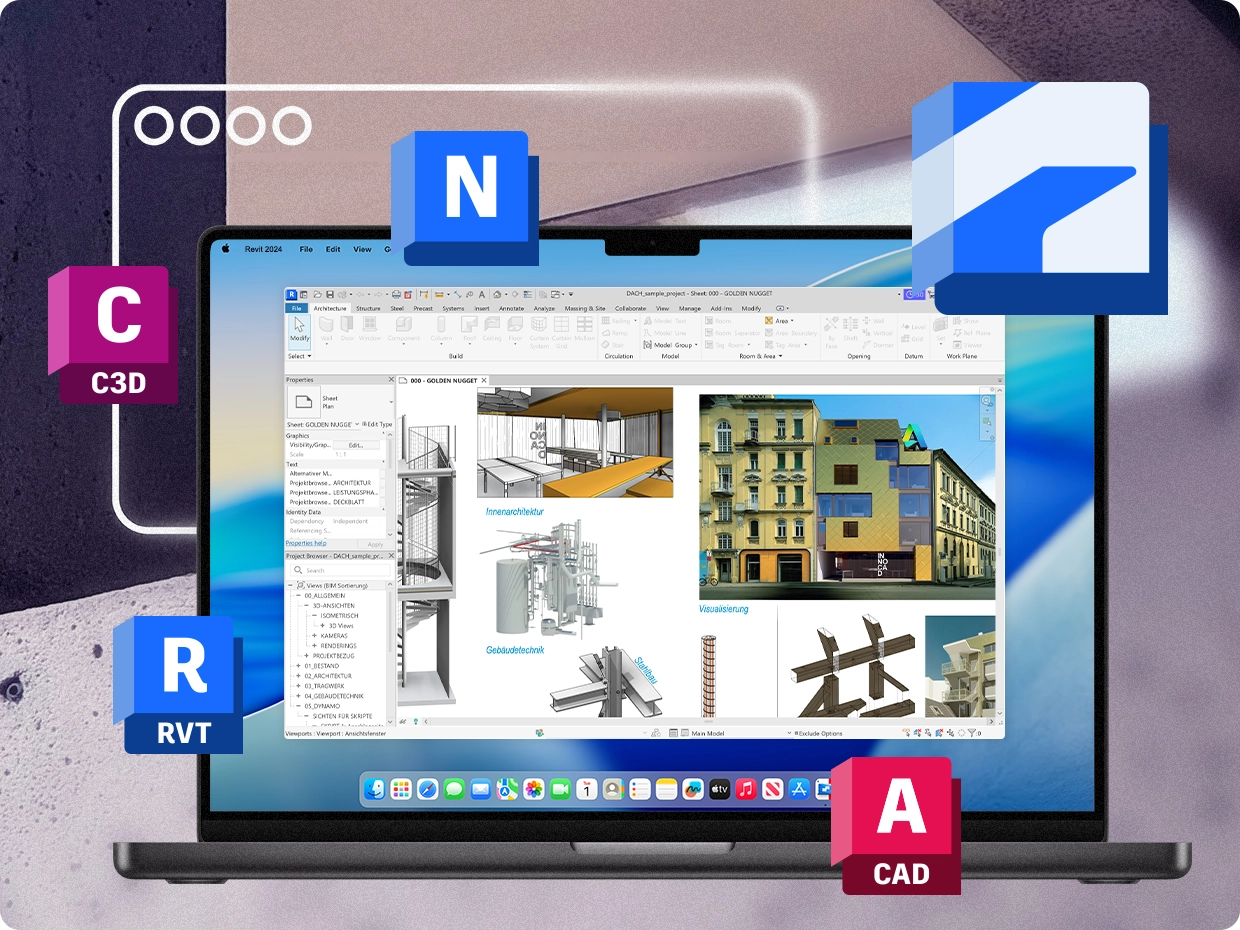
Most of the Autodesk Architecture, Engineering and Construction (AEC) Collection is Windows-only, including Civil 3D, Navisworks Manage, Revit, and the full AutoCAD Specialized Toolsets. Autodesk support documentation recommends Parallels Desktop by name for running key Autodesk applications on a Mac. With Windows 11 running alongside macOS, you can access the full Autodesk toolset from a single Mac, without maintaining a separate Windows workstation. Parallels Desktop is also the only solution authorized by Microsoft for running Windows 11 on Apple silicon Macs, including M1, M2, M3, M4, and future-generation Apple silicon systems.

Starting at /year

Which Autodesk products run on Mac?

Some Autodesk applications have native macOS versions. Most products included in the Architecture, Engineering and Construction Collection do not. The table below shows the Mac status of major Autodesk products and how they run on a Mac with Parallels Desktop.

Autodesk Product Mac Native Status How It Runs on Mac with Parallels Desktop
AutoCAD Partial AutoCAD for Mac is available, but the Specialized Toolsets and several advanced features are Windows-only. Run the Windows version for full feature access. See the AutoCAD section below.
AutoCAD LT Yes Native Mac version available. Run the Windows version if your organization standardizes on Windows workflows.
Civil 3D No No native Mac version. Run Civil 3D on Mac through Windows 11 and Parallels Desktop. See the Civil 3D section below.
Navisworks Manage No No native Mac version. Autodesk documentation specifically references Parallels Desktop for Mac users. See the Navisworks Manage section below.
Navisworks Simulate & Freedom No Run on Mac through Parallels Desktop.
Revit No No native Mac version. Runs the full Windows version on Mac through Parallels Desktop. See the Revit section below and the dedicated Revit page.
3ds Max No Windows-only. Runs on Mac with DirectX 11 graphics support through Parallels Desktop.
InfraWorks No Windows-only. Runs through Windows 11 and Parallels Desktop.
Advance Steel No Windows-only. Runs on Mac through Parallels Desktop.
Robot Structural Analysis No Windows-only. Runs on Mac through Parallels Desktop.
Inventor No Windows-only. Runs on Mac with DirectX 11 graphics support through Parallels Desktop.
Fusion 360 Yes Native Mac version available. Parallels Desktop may be used for Windows-only plug-ins or workflows.
Maya Yes Native Mac version available. Parallels Desktop optional.

For AEC professionals, the pattern is straightforward. The applications used for BIM authoring, infrastructure design, project coordination, clash detection, structural engineering, and fabrication remain primarily Windows-only. Civil 3D, Navisworks Manage, Revit, 3ds Max, InfraWorks, and the full AutoCAD toolset, all require Windows. Running Windows 11 through Parallels Desktop allows Mac users to access these tools on the same machine they use every day. Autodesk support documentation references Parallels Desktop by name for both AutoCAD Specialized Toolsets and Navisworks workflows, making it one of the most widely recognized approaches for running Autodesk software on Mac.

Parallels Desktop icon

Parallels Desktop for Mac

Authorized by Microsoft icon Authorized by Microsoft

Optimized for Mac M-series icon Optimized for Mac M-series

Starting at per year
billed annually
  • Run Civil 3D, Navisworks Manage, Revit, AutoCAD, and the full Autodesk AEC Collection on your Mac.
  • DirectX 11 and OpenGL 4.1 graphics support for Autodesk design, BIM, and coordination workflows.
  • Allocate up to 8 vCPUs and up to half of your Mac's available memory to demanding Autodesk projects.
  • Work across macOS and Windows side by side with no separate Windows workstation required.

The Autodesk AEC Collection on Mac

The Autodesk Architecture, Engineering and Construction (AEC) Collection brings together many of Autodesk’s most widely used design, BIM, coordination, visualization, and engineering applications under a single subscription. The collection includes AutoCAD and all seven AutoCAD Specialized Toolsets, Civil 3D, Navisworks Manage, Revit, InfraWorks, 3ds Max, Advance Steel, Robot Structural Analysis, ReCap Pro, and additional AEC-focused tools. For many architecture, engineering, construction, and infrastructure firms, the Collection is the standard Autodesk purchase because it provides access to a connected project workflow at a lower cost than licensing multiple products separately.

For Mac users, the challenge is that most of the applications included in the AEC Collection do not have native macOS versions. While AutoCAD for Mac is available, key capabilities such as the Specialized Toolsets remain Windows-only. Civil 3D, Navisworks Manage, Revit, InfraWorks, 3ds Max, Advance Steel, and Robot Structural Analysis are also Windows-based applications. Running Windows through Parallels Desktop allows Mac users to access the same Autodesk software portfolio available to Windows users, helping teams get the full value of their AEC Collection subscription on Apple silicon hardware.

AutoCAD on Mac

AutoCAD is one of the few Autodesk applications available for macOS, but the Mac version does not include every capability found in the Windows release. The AutoCAD Specialized Toolsets for Architecture, Electrical, Map 3D, Mechanical, MEP, Plant 3D, and Raster Design are available only on Windows, along with certain advanced workflows and rendering capabilities. Running the Windows version of AutoCAD through Parallels Desktop gives Mac users access to the complete AutoCAD experience, including all seven Specialized Toolsets included with their subscription. Autodesk support documentation specifically references Parallels Desktop for users who need access to those Windows-only toolsets.

Civil 3D on Mac

What Civil 3D is and who uses it

Autodesk Civil 3D is a civil engineering design and documentation platform used for transportation, land development, utility, surveying, and infrastructure projects. Civil engineers use Civil 3D to create roadway corridors, grading plans, pipe and pressure networks, surface and terrain modeling, parcel layouts, workflows, and construction documentation. Built on AutoCAD and the DWG file format, Civil 3D extends traditional drafting with a model-based engineering environment that supports design changes throughout the project lifecycle. It is one of the foundational applications in the Autodesk AEC Collection.

Running Civil 3D on a Mac with Parallels Desktop

Civil 3D does not currently have a native macOS version. Organizations that standardize on Mac hardware typically access Civil 3D through Windows running alongside macOS. With Parallels Desktop, Civil 3D runs on Apple silicon and Intel-based Macs while retaining the same design environment used on Windows workstations. Engineers can work with corridor models, grading tools, pipe networks, survey data, profiles, and production sheets from a single Mac. DirectX 11 graphics support in Parallels Desktop helps support the 3D visualization and modeling workflows that Civil 3D relies on, while maintaining compatibility with broader Autodesk workflows involving AutoCAD, Revit, and Navisworks Manage.

Navisworks Manage on Mac

Autodesk's own support documentation addresses the Navisworks-on-Mac question directly: Navisworks does not have a native macOS version, and Autodesk specifically references Parallels Desktop as a solution for running the software on a Mac. For organizations evaluating Autodesk workflows on Apple hardware, this is one of the strongest documented Autodesk references to Parallels Desktop.

What Navisworks Manage is and who uses it

Autodesk Navisworks Manage is the project review, coordination, and model aggregation platform used throughout the architecture, engineering, and construction industry. It brings together models from Revit, Civil 3D, AutoCAD, structural design applications, and many third-party formats into a single federated project environment. Its best-known capability is Clash Detective, which automatically finds every location where objects from different models physically overlap (e.g., a beam running through a duct or a pipe through a wall). Navisworks Manage also includes TimeLiner for 4D scheduling, Quantity Takeoff workflows, model review tools, animation and walkthrough capabilities, and integration with Autodesk Construction Cloud. BIM coordinators, VDC managers, contractors, and projects teams often use Navisworks Manage as the central coordination platform for complex projects.

Running Navisworks Manage on a Mac with Parallels Desktop

Navisworks Manage, Navisworks Simulate, and the Navisworks Freedom viewer are all Windows applications. Running Navisworks through Parallels Desktop allows Mac users to access the full coordination environment from the same machine they use for everyday work. Model aggregation, clash detection, schedule simulation, quantity review, and Autodesk Construction Cloud workflows remain available while Windows runs alongside macOS. Because Navisworks frequently serves as the coordination hub for models originating in Civil 3D and Revit, many firms choose to run all three applications through Parallels Desktop to keep their BIM and infrastructure workflows on a single Mac.

Revit on Mac

Revit is Autodesk’s Building Information Modeling (BIM) platform for architecture, structural engineering, and MEP design. It does not have a native macOS version. Running Revit through Parallels Desktop gives Mac users access to the full Revit environment, including BIM authoring, worksharing, Dynamo automation, Autodesk Construction Cloud workflows, and visualization tools such as Enscape, Lumion, and Twinmotion. Revit also serves as a key source model for Navisworks Manage coordination workflows, making it an important part of the broader Autodesk AEC ecosystem on Mac.

Run the full AEC coordination workflow on one Mac

The AEC Collection is designed around connecting project workflows rather than standalone applications. Civil 3D is typically used to create site, infrastructure, grading, survey, and utility designs. Revit is then used to develop the building model across architecture, structural engineering, and MEP disciplines. Navisworks Manage brings those project components together by aggregating Civil 3D, Revit, and structural models into a single federated coordination environment. BIM coordinators use Navisworks Manage and Clash Detective to identify conflicts before construction begins, reducing rework and improving project coordination.

For many AEC firms, this Civil 3D → Revit → Navisworks workflow is the standard process for delivering complex building and infrastructure projects. The challenge for Mac users is that all three applications are Windows-based. With Parallels Desktop, teams can run Civil 3D, Revit, and Navisworks Manage on the same Mac, using Windows 11 alongside macOS. Files remain accessible through shared folders, Autodesk Construction Cloud workflows remain unchanged, and project teams can move between design, BIM authoring, and coordination tasks without maintaining a separate Windows workstation. The result is a complete Autodesk AEC workflow running on a single Mac.

Parallels Desktop vs. UTM vs. VMware Fusion for Autodesk software

If you're evaluating virtualization software for Autodesk applications on Mac, graphics support, Windows compatibility, usability, and ongoing support are often more important than the virtualization platform itself. Here is how Parallels Desktop, UTM, and VMware Fusion compare for Autodesk CAD, BIM, and project coordination workloads.

Feature comparison table

Feature Parallels Desktop UTM (free) VMware Fusion (free)
3D graphics (DirectX 11) Yes No Limited on Apple silicon
OpenGL 4.1 support Yes No Limited on Apple silicon
Autodesk recommendation Yes (Coherence mode) No Limited on Apple silicon
Shared folders Yes Manual configuration Limited on Apple silicon
Microsoft-authorized for Windows 11 on Apple silicon Yes No No
Windows 11 installation Automated Manual setup required Manual configuration often required
Technical support 24/7 phone, chat, and email Community forums only Community forums only
Drag and drop between Mac and Windows Yes Limited Limited on Apple silicon

Why graphics acceleration matters for Autodesk software

Applications such as Civil 3D, Revit, Navisworks Manage, Inventor, InfraWorks, and 3ds Max rely heavily on hardware-accelerated graphics. Navigating 3D models, reviewing BIM projects, running clash detection workflows, visualizing infrastructure designs, and working with large assemblies all depend on GPU acceleration. When a virtualization platform lacks robust graphics support, Autodesk applications may experience reduced functionality, limited performance, or compatibility challenges. Parallels Desktop provides DirectX 11 and OpenGL support for Windows virtual machines, helping Autodesk applications access the graphics capabilities they need for day-to-day design, BIM, and coordination work on Mac.

Why AEC teams often choose Parallels Desktop

Beyond graphics performance, many firms evaluate virtualization software based on ease of deployment, user experience, and support. Parallels Desktop installs Windows 11 on Apple silicon Macs with minimal setup, integrates Windows and macOS through features such as Coherence mode and shared folders, and includes 24/7 support for subscribers. For AEC professionals who depend on Civil 3D, Revit, Navisworks Manage, AutoCAD, Inventor, and other Autodesk applications every day, those workflow advantages can be just as important as raw technical specifications. Instead of managing separate hardware or complex virtual machine configurations, teams can access the Autodesk software they need directly from their Mac.


Run Autodesk software alongside macOS

Work in Autodesk software and macOS at the same time, on the same screen

Parallels Desktop Coherence mode allows Windows applications to appear directly on your desktop alongside native macOS apps. You can work in Civil 3D, Navisworks Manage, Revit, or AutoCAD while keeping Finder, Safari, Outlook, Teams, and other Mac applications open on the same screen. Open a .dwg, .rvt, or .nwd file directly from Mac Finder, save files back to Mac folders, and copy content between Windows and macOS applications without changing desktops or managing separate environments.

No Boot Camp for Apple silicon: Parallels Desktop is the modern alternative

Boot Camp was widely used to run Autodesk software on Intel-based Macs, but Apple does not support Boot Camp on M-series Macs. If you have moved from an Intel Mac to an M1, M2, M3, M4, or M5 system, running Windows through virtualization is now the preferred approach. With Parallels Desktop, Windows 11 and macOS run simultaneously, allowing you to use Autodesk applications without rebooting or maintaining a separate Windows computer.

Running Autodesk software on Mac FAQ

See what you can run with Parallels Desktop

Outlook icon

200,000+ Windows apps and integrations

Run Windows engineering, design, collaboration, and productivity applications directly on your Mac alongside AutoCAD workflows.

See all the apps
Revit icon

Revit

Run the Windows version of Revit on your Mac for BIM modeling, documentation, and coordination of workflows. Revit does not have a native macOS version.

Learn more about Revit
Bluebeam Revu

Bluebeam Revu

Use Bluebeam Revu on your Mac for PDF markups, quantity takeoffs, punch workflows, submittals, and construction document review.

Learn more about Bluebeam Revu

Run the full Windows version of AutoCAD on your Mac starting at a year with Parallels Desktop

Access the AutoCAD features and Specialized Toolsets unavailable in AutoCAD for Mac while continuing to work on your existing Apple silicon hardware.