Run the Full Windows Version of Microsoft Word on Mac

Run the Full Windows Version of Microsoft Word on Mac

Microsoft Word for Mac is missing several Windows-only capabilities, including Mail Merge with attachments, the full VBA object model, Document Inspector, font embedding, and professional add-ins used in legal, academic, and clinical workflows. Parallels Desktop lets you run the full Windows version of Microsoft Word on your Mac, so your documents, macros, and add-ins work exactly as expected.

Trusted by over 7 million Mac users worldwide

"Parallels Desktop Pro lets legal and document-heavy teams run Windows Adobe Acrobat workflows on Mac, including enterprise PDF workflows, Microsoft Office integrations, forms, plugins, document automation, and legal document review and compliance workflows."

Legal workflow proof point, Parallels Desktop Pro for Adobe Acrobat on Mac

"It’s such a relief not having to worry about compatibility issues anymore. Whether it’s Windows or Mac, I’m ready to tackle any task thrown my way. If someone mentions Windows applications, no sweat. I can handle it all on my MacBook, thanks to Parallels Desktop."

Cyndi Chua, Industry Practice Master’s Student

"I expect the same thing from a piece of software. It should intuitively, quickly, and reliably do what I need it to do… Parallels Desktop Business Edition is precisely this type of software."

Andrew Morten, Founder, TravelEssence

Where Microsoft Word for Mac falls short

Mail Merge is limited on Microsoft Word for Mac

Microsoft Word for Mac does not support attaching files to mail-merged email messages. Outlook integration for Mail Merge is also more limited than the Windows version, causing common issues with email-based merge workflows. This becomes a major challenge for legal teams sending personalized client documents, nonprofits distributing donor communications, and organizations delivering customized PDFs at scale. Running Microsoft Word for Windows through Parallels Desktop restores the complete Mail Merge experience, including support for attachments, advanced Outlook integration, conditional fields, and other professional mail automation features available in the Windows desktop version of Word.

VBA is sandboxed on Mac and COM add-ins do not run

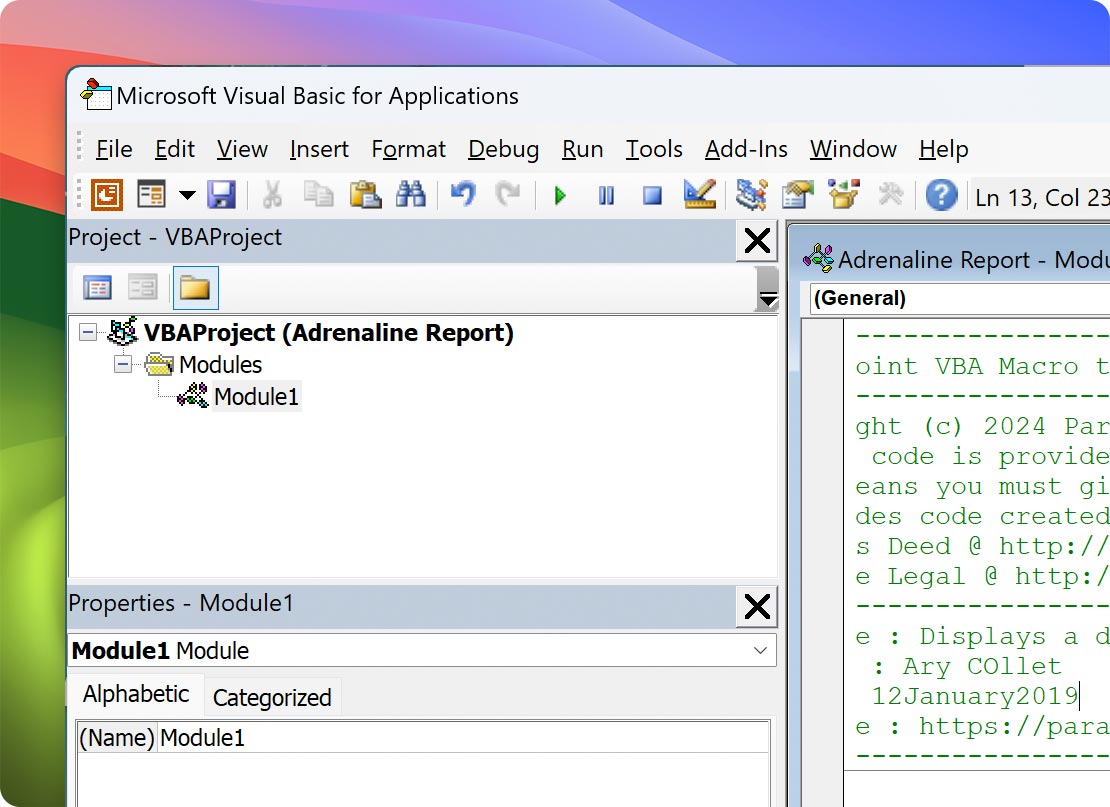
Many organizations rely on Visual Basic for Applications (VBA) to automate document creation, formatting, compliance reviews, and template management. While Word for Mac supports VBA, Microsoft's macOS sandboxing model restricts how macros interact with files, applications, and system resources. In addition, COM add-ins (the technology platform used by many enterprise Word extensions) are not supported. As a result, macros that function correctly in Word for Windows may fail, produce different results, or require modification when opened on macOS. Running Microsoft Word for Windows through Parallels Desktop provides access to the Windows VBA environment and support for the COM add-ins used throughout legal, financial, healthcare, and enterprise document workflows.

Most professional Word add-ins are Windows-only

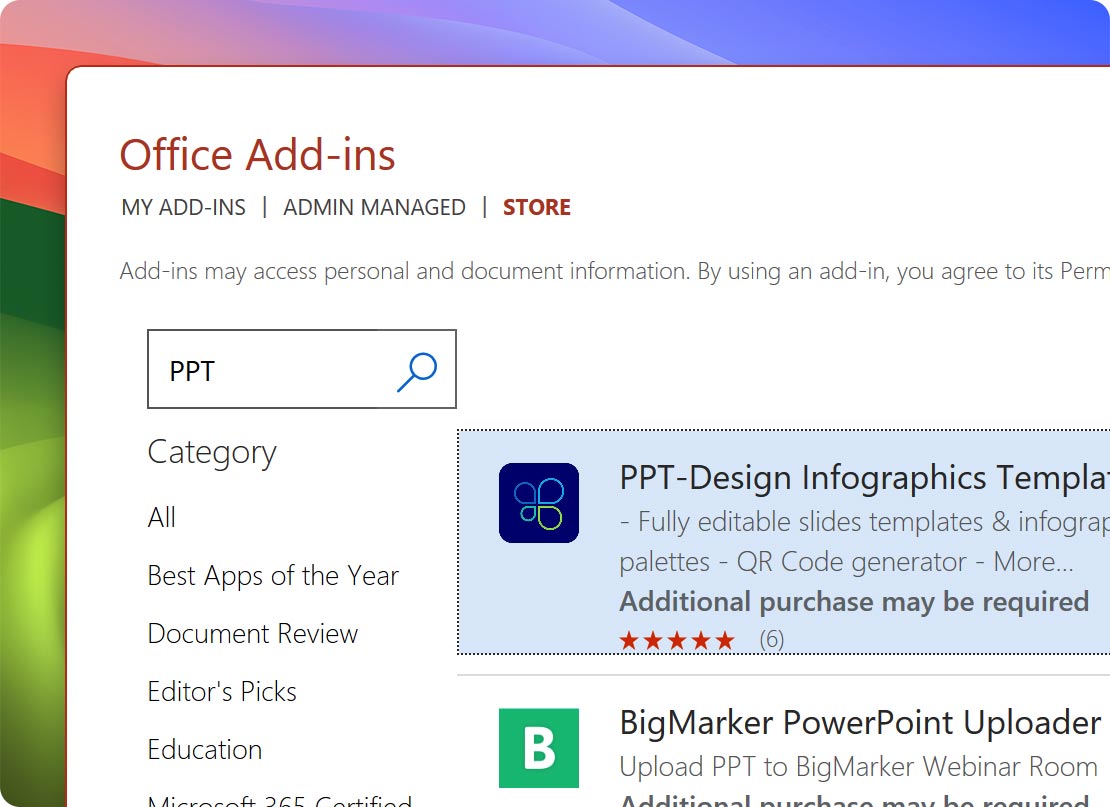
Many of the most widely used professional Word add-ins are built specifically for Windows. Legal teams often depend on Litera Compare, Litera Draft, Best Authority, PayneGroup Tools, BigHand, and iManage integrations. Academic researchers frequently use specialized citation and formatting tools. Clinical and medical professionals rely on Dragon Medical and vendor-specific document solutions that integrate directly with Microsoft Word. Because these tools are designed for the Windows desktop version of Word, they are unavailable or unsupported on Microsoft Word for Mac. Running Word for Windows through Parallels Desktop allows Mac users to continue using the same add-ins, workflows, and document standards used throughout their organizations.

Document Inspector, Open and Repair, and font embedding are Windows-only

Professional document workflows often require more than writing and editing. Before sharing sensitive files, organizations may need to remove hidden metadata, recover corrupted documents, or ensure fonts travel with a file to preserve formatting across devices. Microsoft Word for Mac does not include Document Inspector, which helps identify hidden information such as comments, tracked changes, document properties, and metadata before a file is shared externally. Open and Repair, a commonly used recovery feature for damaged Word documents, is also unavailable on Mac. Font embedding support remains limited compared to the Windows version. For legal professionals, healthcare organizations, and businesses with strict document governance requirements, these capabilities are often essential. Running Word for Windows through Parallels Desktop restores access to these advanced document management features.

Documents built on Mac can re-flow when opened on Windows

Cross-platform document compatibility remains a challenge for complex Word files. Differences in pagination, fonts, rendering engines, field codes, and embedded media can cause documents created on one platform to appear differently when opened on another. For short documents, these changes may be minor. For legal briefs, academic theses, regulatory filings, manuscripts, and clinical documentation, even small layout shifts can create significant problems. Page numbers can change, tables can move, citations can break, and carefully formatted sections can require additional review before submissions. Using the Windows version of Microsoft Word through Parallels Desktop allows teams to create, edit, and review documents in the same environment used by colleagues, clients, courts, publishers, and institutions, reducing the risk of formatting discrepancies

Microsoft Copilot features often arrive on Windows first

Microsoft continues to expand Copilot capabilities across Word, Outlook, Excel, and the broader Microsoft 365 ecosystem. While many features eventually reach both platforms, new Copilot experiences and productivity enhancements frequently debut in Windows before appearing on Mac. For users who want immediate access to the latest AI-powered drafting, restructuring, summarization, and document analysis features, the Windows version of Word typically receives new functionality first. Running Word for Windows through Parallels Desktop helps ensure access to Microsoft’s newest Word capabilities as they become available.

Windows-only Microsoft Word add-ins, and how to run them on Mac

Add-in What it does and why it's Windows-only on Mac Who needs it
Litera Compare (Desktop) Litera Compare is the document comparison standard used by many law firms and corporate legal departments. The full desktop application is Windows only. Running Microsoft Word for Windows through Parallels Desktop allows Mac users to access the same comparison of workflows used across legal teams. Lawyers, paralegals, contract managers, legal operations teams
Best Authority Best Authority automates the creation and management of Tables of Authorities for court filings and appellate briefs. It is a Windows-only application that can be installed and used through Microsoft Word running in Parallels Desktop. Litigation support staff, appellate teams, legal secretaries
Payne Group / BigHand BigHand's document productivity tools—including Numbering Assistant, Forms Assistant, Send Assistant, and Redact Assistant—are designed for Windows-based Word environments. Running Word for Windows through Parallels Desktop enables these tools on Mac hardware. Law firms, document production teams, legal support professionals
PerfectIt (Desktop) PerfectIt is a professional proofreading and consistency-checking tool widely used in legal, academic, government, and publishing environments. The full desktop application is Windows-only and can be run through Microsoft Word for Windows in Parallels Desktop. Editors, legal professionals, academic publishers, content reviewers
ProWritingAid for Word ProWritingAid provides advanced grammar, style, readability, and editing recommendations directly inside Microsoft Word. The vendor officially supports the Word add-in on Windows, and Word for Windows running through Parallels Desktop provides access to the supported integration. Authors, technical writers, editors, marketing teams
EndNote Cite While You Write (CWYW) EndNote remains one of the most widely used citation management systems in academia. While EndNote is available on Mac, researchers may encounter compatibility considerations depending on hardware, Office versions, and deployment environments. Running Word for Windows through Parallels Desktop allows users to work with the Windows version of CWYW without relying on platform-specific workarounds. PhD candidates, researchers, faculty, journal editors
iManage Work iManage Work is a leading document management platform used by law firms and professional services organizations. While Mac support exists, the Windows integration provides the most complete experience for metadata management, document workflows, and Office integration. Running Word for Windows through Parallels Desktop delivers access to the full Windows workflow. Law firms, accounting firms, professional services organizations
Dragon Medical and Dragon Professional Dragon Medical and Dragon Professional are industry-leading dictation solutions used by physicians, healthcare organizations, attorneys, and other professionals. These products are Windows applications and integrate directly with Microsoft Word running on Windows. Parallels Desktop allows Mac users to run these workflows without switching devices. Physicians, clinicians, attorneys, healthcare researchers
Word Productivity Utilities A wide range of specialized Word productivity tools—including document tab managers, link validation tools, formatting assistants, and workflow utilities—are available only for Windows. Running Word for Windows through Parallels Desktop provides access to these niche but valuable tools that many document-heavy teams depend on. Power users, administrative professionals, document specialists

Unlock Advanced Microsoft Word tools on Mac

Many of the most-used Microsoft Word features are available on both Mac and Windows. For power users in legal, academic, clinical, and enterprise environments, some of the most important capabilities remain exclusive to the Windows version of Word or offer a more complete implementation on Windows.

Mail Merge automation
Document recovery and compliance
VBA and macros
Add-in ecosystem
Long-form document compatibility
Parallels Desktop icon

Parallels Desktop for Mac

Authorized by Microsoft icon Authorized by Microsoft

Optimized for Mac M-series icon Optimized for Mac M-series

/year
Billed annually
  • Run the full Windows version of Microsoft Word on Mac.
  • Use Windows-only Word add-ins and document tools.
  • No need for a separate Windows PC.
  • Switch between macOS and Windows without rebooting.

Microsoft Word for Mac vs. Microsoft Word for Windows: feature comparison

Feature Microsoft Word for Mac Microsoft Word for Windows
Mail Merge with attachments Not supported Supported
Mail Merge to Outlook email Limited functionality Full Outlook integration
Document Inspector (metadata and compliance scan) Not available Available
Open and Repair (document recovery) Not available Available
Font embedding Not available Available
VBA object model Reduced compared with Windows Full Windows implementation
COM add-ins Not supported Supported
Macro recorder Not available Available
ActiveX controls Not supported Supported
Table of Authorities automation Not supported Best Authority supported
Dragon dictation integration Not supported Dragon Medical and Dragon Professional supported
iManage Work integration Partial functionality Full Windows integration
Apple silicon support Native Supported through Parallels Desktop

The verdict: Microsoft Word for Mac vs. Microsoft Word for Windows

Use Microsoft Word for Mac if your work is general writing and your collaborators are also on Mac

Microsoft Word for Mac handles everyday document creation well. Text editing, formatting, comments, Track Changes, templates, collaboration, and Microsoft 365 integration are all available. For most students, home users, and general business users, Word for Mac provides the core features needed to create and share documents effectively. If your work involves standard reports, internal documents, business correspondence, or collaborative editing—and you do not rely on specialized add-ins, advanced Mail Merge workflows, or Windows-specific automation tools—the native Mac version is likely sufficient. You will not have access to features such as Mail Merge with attachments, Document Inspector, font embedding, COM add-ins, Best Authority, Litera Compare (Desktop), Dragon Medical, or many other Windows-only Word tools.

Run Microsoft Word for Windows through Parallels Desktop if your work depends on the full feature set

If your workflow depends on advanced document automation, compliance tools, or professional Word add-ins, Microsoft Word for Windows remains the most complete version of the application. Running Word for Windows through Parallels Desktop gives Mac users access to the full Mail Merge feature set, including email attachments and Outlook integration; Document Inspector for metadata review and compliance workflows; font embedding for reliable document rendering; the complete Windows VBA environment; and support for Windows-only add-ins. That includes tools such as Litera Compare Desktop, Best Authority, PayneGroup and BigHand productivity tools, PerfectIt Desktop, ProWritingAid for Word, Dragon Medical, Dragon Professional, and the most complete iManage Work integration. You also reduce the risk of formatting differences when documents are reviewed, edited, or finalized in Windows-based environments. For legal professionals, academic researchers, healthcare organizations, enterprise teams, and Mac users transitioning from Windows, running Microsoft Word for Windows through Parallels Desktop provides the closest experience to working on a dedicated Windows PC while keeping the Mac hardware you prefer.

Learn more

How to Set Up Microsoft Word on your Mac with Parallels Desktop

Getting the full Windows version of Microsoft Word on your Mac takes only a few steps. Once installed, Word runs alongside your Mac applications and supports the same add-ins, document tools, and workflows available on a Windows PC.

Download Parallels Desktop icon

Download and install Parallels Desktop

Download Parallels Desktop and run the installer. Installation typically takes only a few minutes on both Apple silicon and Intel-based Macs. No advanced configuration is required before moving to the next Step 2.

Install Windows icon

Install Windows 11

Parallels Desktop can download and install Windows 11 directly on your Macs. There is no need to locate an ISO image, configure virtual hardware, or manually install drivers. A Windows license is required for activation but not required to start using Windows in trial mode. Once installation is complete, Windows is ready for application setup and customization.

Install Microsoft 365 and Microsoft Word inside Windows

Install Microsoft 365 and Microsoft Word inside Windows

Open your preferred browser inside Windows and sign in with the Microsoft account associated with your Microsoft Word or Microsoft 365 license. Download and install Microsoft 365, then launch Word and sign in. Your documents, templates, settings, and Microsoft 365 services will be available just as they would on a Windows PC.

Turn on Coherence mode so Microsoft Word behaves like a native Mac app

Turn on Coherence mode so Microsoft Word behaves like a native Mac app

Switch your Windows virtual machine into Coherence mode. Microsoft Word for Windows appears directly in your Mac Dock, Mission Control, Spotlight search results, and App switcher alongside your macOS apps. The Windows desktop disappears from view, allowing Word to behave much like a native Mac application while still providing the complete Windows feature set.

Install your Windows-only Microsoft Word add-ins

Install your Windows-only Microsoft Word add-ins

Open Microsoft Word inside Windows and install the add-ins your workflow depends on, including Litera Compare Desktop, Best Authority, BigHand and PayneGroup tools, PerfectIt Desktop, ProWritingAid, EndNote Cite While You Write, iManage Work, Dragon Medical, or Dragon Professional. These applications install and operate the same way they do on a native Windows computer. Vendor-specific licensing and activation requirements continue to apply.

Who runs Microsoft Word on Mac with Parallels Desktop

Lawyers, paralegals, and legal support staff

Many legal teams depend on Litera Compare Desktop, Best Authority, PayneGroup and BigHand productivity tools, and iManage Work integrations that are built around Windows-based Word workflows. These tools support document comparison, Tables of Authorities generation, legal numbering systems, template automation, metadata management, and document production processes used throughout law firms and corporate legal departments. Running Microsoft Word for Windows through Parallels Desktop allows legal professionals to keep using the tools their organizations depend on while working on Mac hardware. Users also gain access to Windows-only features such as Document Inspector and font embedding, which help support document governance and cross-platform consistency.

PhD candidates, professors, and academic researchers

Academic writing often depends on citation management systems, complex document templates, field codes, cross-references, and long-form formatting that must remain consistent throughout drafting, review, and publication. Depending on Office versions, hardware, institutional requirements, and research workflows, users may encounter compatibility considerations when managing citations and collaborative documents across platforms. Tools such as EndNote Cite While You Write are frequently part of these workflows. Running Microsoft Word for Windows through Parallels Desktop provides researchers with the same Word environment used across many academic institutions and publishing workflows. Students and faculty can also take advantage of Parallels Desktop education licensing for discounted access.

Physicians, clinical researchers, and medical writers

Many clinical documentation workflows depend on Dragon Medical, Dragon Professional, EHR-integrated documentation tools, and specialized Word-based templates that are designed for Windows environments. Accurate dictation, standardized reporting, and document consistency are often critical requirements in healthcare organizations. Running Microsoft Word for Windows through Parallels Desktop allows clinical teams to use the Windows-based tools their workflows depend on while continuing to work on Mac hardware. Users also gain access to Document Inspector and other document-management features that can help support internal review and information-sharing processes.

Using Microsoft Word on Mac FAQs

See what Parallels enables you to accomplish

Outlook icon

200,000+ apps and integrations

Run thousands of Windows applications and business tools on your Mac.

See all the apps
Excel icon

Excel

Use the full Windows version of Microsoft Excel on your Mac.

Learn more about Excel
Powerpoint

PowerPoint

Use the full Windows version of Microsoft PowerPoint on your Mac.

Learn more about PowerPoint

Learn more about using Parallels Desktop to run Microsoft Word on Mac

What is the difference between Microsoft Word on Mac vs. Windows?

Learn more

How to copy and paste between Windows and Mac applications with Parallels Desktop

Learn more

Setting up Mail Merge in Microsoft Word for Windows on a Mac with Parallels Desktop

Learn more

Run the full Windows version of Microsoft Word on your Mac

Use Microsoft Word for Windows on your Mac, along with the add-ins, document tools, and Windows applications your workflow depends on.