




Get productive on Mac with full Microsoft Office and Windows app compatibility
Trusted by 7M+ users. The first Microsoft-authorized solution for Windows 11 on Apple silicon.
Performance and reliability you can trust
-
~20% faster for Office apps
Vs. Intel Windows laptops, for faster Excel, Word, and Outlook
-
First and only
Microsoft-authorized solution for Windows 11 on Apple silicon
-
7M+ users
Trust Parallels Desktop worldwide
-
24/7 live support
Phone, chat, and email whenever you need it
"I wanted a Mac. My Windows-based system had to be replaced every two years with the changes in technology. Mac does a better job of keeping up. Parallels allows me to have one computer for everything."
"Parallels Desktop on the Apple MacBook Neo delivers. I'm running the Visio Windows Client alongside Slack, Chrome, and Safari—my full productivity stack—with zero friction."
"I am a lifelong user of Windows and just recently switched to Mac. I use a MacBook Pro and everything about it is amazing. For the programs that still require Windows, I downloaded Parallels. Your software makes transitioning between platforms seamless. I could not have asked for a better software to accomplish this."
Run the full Office experience on your Mac
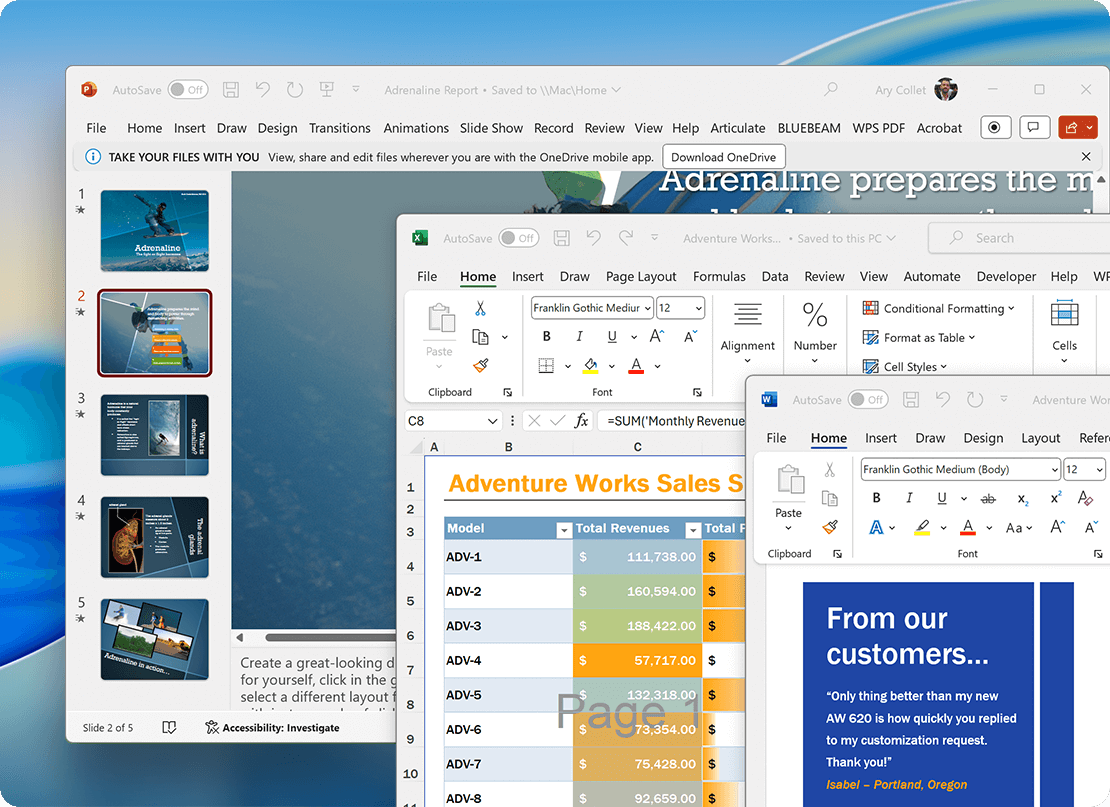
Some advanced Office workflows run best on Windows. With Parallels Desktop, you can run the Windows versions of Office on your Mac—giving you full access to the features you depend on, without switching devices. Examples of Windows-only or Windows-optimized capabilities include:
VBA macros · Microsoft Access · ActiveX controls · SharePoint Designer · PowerShell · full Salesforce integration · full Adobe Acrobat integration · Grammarly APIs · full Evernote integration · full Zapier integration · Power Pivot.
Why choose Parallels Desktop?


You’ll need Parallels Desktop, a Windows license (or use trial mode while you decide), and the apps you want to run—like your Microsoft 365 subscription employer-provided software, etc. Once Windows is set up, everything works the same way it does on a PC.
Yes. While Microsoft Access isn’t offered on macOS, Parallels Desktop lets you run the full Windows version on your Mac. That means your Access databases work as expected, with full functionality. No rebuild, no migration, no workarounds.
Yes — Parallels is optimized for Apple Silicon and runs everyday apps like Excel, Outlook, and Word smoothly. For best results, use a Mac with Apple Silicon (16GB+ unified memory) or an Intel Core i5, i7, i9, or Xeon processor (16GB+ RAM).
Yes. Just sign into your Microsoft account inside Windows and your subscription activates the same way it does anywhere else. No additional Office license required.
Yes. There’s a 14-day free trial, so you can test your apps and workflow. If you decide to purchase and change your mind, there's a 30-day money-back guarantee.
Support is available 24/7 by phone, chat, and email. There’s also a getting started guide and an active community forum if you prefer to troubleshoot on your own.
Parallels Desktop is a Microsoft-authorized solution for running Windows 11 on Apple silicon Macs, designed for everyday productivity. It’s optimized for apps like Microsoft Office, business software, and typical work environments, and includes 24/7 customer support. Other virtualization tools may require more technical setup, may not include dedicated support, or may not offer the same level of optimization for day-to-day productivity workflows.

The full guide to using Parallels for productivity work

Excel on Mac vs. Excel on Windows

Outlook on Mac vs. Outlook on Windows
